Exercise - Import the solution
Note
If you completed the Create your first desktop flow - Online workshop module, skip to the next task.
To import the solution, follow these steps:
Go to Microsoft Power Automate and select the environment that you want to use for this module.
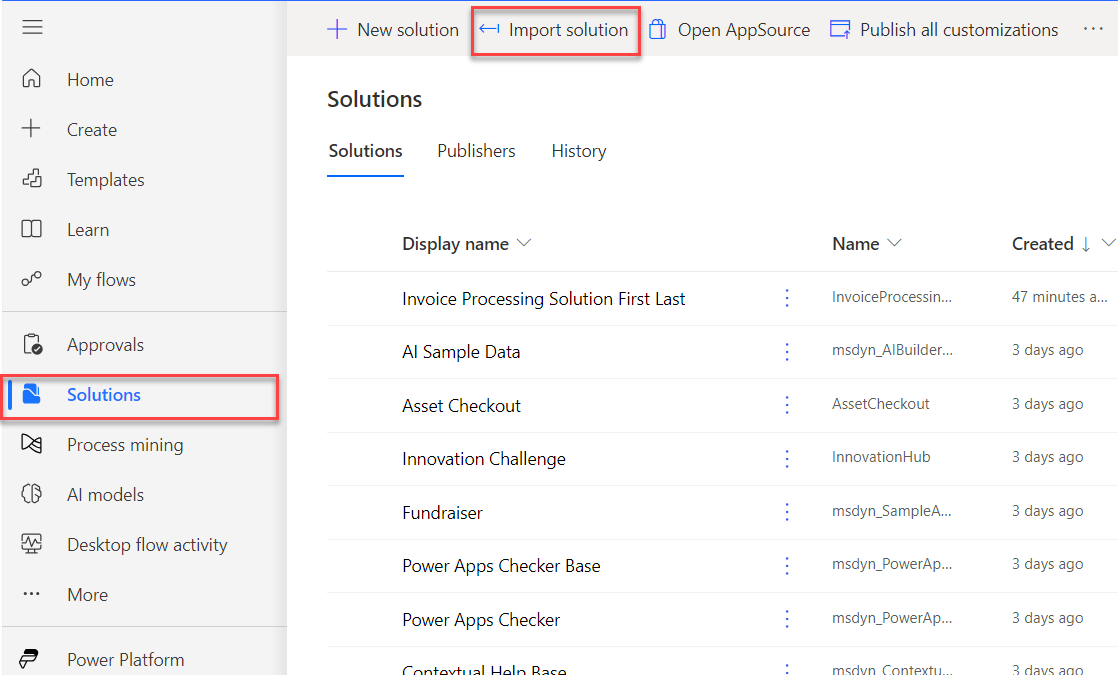
Select Solutions and then select Import solution.
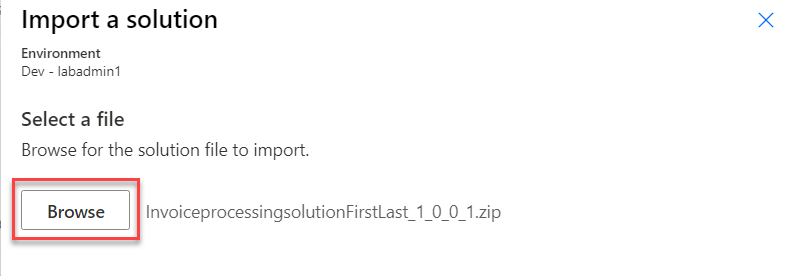
Select Browse.
Select the InvoiceprocessingsolutionFirstLast_1_0_0_1.zip solution file located in the solution folder and then select Open.
Select Next.
Select Import and then wait for the solution to import.
