Explore Business Central triggers in Power Automate
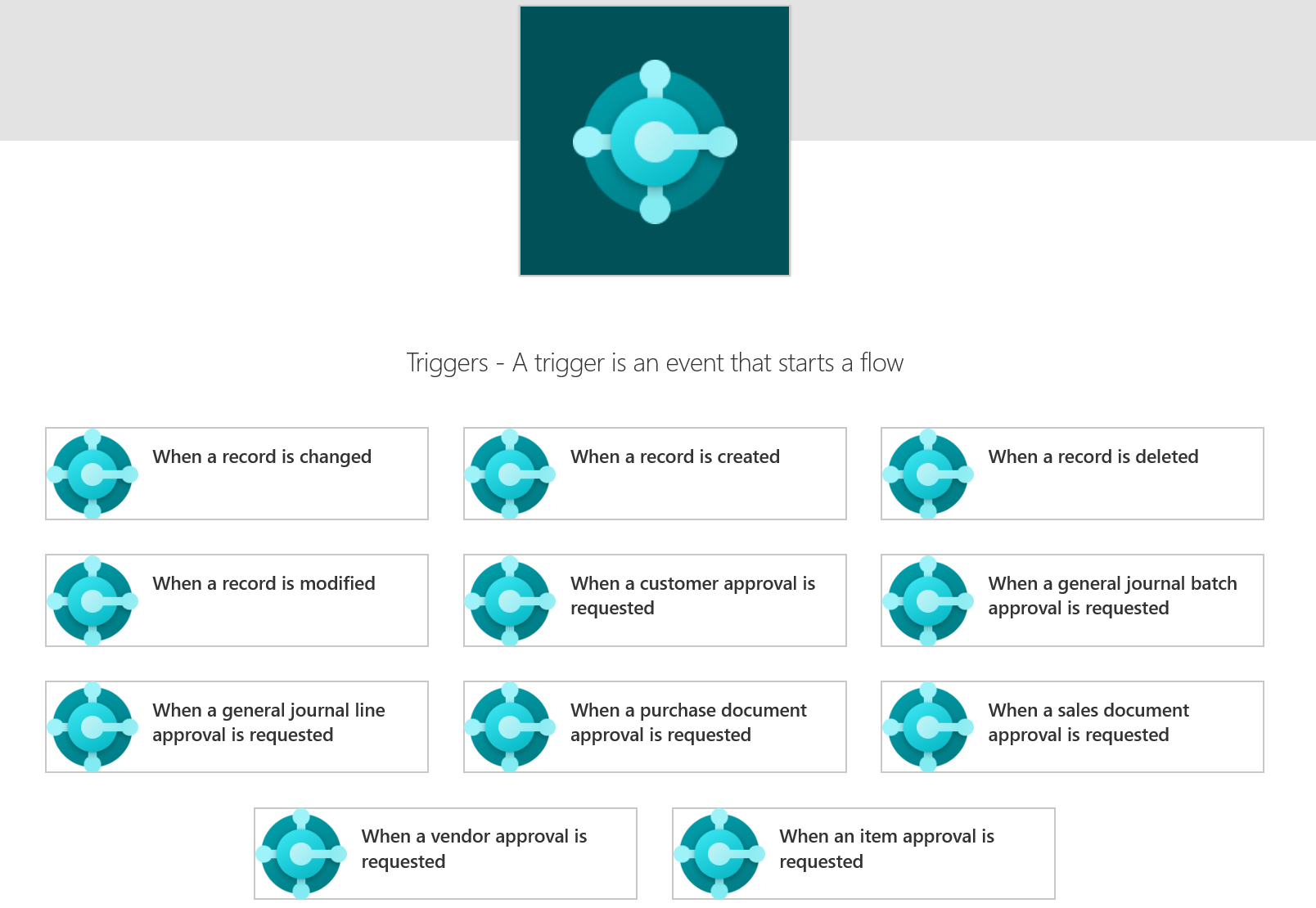
A trigger in Power Automate is any event, which can invoke some other action. If you're using the Business Central connector, you can select one of the following triggers.
| Triggers | Description |
|---|---|
| When a business event occurs (V3) | Starts a flow when a certain business event occurs in Dynamics 365 Business Central |
| When a customer approval is requested (V3) | Starts a flow when a customer approval request occurs in Dynamics 365 Business Central |
| When a general journal batch approval is requested (V3) | Starts a flow when a general journal batch approval request occurs in Dynamics 365 Business Central |
| When a general journal line approval is requested (V3) | Starts a flow when a general journal line approval request occurs in Dynamics 365 Business Central |
| When a purchase document approval is requested (V3) | Starts a flow when a purchase document approval request occurs in Dynamics 365 Business Central |
| When a record is changed (V3) | Starts a flow when a record is created, modified, or deleted in Dynamics 365 Business Central |
| When a record is created (V3) | Starts a flow when a record is created in Dynamics 365 Business Central |
| When a record is deleted (V3) | Starts a flow when a record is deleted in Dynamics 365 Business Central |
| When a record is modified (V3) | Starts a flow when a record is modified in Dynamics 365 Business Central |
| When a sales document approval is requested (V3) | Starts a flow when a sales document approval request occurs in Dynamics 365 Business Central |
| When a vendor approval is requested (V3) | Starts a flow when a vendor approval request occurs in Dynamics 365 Business Central |
| When an item approval is requested (V3) | Starts a flow when an item approval request occurs in Dynamics 365 Business Central |
Additionally, the For a selected record (V3) manual trigger enables you to create instant flows that appear in the Automate menu on Business Central pages. This trigger runs a flow in the context of a specific Business Central record directly from the web client.
It's important to know that you can't use all Business Central APIs as a trigger. See the Dynamics 365 Business Central connector documentation for a list of available triggers. You can also review the Introduction to Microsoft Power Platform and Business Central module, which is part of this learning path.