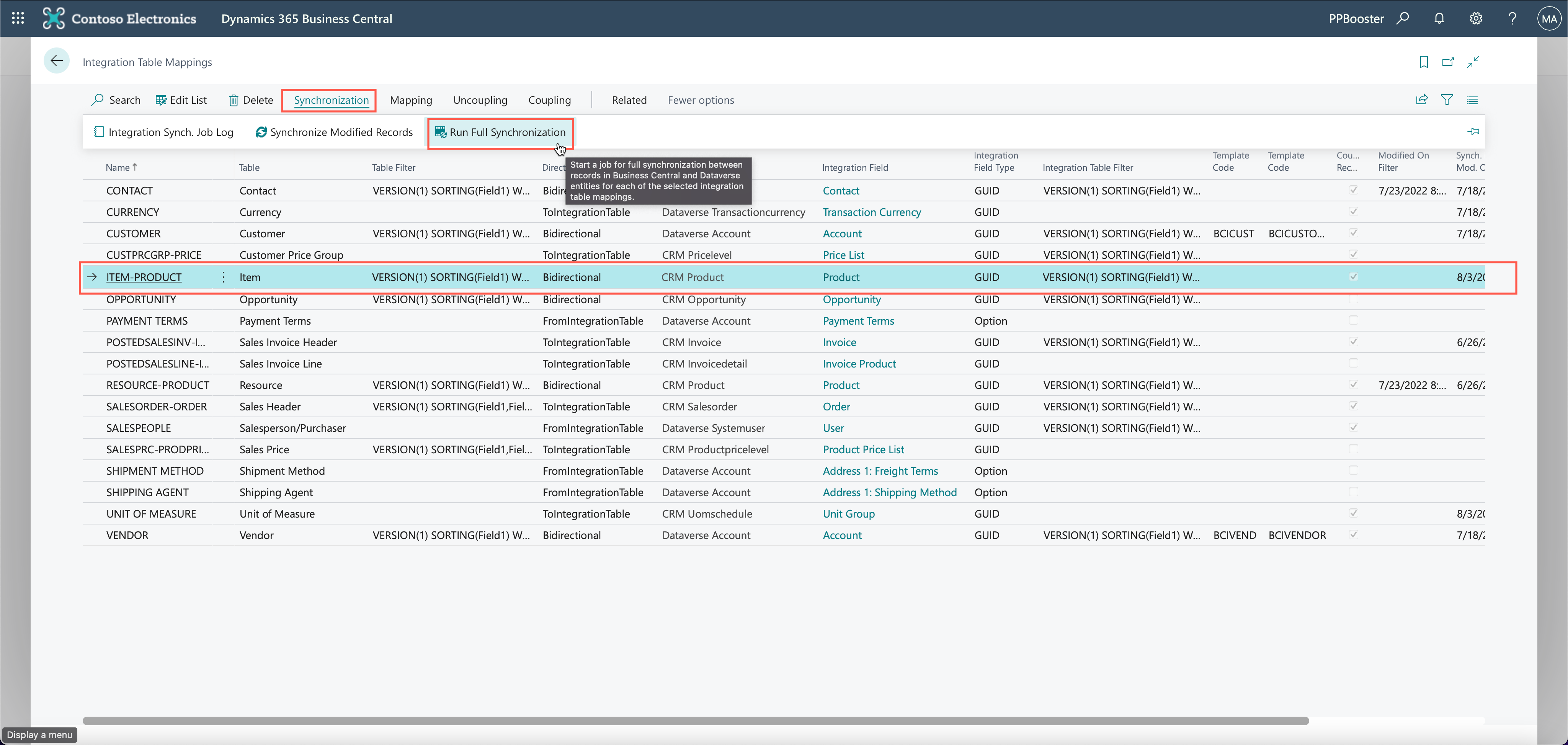
Run a full synchronization
Instead of running a synchronization by item, you can also run a full synchronization from the Integration Table Mappings page.
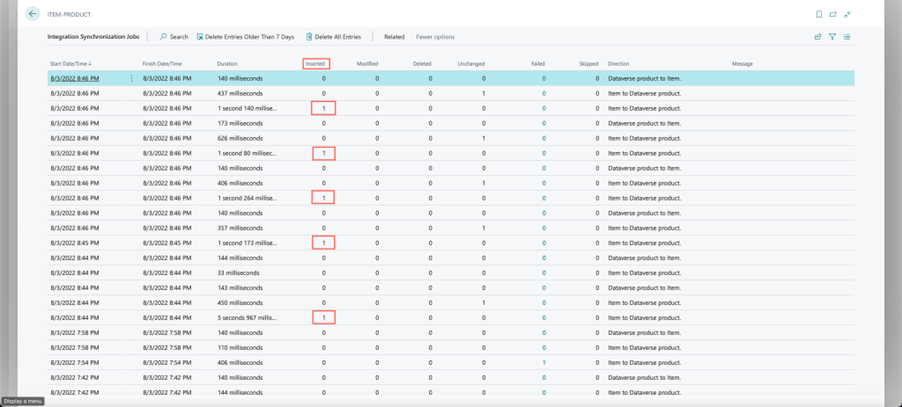
The Integration Synch. Job Log shows the list of logs.
When errors don't show in your log, you can be certain that your integration went well and that products have been synced.