Sync products
After you've synced the Unit of Measure table, you can return to the products and continue your process of syncing them.
To enable the synchronization of products, you'll first need to set up coupling for Dynamics 365 Sales.
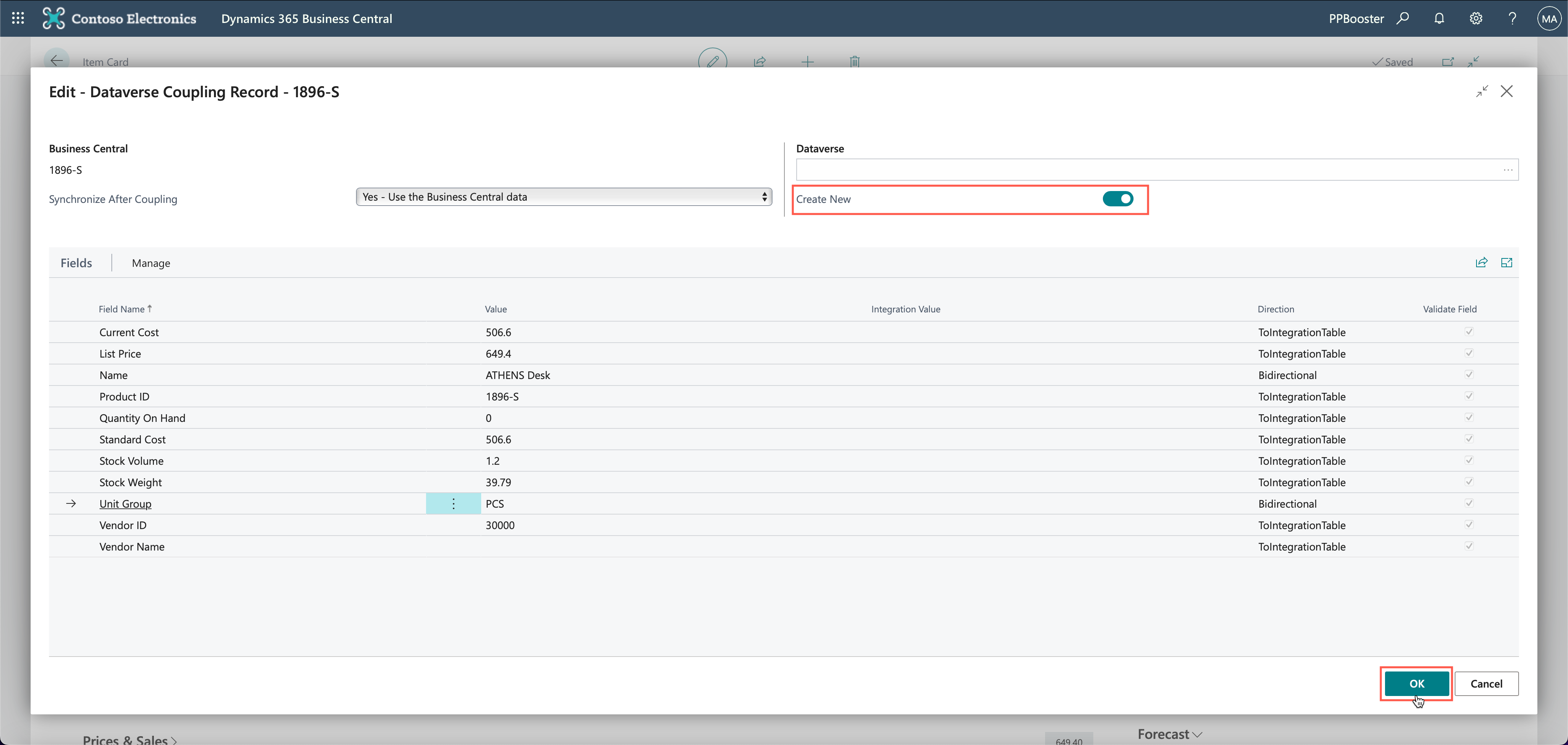
On the Dataverse Coupling Record (for item 1896-S) page in Business Central, activate the Create New option (a new record in Dataverse is automatically created and coupled to the related record in Business Central), and then select OK.
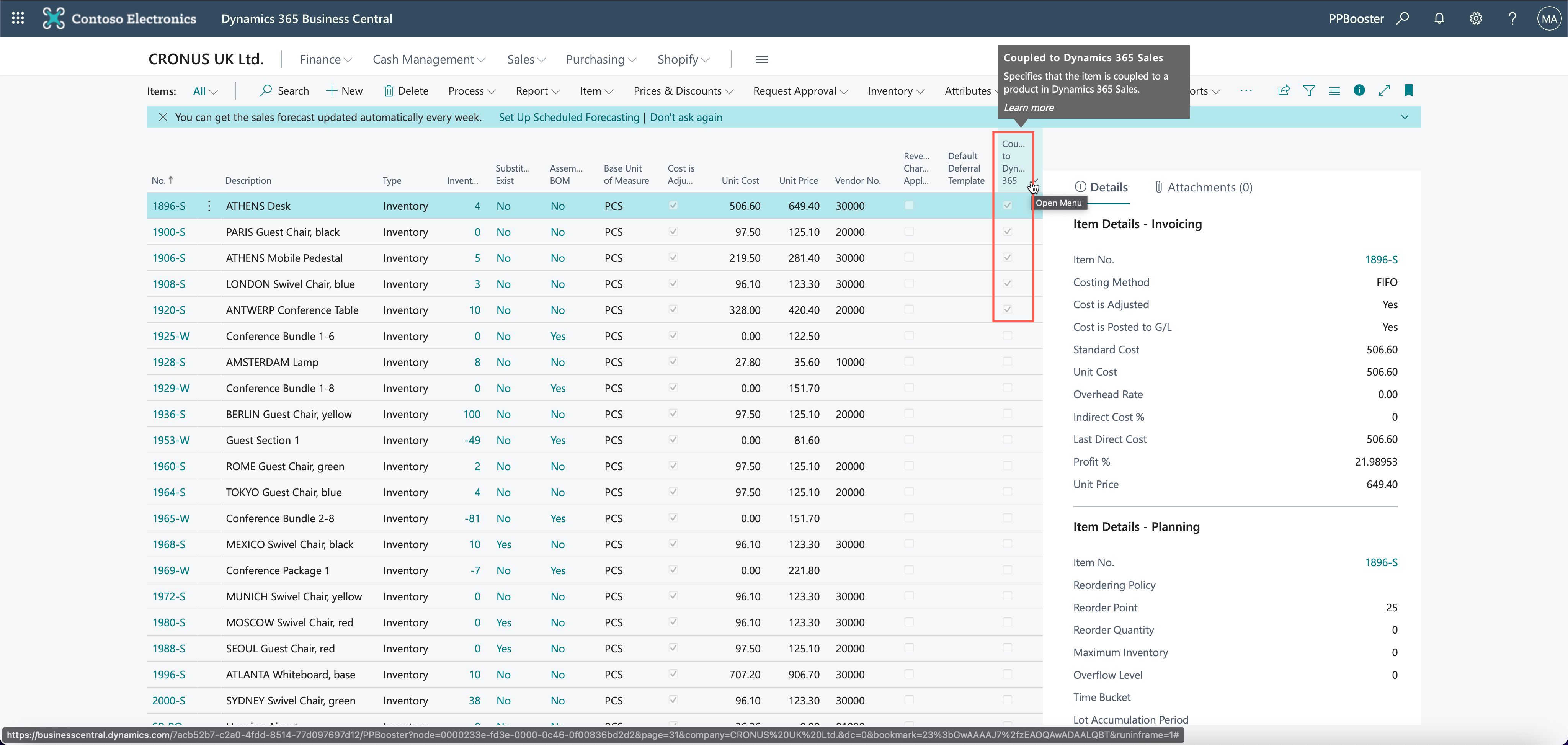
Repeat the previous step for other items you want to sync. When you're finished with this syncing process, the Coupled to Dynamics 365 Sales field should show check marks for each of the coupled records.