Support cross-platform development on Windows
Applications are often developed on one platform and deployed on another. As a result, developers might need access to Linux tools and containerized workloads while continuing to use Windows as their primary desktop environment. Cross-platform tools help streamline these workflows by bringing common Linux development experiences directly into Windows.
Coreutils for Windows
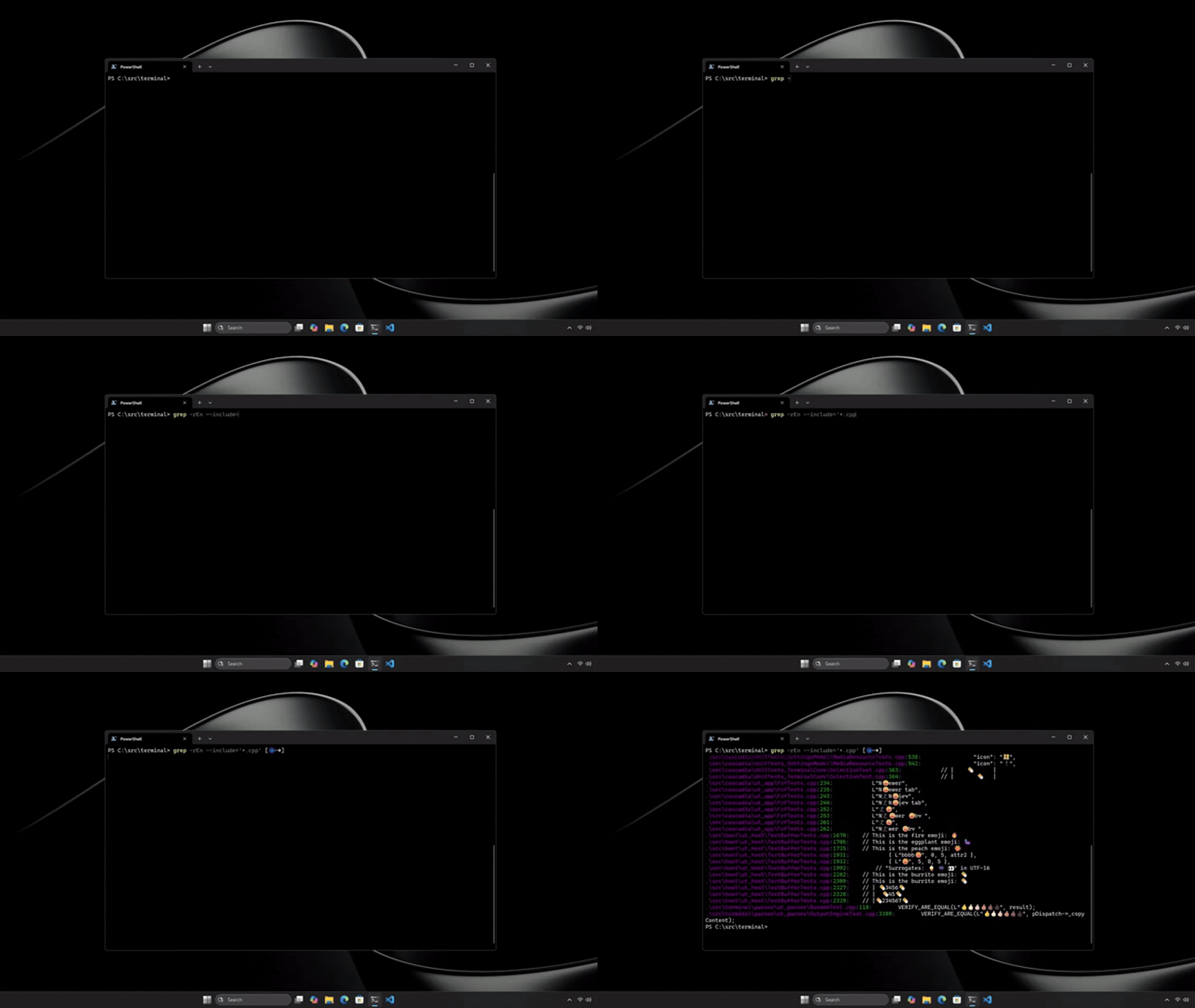
Coreutils for Windows provides native Windows implementations of commonly used Linux command-line utilities. This allows developers to use familiar commands across Windows, Linux, containers, and cloud environments.
By creating a more consistent command-line experience, Coreutils for Windows can help reduce context switching and make it easier to work across platforms.
Windows Subsystem for Linux (WSL) containers
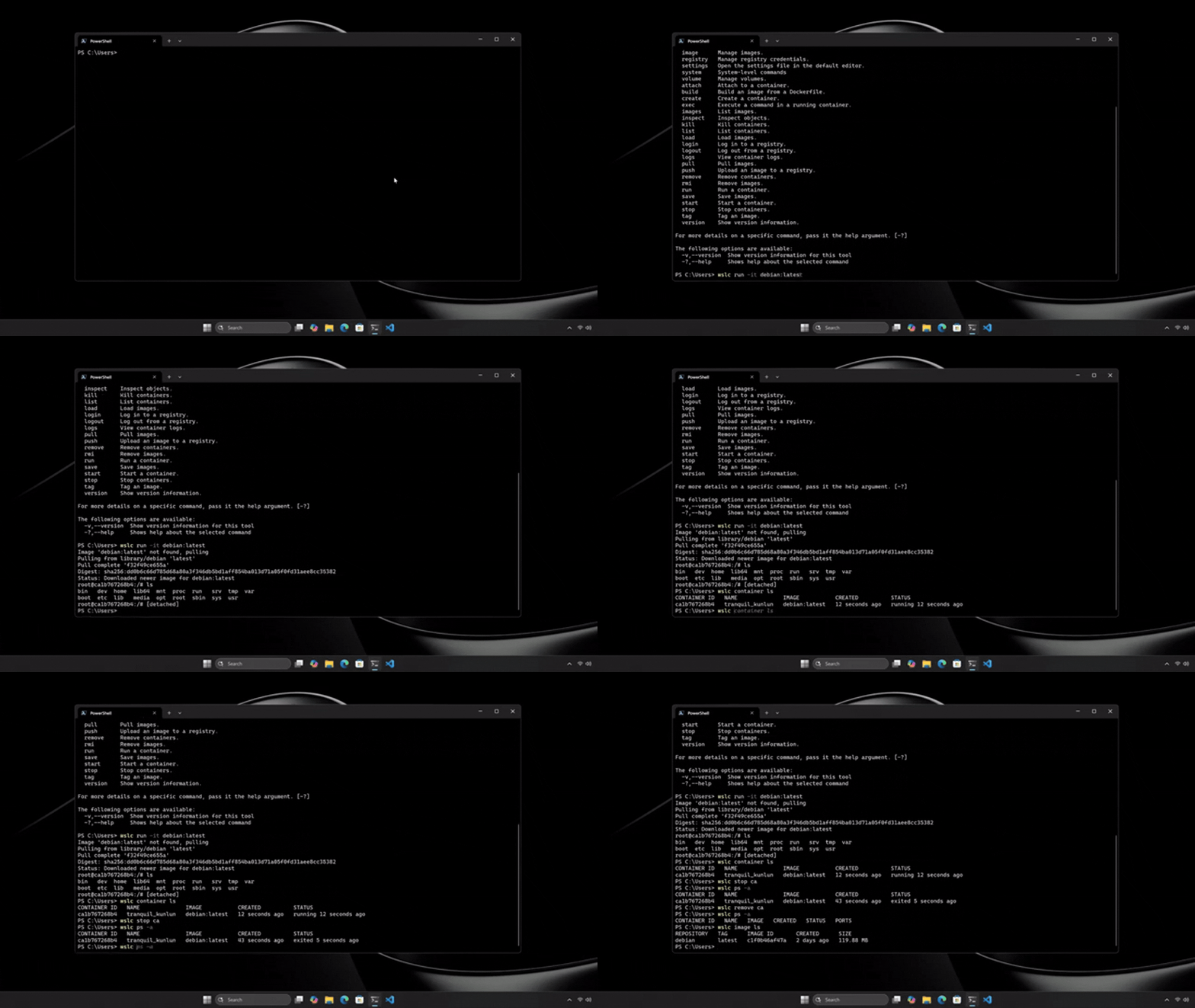
WSL containersprovide a built-in way to create, run, and interact with Linux containers directly on Windows. These capabilities support common development scenarios, including:
- Application development
- Testing and validation
- DevOps workflows
- AI and machine learning scenarios
Organizations can also monitor and manage container use across developer devices. This can help teams adopt container-based workflows while ensuring developer devices remain compliant with organizational security and management policies.
Note
WSL containers are currently in public preview. Availability might change over time. Verify the latest Microsoft documentation before recommending them for production use.
Why it matters
Together, Coreutils for Windows and WSL containers help create a more seamless experience for developers who work across Windows and Linux environments. Coreutils for Windows provides access to familiar Linux command-line tools directly in Windows, while WSL containers make it possible to create and run Linux container environments on Windows. Developers who regularly build, test, or deploy applications across both platforms might benefit from using both capabilities together.
When to use
The following table can help you determine when to use Coreutils for Windows, WSL containers, or both together based on your development scenario.
| Scenario | Recommended capability |
|---|---|
| You need familiar Linux command-line tools while working in Windows. | Coreutils for Windows |
| You need a Linux container environment for development, testing, or validation. | WSL containers |
| You regularly build, test, or deploy applications across both Windows and Linux environments. | Coreutils for Windows and WSL containers together |