Improve productivity with intelligent development tools
Troubleshooting errors, researching documentation, and moving between multiple tools can interrupt development workflows. Windows includes capabilities designed to reduce these interruptions and help developers stay focused on development tasks.
Intelligent Terminal
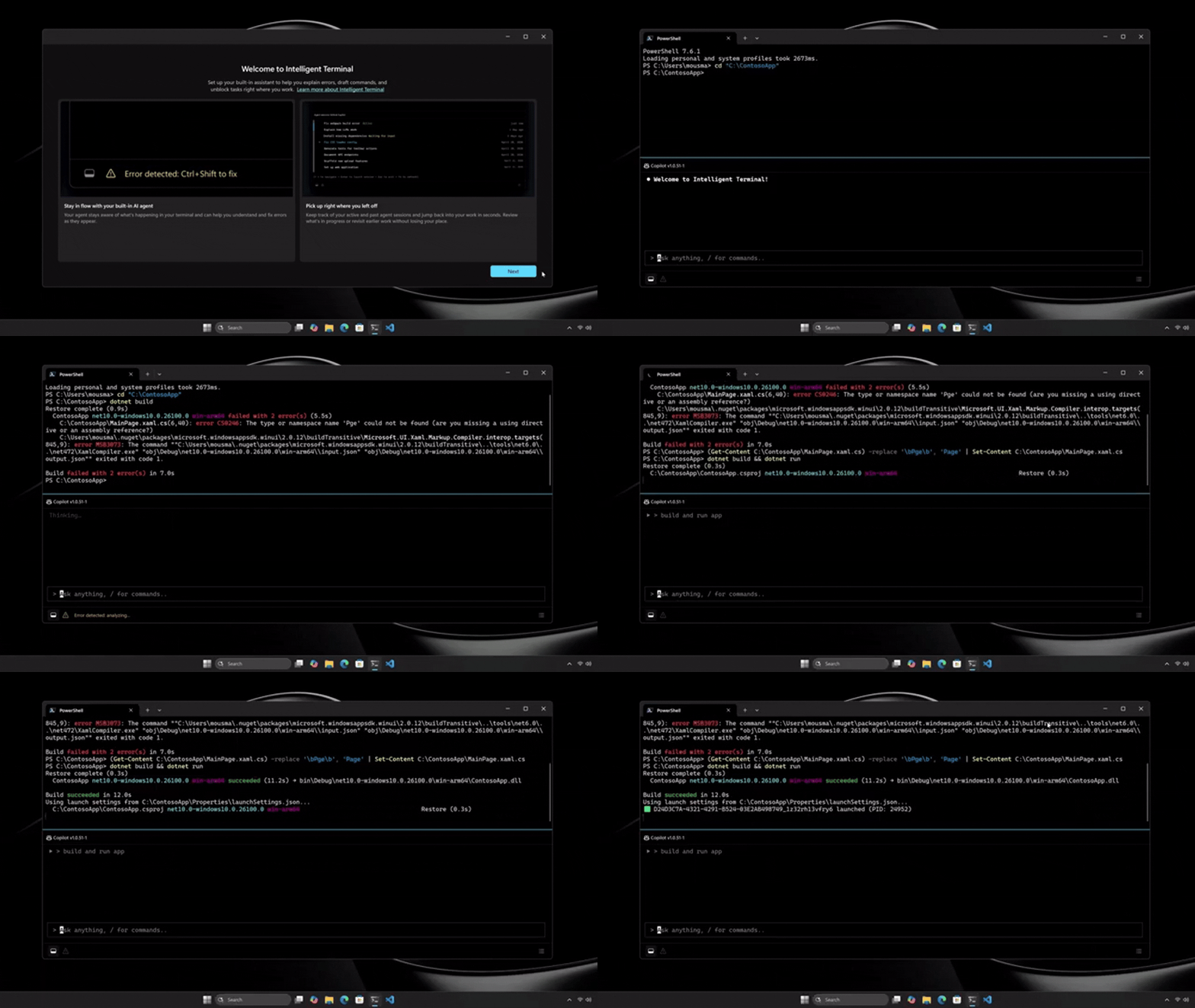
Intelligent Terminal is a command-line experience based on Windows Terminal that uses a built-in AI assistant to provide context-aware guidance during development tasks. A dedicated agent pane can use information from the current session—such as commands, output, and error messages—to provide relevant assistance in real time. Instead of switching to a browser or another app to troubleshoot issues, developers can get guidance without leaving their workflow.
This can include:
- Explaining command failures
- Helping troubleshoot errors
- Suggesting corrective actions
- Guiding multi-step tasks
By providing context-aware assistance where developers are already working, Intelligent Terminal can reduce context switching, helping developers stay focused while making it easier to troubleshoot issues, learn unfamiliar commands, and complete development tasks.
Note
Intelligent Terminal is currently available as an experimental preview. Availability might vary over time. Verify the latest Microsoft documentation before recommending it for production use.
Windows Development Skills
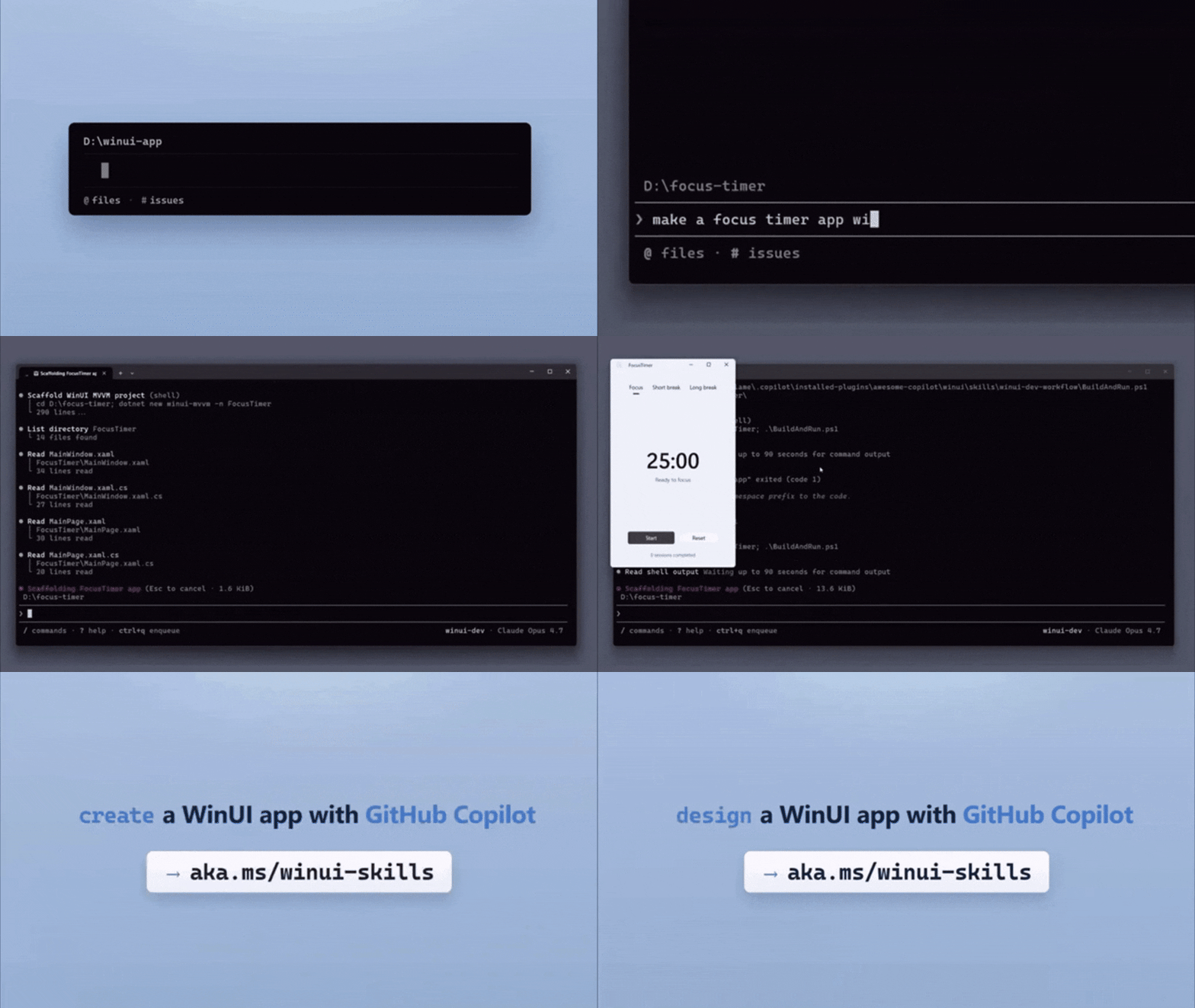
Building apps involves many steps, and developers don’t always have all the Windows-specific knowledge they might need across the full development lifecycle. Windows Development Skills provides structured knowledge for AI agents to build native Windows apps end-to-end using WinUI 3 skills and the Windows App CLI.
With this Windows-specific knowledge, AI agents can help developers scaffold, design, build, run, test, package, and modernize applications—helping them move through the development lifecycle more easily.
This capability can be especially valuable for teams that are already incorporating AI-assisted development tools into their workflows and want guidance that is aligned with Windows development tools, frameworks, and best practices.
As AI-assisted development becomes more common, providing agents with Windows-specific development knowledge can help ensure guidance is aligned with the tools and frameworks developers are using.
Important
As of July 16, 2026, release status varies by capability. Verify the latest Microsoft documentation before recommending preview or experimental capabilities for production use.
| Capability | Availability |
|---|---|
| Windows Developer Configurations | Generally available |
| Coreutils for Windows | Generally available |
| Windows Development Skills | Generally available |
| WSL containers | Public preview |
| Intelligent Terminal | Experimental preview |
Consider the release status of each capability when evaluating features for production use. Organizations might choose to prioritize generally available capabilities for production deployments while evaluating preview or experimental features as they mature. Feature availability might change over time. Refer to the latest Microsoft documentation for current release status.