Introduction
Effective communication in virtual meetings depends on more than just what you say. Background noise, poor lighting, and visual distractions can affect how clearly others see and hear you. Whether presenting to stakeholders, joining team meetings, or collaborating from a shared workspace, maintaining a professional presence helps improve engagement and understanding.
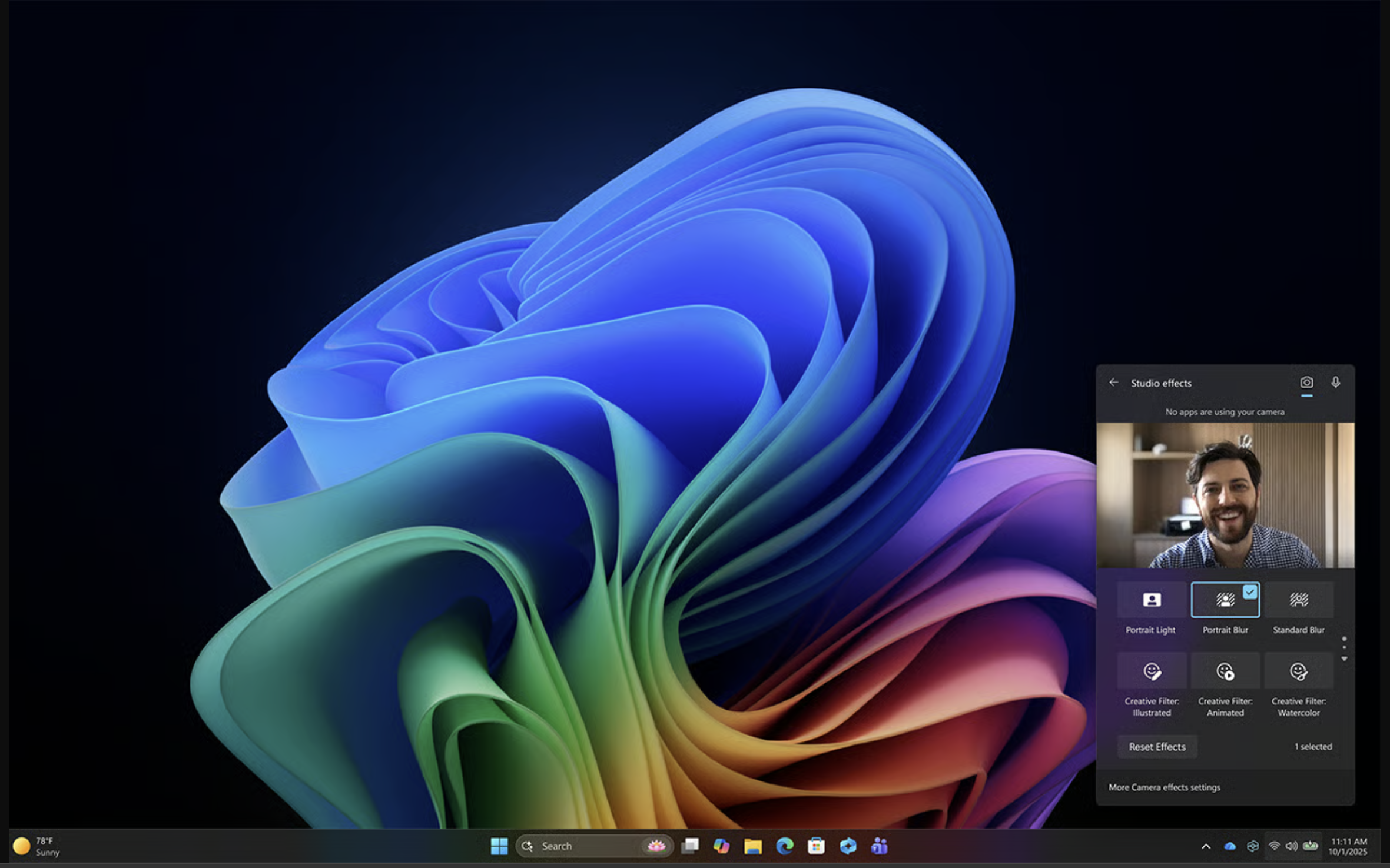
Windows Studio Effects enhances audio and video in real time, directly within the Windows experience. Powered by on-device AI and available on supported Windows devices with a built-in Neural Processing Unit (NPU), including Copilot+ PCs, these capabilities help reduce distractions, improve clarity, and create a more consistent meeting experience—without requiring extra software. Compared to standard video and audio features in Windows, Windows Studio Effects provides enhanced, AI-powered improvements such as automatic framing, eye contact, and advanced audio processing.
In this module, you’ll learn how to use Windows Studio Effects to enhance video and audio, apply these features in real-world scenarios, and identify which effects are most useful in different communication situations.
Note
Windows Studio Effects availability depends on your device model, camera hardware, NPU, drivers, and Windows build. Some effects appear only on certain Copilot+ PCs or only after specific updates.