Why Studio Effects matter
Small disruptions in audio and video quality can interrupt communication and reduce effectiveness during meetings. Windows Studio Effects helps minimize these issues by improving clarity and consistency.
Windows Studio Effects helps:
- Reduce distractions during meetings Background blur and noise reduction help keep the focus on the speaker.
- Improve communication clarity Clearer audio and better visual framing help ensure messages are understood.
- Enhance professional presence Consistent lighting and eye contact improve how users appear in meetings.
- Simplify setup across tools Studio Effects apply automatically across supported apps, reducing the need for repeated configuration.
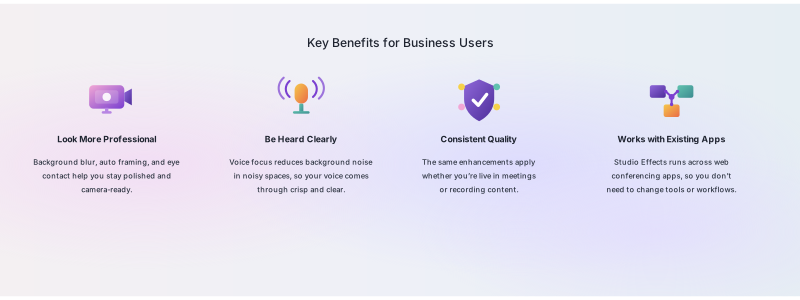
Instead of adjusting multiple settings across apps or environments, users can rely on built-in enhancements to maintain a consistent experience.
Note
Experiences might vary depending on device capabilities and updates.