Define users
Before you can create assignment rules, you need to identify which users you can assign lead and opportunity records to. This step is important because you might not want autoassignment rules to apply to everyone. For example, because you're assigning leads and opportunities, you might want to limit the autoassignment rules to sales-related security roles, such as salesperson. After you've identified the users whom you want to assign records to, you can modify different settings to further set up each user.
To set up which users are available to be assigned records, you need to specify which security roles you want to use for assignments. You can specify which security roles you want in the Sales Insights Settings area of the Dynamics 365 Sales Hub app. Under Sales accelerator, select Work Assignment and then select the Settings button. To define team access, select Manage under Eligible Security Roles.
Two options are available for specifying team access:
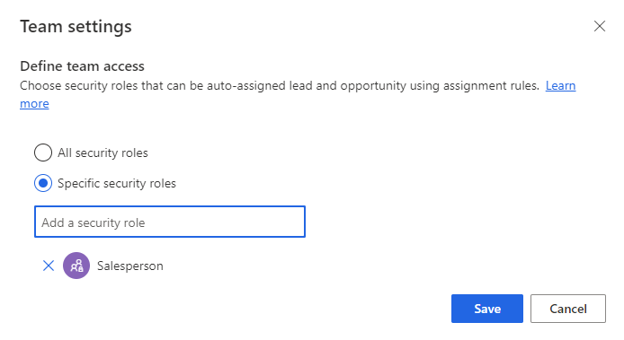
All security roles - Identifies that you can have leads and opportunities automatically assigned to anyone with any security role.
Specific security roles - Identifies which security roles that you can have automatically assigned lead or opportunity records.
The following image shows that only users with the Salesperson security role can be automatically assigned records.
Important
You need to identify at least one security role to use assignment rules.
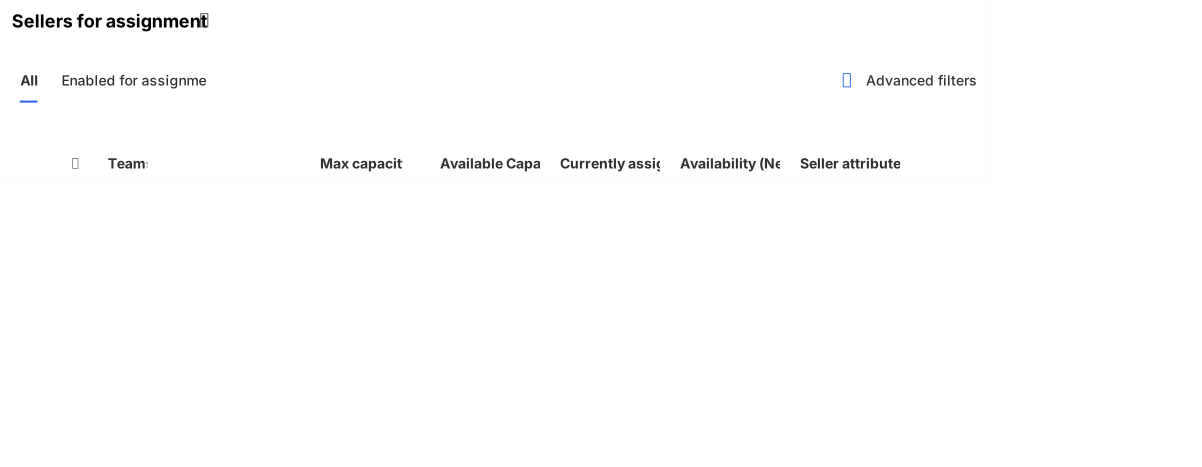
After you've identified the security roles that you want to use, any users who are associated with that security role display in the application. The following screenshot shows which sellers can have records assigned to them.
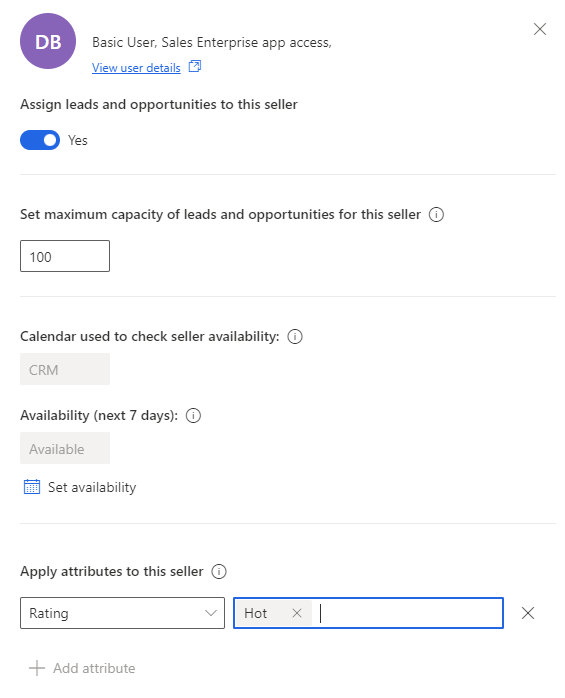
Additionally, you can modify specific settings that are related to each user. When you open a user profile, you can modify the following settings:
Assign leads and opportunities to this seller - Specifies whether you can have leads and opportunity records automatically assigned to the user or not.
Set maximum capacity of leads and opportunities for this seller - Specifies the maximum number of leads and opportunity records that you can assign to a user at one time. This setting affects how items are assigned when you're using the load balancing assignment method.
Apply attributes to this seller - Use this setting to assign different attributes to the seller that's used in assignment rules. Attributes are covered in more detail later in this module.
Set capacity for sellers
When you set capacity, you set a combined upper limit of leads and opportunities that a seller can be assigned at any given time. When a seller reaches this limit, though a lead or an opportunity record is created and ready to be automatically assigned to the seller, the record isn't assigned. You can view unassigned records for leads and opportunities in their respective open record views.
For example, Kenny is a seller whose capacity limit is set to 10. A new lead is generated, and the assignment rule qualifies the lead to be assigned to Kenny. However, Kenny is currently handling a maximum of 10; therefore, the newly generated lead isn't assigned to Kenny.