Start your day with Copilot
As a human resource professional, your day may include employee meetings, manager requests, hiring activities, onboarding tasks, and administrative responsibilities. Staying organized while balancing priorities across employees and teams helps ensure timely support and consistent experiences throughout the organization.
Microsoft 365 Copilot in Outlook and Teams can help you review priorities, organize your schedule, and prepare for important conversations so you can spend less time managing tasks and more time supporting employees and managers.
Tip
At the start of your day, use Microsoft 365 Copilot to review priorities, organize your schedule, and prepare for employee conversations before your first meeting.
Prioritize HR activities
HR professionals often manage multiple requests throughout the day, from responding to employee questions to supporting hiring managers and coordinating onboarding activities. Prioritizing this work helps you respond to time-sensitive employee needs, keep manager follow-ups moving, and support a more consistent employee experience.
You can use Microsoft 365 Copilot to review your schedule, meetings, and communications and identify the highest-priority tasks for the day.
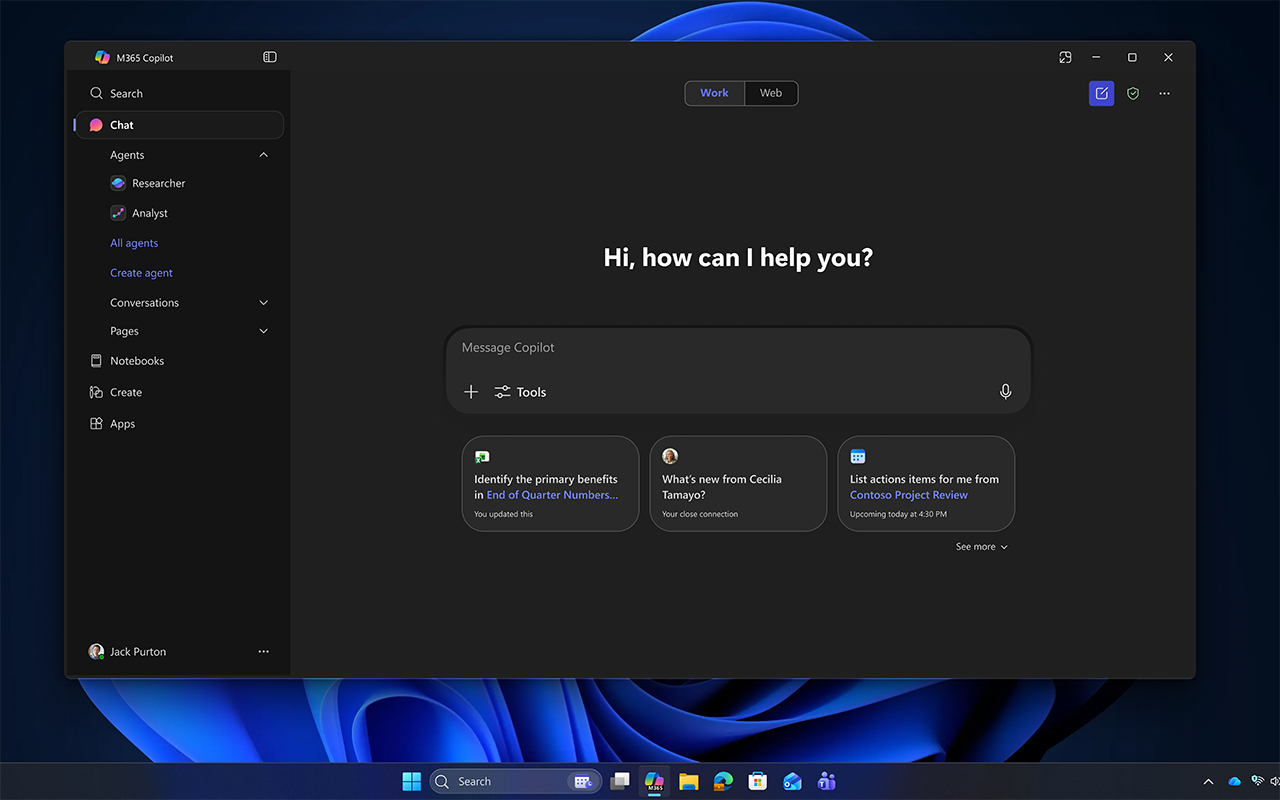
Example prompt to enter
"In Outlook, review my meetings and emails for today and identify the highest-priority employee requests, manager follow-ups, and HR tasks I should focus on."
Copilot can help you:
- Identify high-priority employee and manager requests.
- Highlight important onboarding and hiring activities.
- Focus on the work that has the greatest impact.
Important
Copilot responses are based on the content you have permission to access. Always review results for accuracy, relevance, and alignment with your organization's HR and privacy policies before using them.
Block time for focused HR work
Balancing meetings with dedicated time for strategic HR work helps reduce interruptions and improve productivity.
You can use Copilot to organize your calendar and reserve time for activities such as recruiting, onboarding preparation, policy updates, or employee support.
Example prompt:
"Help me organize my calendar today by grouping meetings and reserving focused time for hiring activities, employee support, and administrative work."
Copilot can help you:
- Reserve time for recruiting and onboarding activities.
- Protect focused work for policy updates and documentation.
- Reduce interruptions throughout your day.
Prepare for employee conversations
Before meeting with an employee or manager, it's helpful to review recent discussions, ongoing initiatives, and any outstanding action items.
Copilot can summarize relevant information from emails, meeting notes, and documents that you have permission to access so you're prepared before the conversation begins.
Example prompt to summarize recent discussions
"Summarize recent discussions and key topics for my upcoming meeting, including open action items and suggested talking points."
Copilot can help you:
- Review recent employee conversations.
- Identify outstanding action items.
- Prepare discussion topics before meetings.
Tip
To explore how Copilot can support your daily workflow, try adapting these prompts using your own meetings, employee scenarios, and HR priorities.
Preparing for meetings is only the beginning of your day. Once you organize your priorities, the next step is supporting employees and managers through clear communication, helpful resources, and timely follow-up.