Collaborate and communicate with Copilot
HR work depends on clear, timely conversations with employees, candidates, managers, and stakeholders. Capturing important details and following up consistently helps keep people aligned.
Copilot can help you stay engaged during meetings, capture important information, and simplify follow-up activities so you can focus on supporting employees and managers.
Capture key insights during meetings
HR conversations often include important decisions, employee feedback, development goals, and follow-up actions.
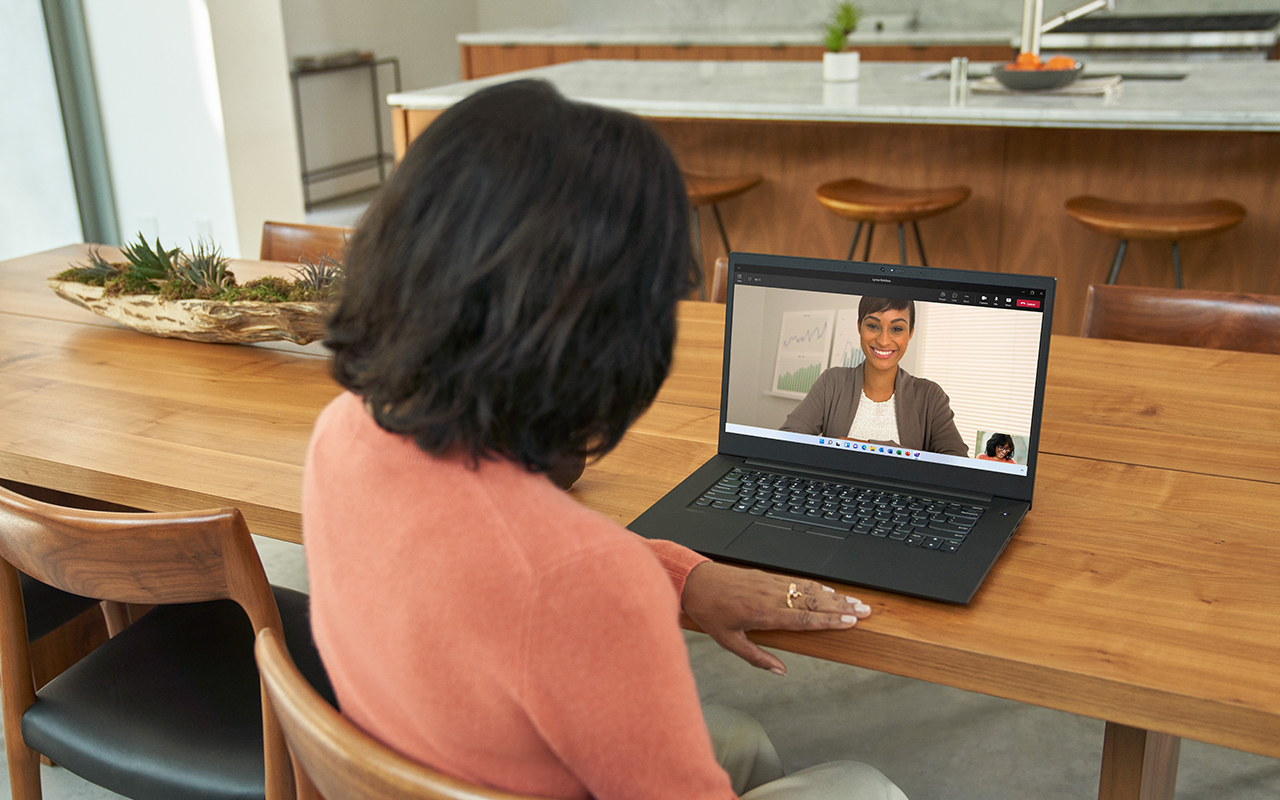
Microsoft 365 Copilot in Teams can help capture key discussion points and organize important information as meetings progress.
Example prompt to capture meeting details
"Capture employee questions, decisions, development goals, and next steps. After the meeting, draft a summary email that includes agreed-upon actions and follow-up items."
Copilot can help you:
- Capture important discussion points.
- Organize employee feedback and action items.
- Prepare meeting summaries for future reference.
Important
Microsoft 365 Copilot meeting experiences depend on your organization's settings, meeting configuration, and the meeting content available to Copilot. Review your organization's guidance before using Copilot in employee-related meetings.
Track decisions and action items
After interviews, performance reviews, or manager meetings, it's important to clearly document decisions and identify next steps.
Copilot can help organize meeting details and draft follow-up actions for you to review and adjust.
Example prompt to track decisions and action items
"List the decisions discussed during this meeting and draft an action plan with suggested owners, timelines, and next steps for me to review."
Copilot can help you:
- Identify completed and outstanding actions.
- Draft suggested owners and follow-up activities for review.
- Keep employees and managers aligned on next steps.
Communicate clearly with Live Captions
HR meetings often include employees, managers, and stakeholders with different backgrounds, roles, or communication styles. Clear communication helps ensure everyone stays informed and engaged.
With Live Captions on your Copilot+ PC, spoken content can be displayed in real time, making it easier to follow spoken content during discussions.
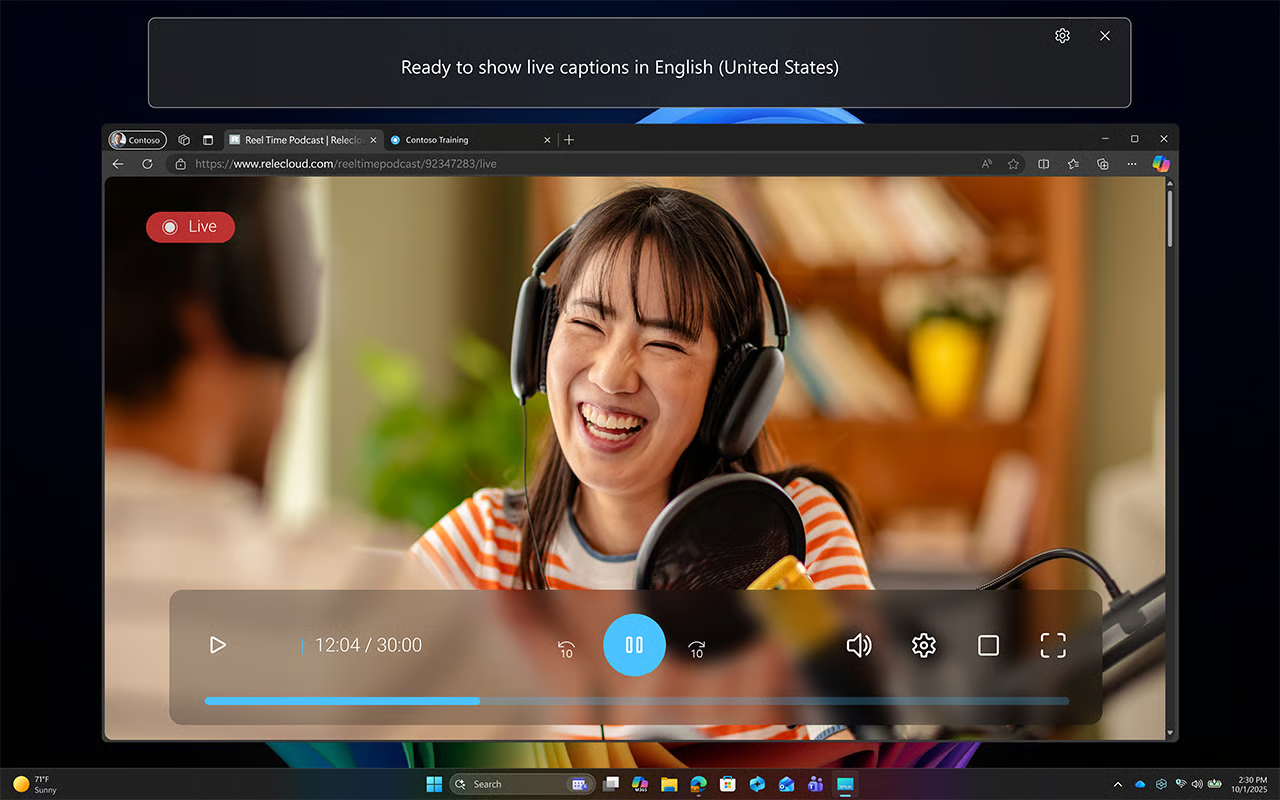
Example scenario:
You're leading a virtual onboarding session or performance review with participants joining remotely. Live Captions help display spoken content in real time so everyone can follow the conversation more easily.
Benefits of Live Captions
- Improve understanding during conversations.
- Help participants follow spoken content in real time.
- Stay focused on the discussion instead of taking extensive notes.
Present professionally with Studio Effects
Whether you're interviewing candidates, hosting virtual onboarding sessions, or meeting with employees, a clear and professional meeting setup can help reduce distractions and support a more focused conversation.
With Windows Studio Effects on your Copilot+ PC, you can enhance your video and audio using features such as background blur, eye contact, and voice focus.
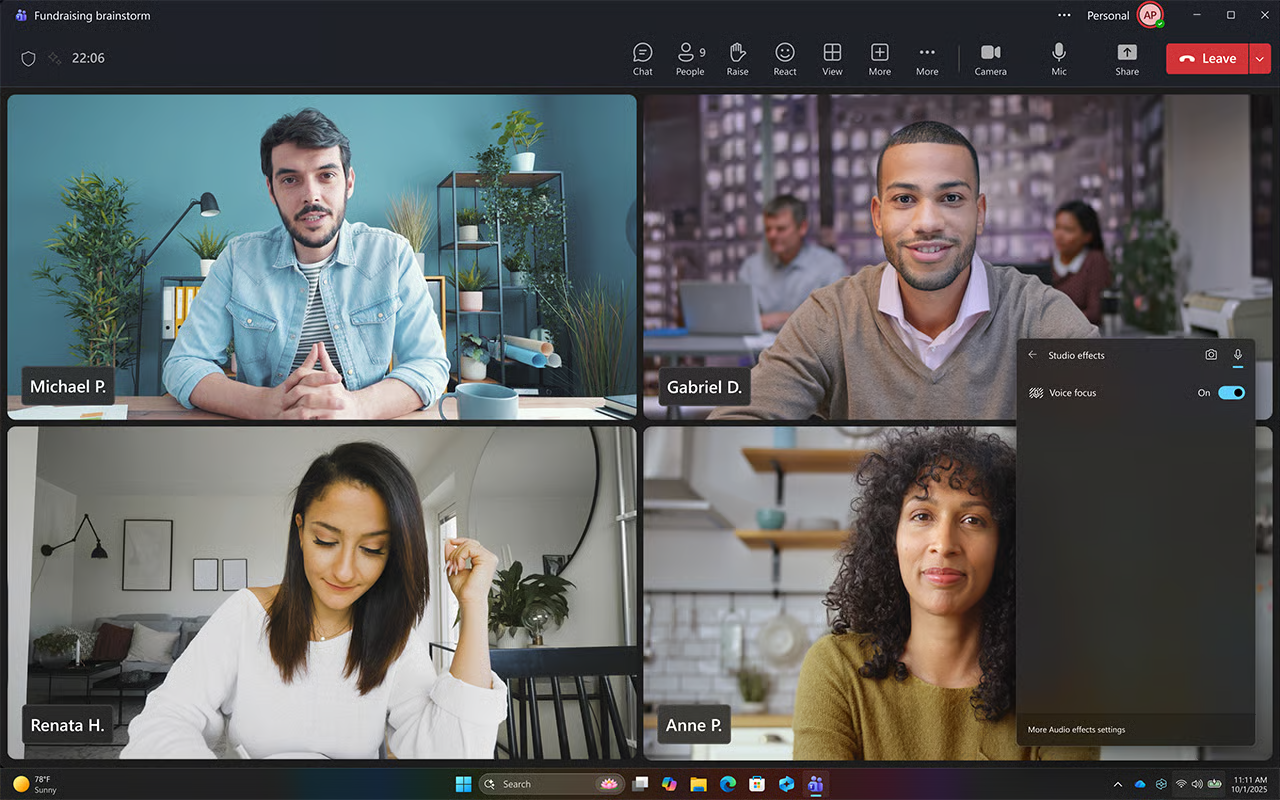
Example scenario
You're conducting a virtual interview or leading an employee meeting and want to minimize distractions while maintaining a polished and professional presence.
Benefits of Studio Effects
- Reduce visual distractions during meetings.
- Improve audio clarity with voice focus.
- Support a more polished meeting experience for employees, managers, and candidates.
Important
Copilot+ PC experiences vary by device and market and may require updates continuing to roll out; timing varies.
Supporting employees doesn't end when meetings conclude. Reviewing conversations, organizing follow-up activities, and preparing for tomorrow helps ensure important work continues moving forward. Next, explore how Copilot can help you wrap up your day and prepare for what's ahead.