Regain context and check outstanding reviews
Regain context with Recall (preview)
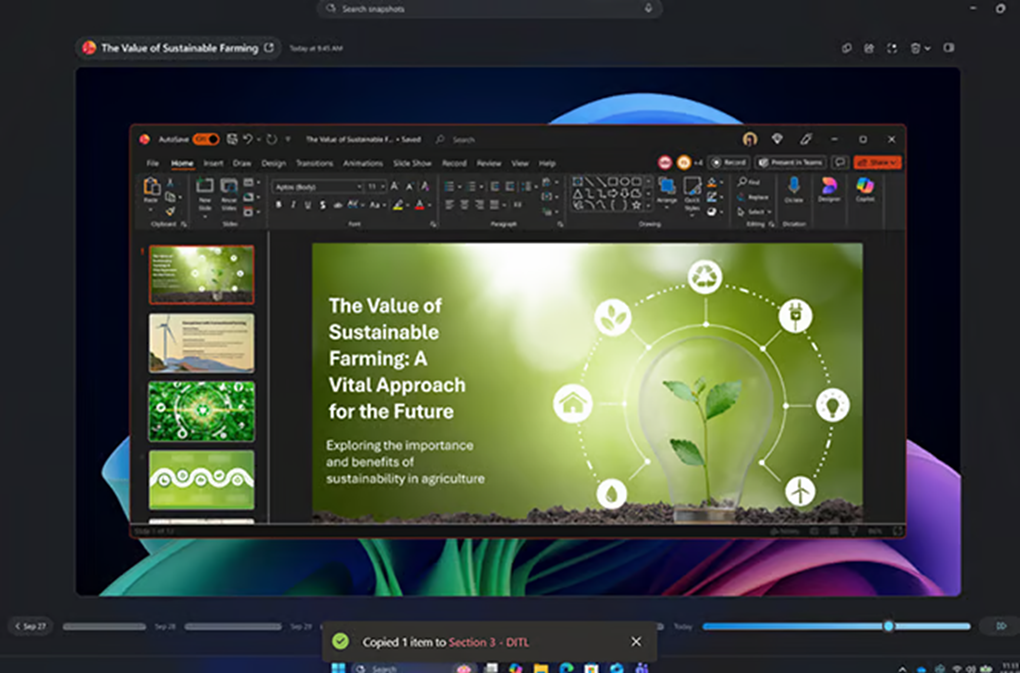
Throughout the day, you continue to review contracts, emails, policies, meeting notes, and other supporting materials. If you need to return to information you already reviewed, like earlier this morning for example, Recall (preview) on a Copilot+ PC can help you find and revisit that content.
Recall can help you:
- Return to previously viewed documents.
- Revisit information from earlier in the day.
- Regain context before continuing a review.
- Locate content without remembering where it was stored.
Do the following to use Recall (preview):
- Open Recall on your Copilot+ PC.
- Describe the content you're trying to locate, such as: "The vendor agreement I reviewed this morning that included data retention requirements."
- Review the results.
- Select the item you want to revisit and continue your review.
Note
Availability and capabilities vary by device, market, region, language, and configuration. Recall is in preview, requires Windows Hello Enhanced Sign-in Security, and is optimized for select languages (English, Chinese (Simplified), French, German, Japanese, and Spanish). Content-based and storage limitations apply. Enterprise licensing might be required for some policy-enabled management controls.
Summarize outstanding legal work
After lunch, you want to see what else you have lined up for the afternoon. You use Copilot from your taskbar or Microsoft 365 Copilot Chat to summarize outstanding legal work and identify items that might need attention. This midday check helps you see what’s still open, prioritize your remaining work, and stay on track throughout the rest of the day.
Copilot can help you:
- Identify open reviews.
- Highlight items that might require escalation.
- Prepare for stakeholder meetings.
- Prioritize follow-up work before the end of the day.
Do the following to review outstanding items:
- Open Copilot from the taskbar or Microsoft 365 Copilot Chat.
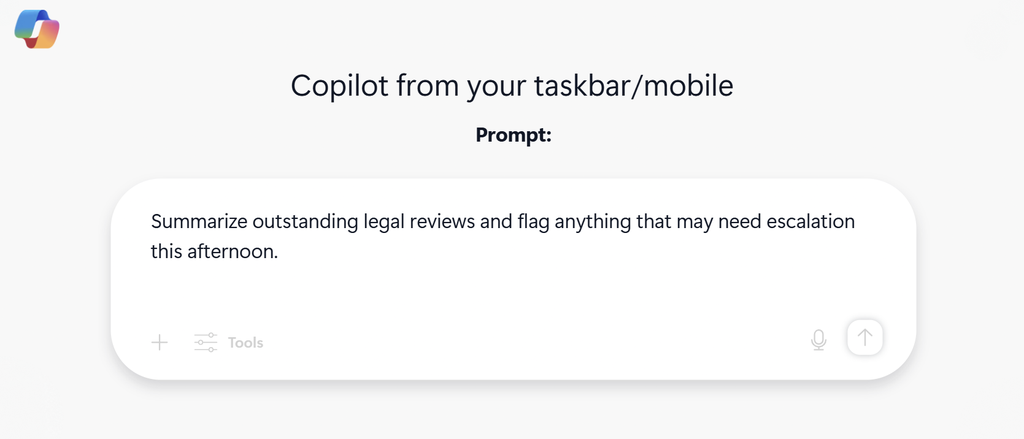
- Enter the following prompt: "Summarize outstanding legal reviews and flag anything that might need escalation this afternoon."
Note
Microsoft 365 Copilot experiences require an eligible Microsoft 365 subscription, license, and organizational permissions. Responses depend on the content Copilot can access through your Microsoft 365 permissions, tenant configuration, and available work data.