Note
Access to this page requires authorization. You can try signing in or changing directories.
Access to this page requires authorization. You can try changing directories.
This article provides a resolution to an issue where you don't have access to the parent flow of a desktop flow from the Desktop flow runs list in Microsoft Power Automate.
Applies to: Power Automate
Original KB number: 4598443
Symptoms
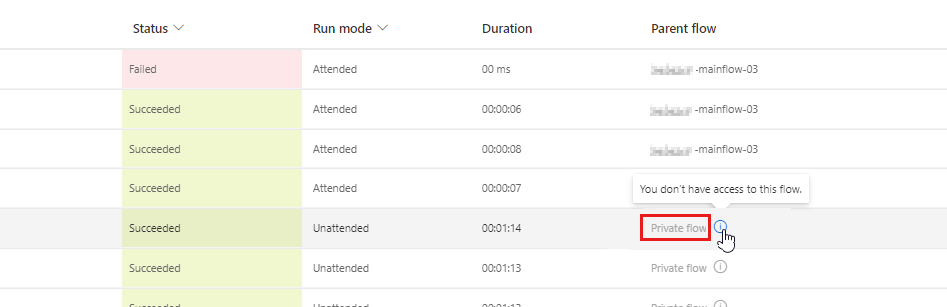
You can't access the parent flow of a desktop flow from the Desktop flow runs list in Microsoft Power Automate. The Parent flow column cell is grayed out.
Resolution
The parent flow is marked as Private flow because its owner hasn't shared it with you yet. To solve this issue, you can contact the owner to share the parent flow with you.