Note
Access to this page requires authorization. You can try signing in or changing directories.
Access to this page requires authorization. You can try changing directories.
This page tracks Feedback Hub app updates announced for Windows Insider flights. Feedback for Feedback Hub can be filed in Feedback Hub (WIN + F) under Apps > Feedback Hub
Latest updates
August 2026
8/28/2026:
Rolling out to Insiders with the following version updates:
2.2608
- Added Windows Insider recognition across the Home page, title bar, and account controls.
- Updated Feedback Hub to the latest Windows App SDK.
2.2607
- Added Advanced Diagnostics for advanced troubleshooting and diagnostic collection for offline scenarios.
- Improved app reliability and performance.
- Links in Microsoft Official Responses are now clickable.
2.2606
- Added the Add details experience for providing additional feedback information.
- Standardized Mica effects and animations across the app for a more consistent experience.
April 2026
4/10/2026:
Rolling out to the Beta channel with build number 2.603.701.0 with changes and improvements as noted below in the March update.
Rolling out to Dev (now Experimental), Canary 28000 Series (now Experimental 26H1), and Canary 29500 Series (now Experimental Future Platforms)) with build number 2.2604.101.0 brings design refinements based on your feedback such as:
- Improved the default window size, and now it will remember window size across session.
- You can now use the mouse back button to go back between pages.
- If you were seeing less community feedback than usual, that should be addressed now.
- Upvote buttons for feedback should display correctly for Insiders using the Chinese display language now
March 2026
3/20/2026: Rolling out to Dev (now Experimental), Canary 28000 Series (now Experimental 26H1), and Canary 29500 Series (now Experimental Future Platforms)) with build number 2.2603.701.0
Introducing the new Feedback Hub, bringing a refreshed, modernized app expereince.
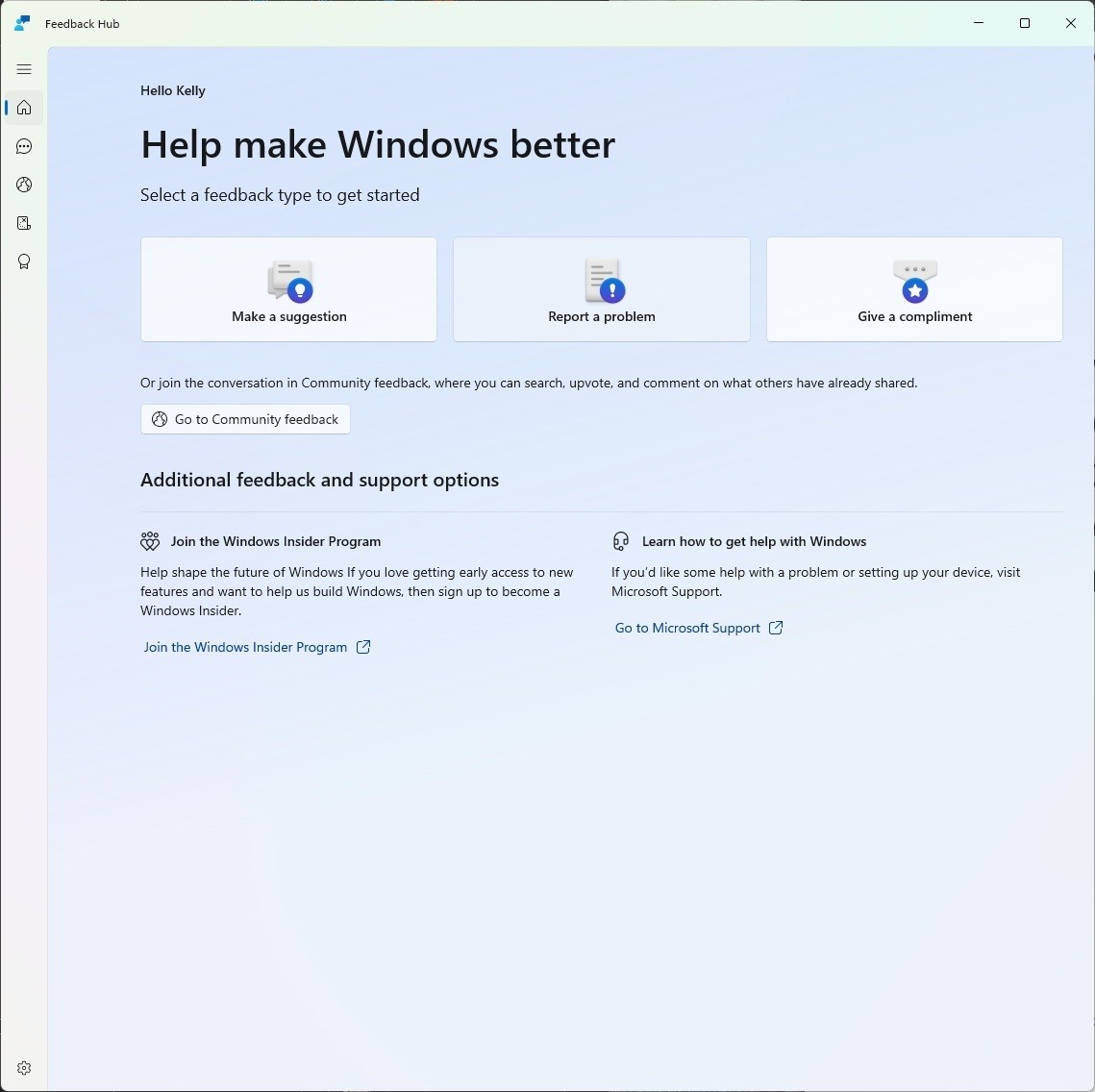
The new Feedback Hub home page where you can file suggestions, problems or compliments.
Simpler feedback submission flow: Feedback is now submitted using a single unified template, with the added ability to search categories. The feedback form itself has been modernized enabling for faster iteration and future improvements.
Simpler navigation: My Feedback now lives directly in the navigation pane, and Community feedback (formerly All feedback) makes it easier to discover and engage with feedback from others. The Announcements page has been removed to focus more on giving and exploring feedback. You can still find announcements on the Windows Insider Blog.
New compliment feedback type: Call out what’s working well.
Private or public feedback: Choose whether your feedback is visible to the Insider community.
New focused feedback experience: a new smaller Feedback Hub surface, making it easier to provide quick, in-the-moment feedback. You can expand to the full Feedback Hub experience by pressing the button in the upper right corner.
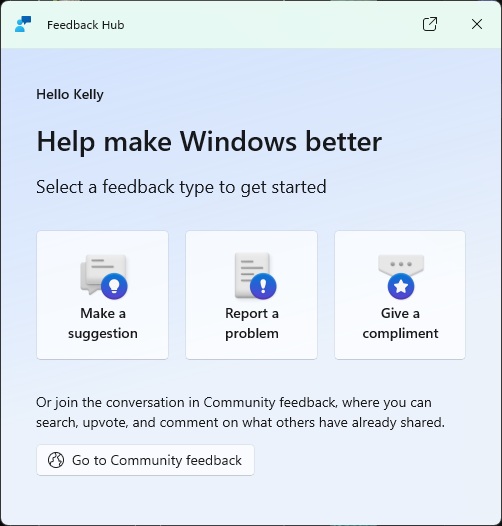
The new focused feedback experience.
- Improved screenshot capture and review tooling: making it easier to capture and include visuals when sharing feedback.
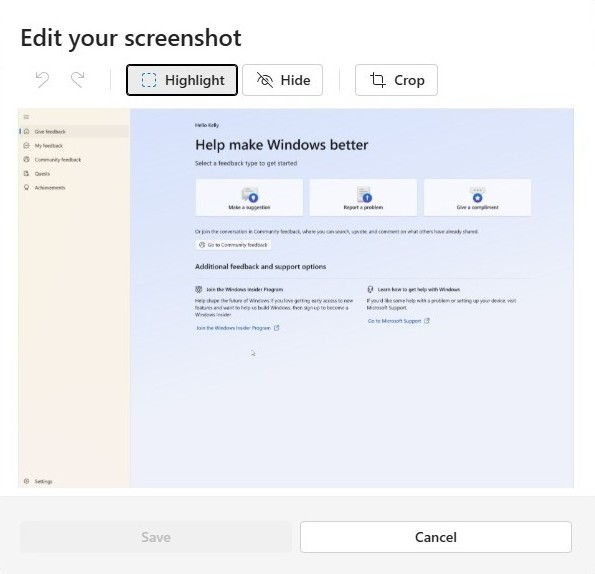
Edit your screenshot by clicking on the screenshot to highlight, hide or crop.