Note
Access to this page requires authorization. You can try signing in or changing directories.
Access to this page requires authorization. You can try changing directories.
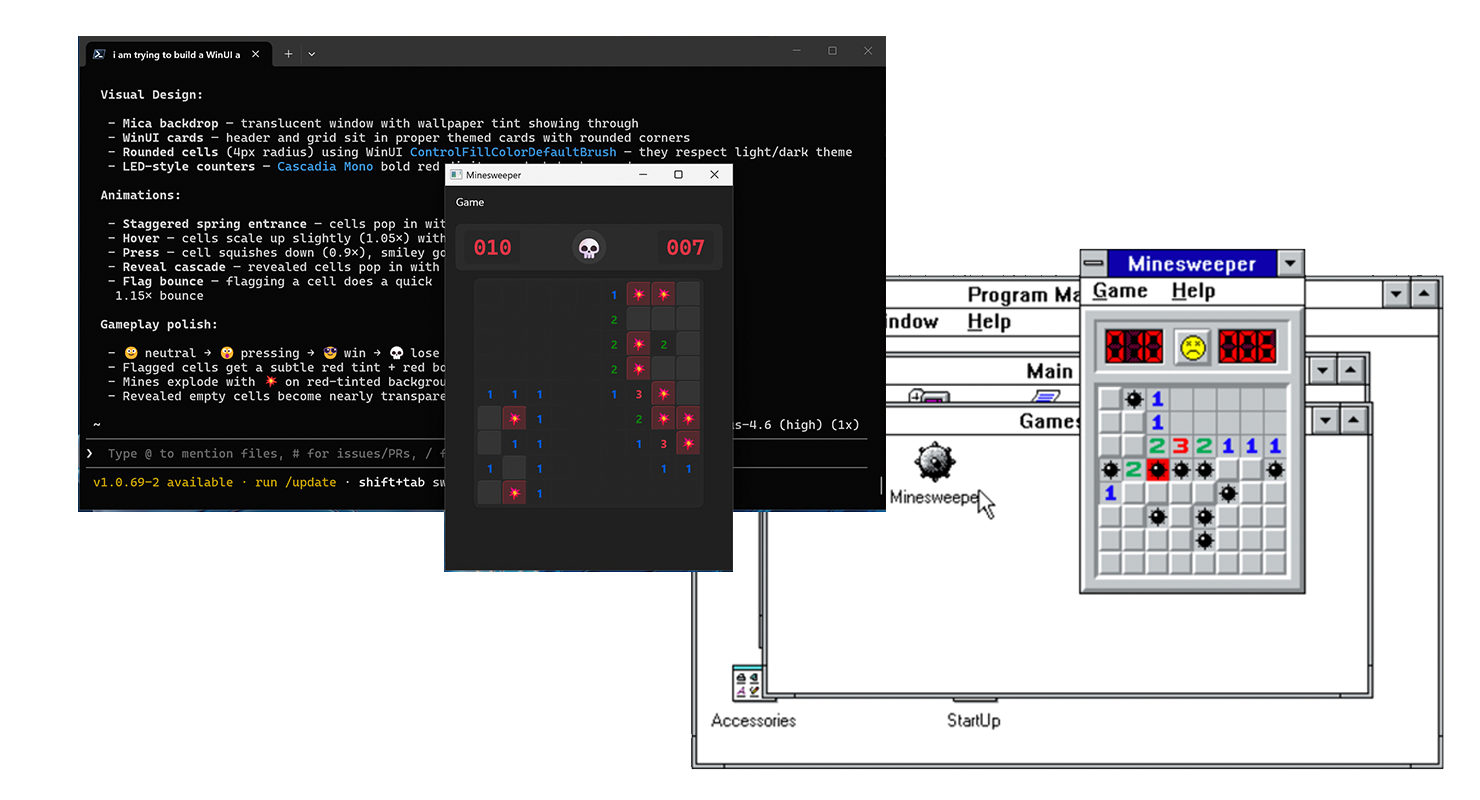
WinUI 3 is the native UI framework for building Windows desktop apps. It is part of the Windows App SDK — a set of APIs and tools that are separate from the Windows operating system itself and must be installed on the target machine or packaged alongside your app. WinUI 3 supports both C# and C++ and is not a cross-platform or web-based framework.
Important
WinUI 3 is distinct from UWP. WinUI 3 uses the Microsoft.UI.Xaml namespace and runs as a desktop process; UWP uses Windows.UI.Xaml and runs in an app container. WinUI 3 supports packaged (MSIX), packaged with external location, and unpackaged distribution — the right choice depends on your deployment scenario. See Choose a distribution method for guidance.
Choose your path
Start with the quickstart to set up your tools and run a blank project. Then choose a tutorial based on what you want to learn.
| Your goal | Start here | Outcome |
|---|---|---|
| Set up your tools and run a project | Quickstart: Create and run a WinUI 3 project | A blank C# project that builds and launches. |
| Learn XAML and C# fundamentals | Build a WinUI 3 notes app | A two-page app with file storage, data binding, and navigation. This is the recommended first tutorial. |
| Learn to direct and review an AI coding assistant | Build a WinUI 3 task app with an AI assistant | A task app and a workflow for inspecting and correcting generated code. This is an optional alternative to the Notes tutorial. |
| Apply WinUI to a business workflow | Line-of-business apps | Scenario guidance for data display, forms, databases, and productivity. Start here if you already have a working app. |
The quickstart and both beginner tutorials use C#. WinUI 3 also supports C++, but these walkthroughs don't provide C++ versions.
Choose your tools
The quickstart provides two setup paths. Your tool choice is separate from your choice of tutorial.
| Tooling | Best for | Setup |
|---|---|---|
| Visual Studio | An integrated editor and debugger. The Notes tutorial uses Visual Studio. | Visual Studio quickstart |
| .NET command line | Creating, building, and running a C# project from a terminal and editing it in your preferred editor. | Command-line quickstart |
The AI-assisted tutorial supports either setup. Follow the quickstart for current SDK requirements, template names, and build and launch instructions.
Build with an AI coding assistant
An AI coding assistant is optional. It can generate project code and explain unfamiliar concepts, but you still need to constrain it to WinUI 3, build its changes, inspect the result, and verify Windows APIs against current documentation.
The AI-assisted WinUI tutorial teaches a repeatable Ask → Generate → Build → Inspect → Verify → Refine workflow. It also shows how to detect generated code that mixes WinUI 3 with UWP, WPF, or other Windows UI frameworks.
Prerequisites
You need a Windows development device, Developer Mode, and the tools for your chosen setup. See the quickstart for supported versions and installation steps.
Each tutorial lists its additional requirements. The Notes tutorial uses a packaged project named WinUINotes; the AI-assisted tutorial creates a separate project named TaskTally.
After the fundamentals
Continue with existing tutorials rather than starting another blank project:
- WinUI Notes part 2: Navigation and data binding extends the Notes app with page caching and property-change notification.
- Data binding, dependency injection, and unit testing in WinUI refactors the Notes app with the MVVM Toolkit. You can complete the Notes tutorial or use its downloadable sample as the starting point.
For independent tasks in an existing app, use the line-of-business guidance. Those articles are not additional steps in the beginner tutorials.
Next steps
Collaborate with us on GitHub
The source for this content can be found on GitHub, where you can also create and review issues and pull requests. For more information, see our contributor guide.

Windows developer