Note
Access to this page requires authorization. You can try signing in or changing directories.
Access to this page requires authorization. You can try changing directories.
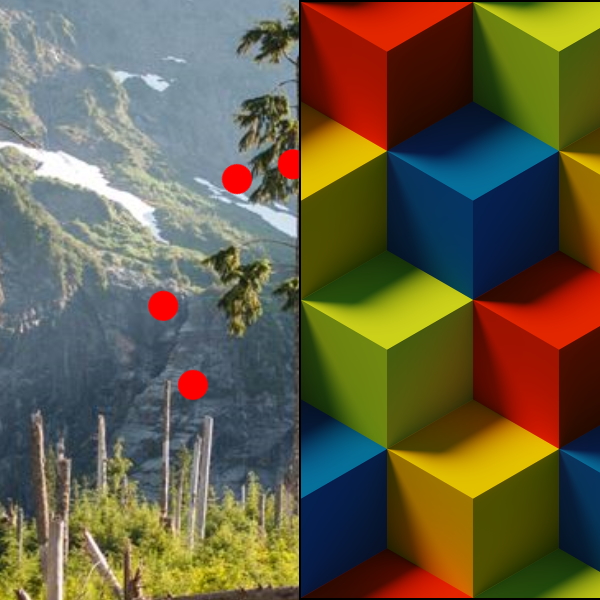
The TilesBrush is a Brush that displays a tiled image.
Syntax
<Border BorderBrush="Black" BorderThickness="1" VerticalAlignment="Center" HorizontalAlignment="Center" Width="400" Height="400">
  <Border.Background>
    <brushes:TilesBrush TextureUri="ms-appx:///Assets/BrushAssets/TileTexture.png"/>
  </Border.Background>
</Border>
Example Image
Properties
| Property | Type | Description |
|---|---|---|
| TextureUri | Uri | The Uri for the texture to use. |
| DpiMode | DpiMode | The DPI mode used to render the texture (the default is DpiMode.DisplayDpiWith96AsLowerBound) |
Code behind support
This brush can be also be built from code behind through the PipelineBuilder class.
Brush brush = PipelineBuilder.FromTiles("/Assets/BrushAssets/NoiseTexture.png".ToAppxUri()).AsBrush();
Sample Project
TilesBrush sample page Source. You can see this in action in the Windows Community Toolkit Sample App.
Requirements
| Device family | Universal, 10.0.17134.0 or higher |
|---|---|
| Namespace | Microsoft.Toolkit.Uwp.UI.Media |
| NuGet package | Microsoft.Toolkit.Uwp.UI.Media |