' cx='32' cy='32' r='32' /%3E%3Ctext x='50%25' y='55%25' dominant-baseline='middle' text-anchor='middle' fill='%23FFF' %3EA%3C/text%3E%3C/svg%3E)
' cx='32' cy='32' r='32' /%3E%3Ctext x='50%25' y='55%25' dominant-baseline='middle' text-anchor='middle' fill='%23FFF' %3EAM%3C/text%3E%3C/svg%3E)

The easiest way is to get on a machine with 5.1 PS installed that has access to the internet and then run
Install-Module sqlserver
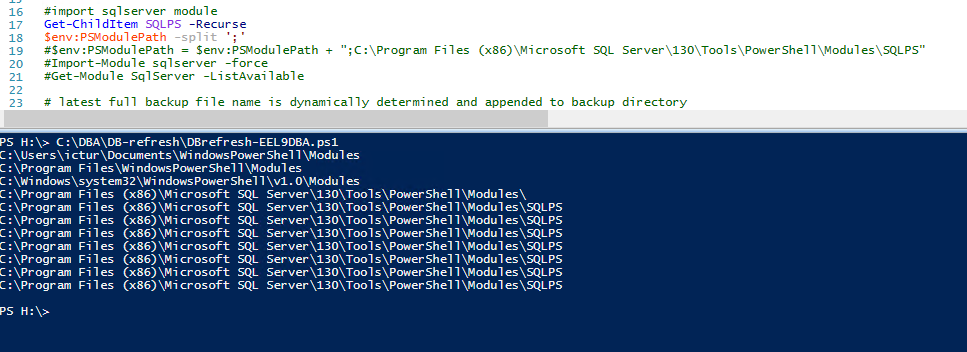
Then when it installs go to C:\Program Files\WindowsPowerShell\Modules\ and copy the folder SqlServer to the server that does not have access to the internet.
You will need to copy it to the machine in a folder that you have control over (not a protected one like in Program Files) like C:\Temp so now you have C:\Temp\SqlServer.
Then you will copy from that folder the SqlServer folder to C:\Program Files\WindowsPowerShell\Modules and once you do you can import the module on that server.
Nowadays the modules are xcopy deployment once you have installed it. You can also use Save-Module to pull the module down and save it in a certain place instead of using Install-Module if that is easier too.