
Hi! We too are seeing the same issue in our environment. Same configuration as onemancrew.
No results with tiket in Hpe and Microsoft.
Were you able to solve the problem?
Thanks!
This browser is no longer supported.
Upgrade to Microsoft Edge to take advantage of the latest features, security updates, and technical support.
' cx='32' cy='32' r='32' /%3E%3Ctext x='50%25' y='55%25' dominant-baseline='middle' text-anchor='middle' fill='%23FFF' %3EA%3C/text%3E%3C/svg%3E)
Our Hyper-V Architecture is as following:
2 Physical Nodes , On each one , Windows Server 2019 Datacenter
Hyper-V Role installed on each one
Failover Cluster
Nimble Storage
iSCSI connection between the Hyper-V Nodes to Nimble Storage Array
MPIO on Windows is Enabled
Nimble DSM for Windows MPIO is installed
both Physical servers can communicate within the iSCSI network to the Nimble Storage , it is not network issue on the iSCSI network , I already checked this and I can say 100% this is not Network issue on the iSCSI network.
The LUN on Nimble is accessible by both 2 Physical Nodes , so this is not the problem.
now what is the problem ?
The Problem is with changing Cluster Disk (CSV) Node owner.
one I try to move the owner on the CSV then I encounter an issue.
here are some screenshots of the errors:
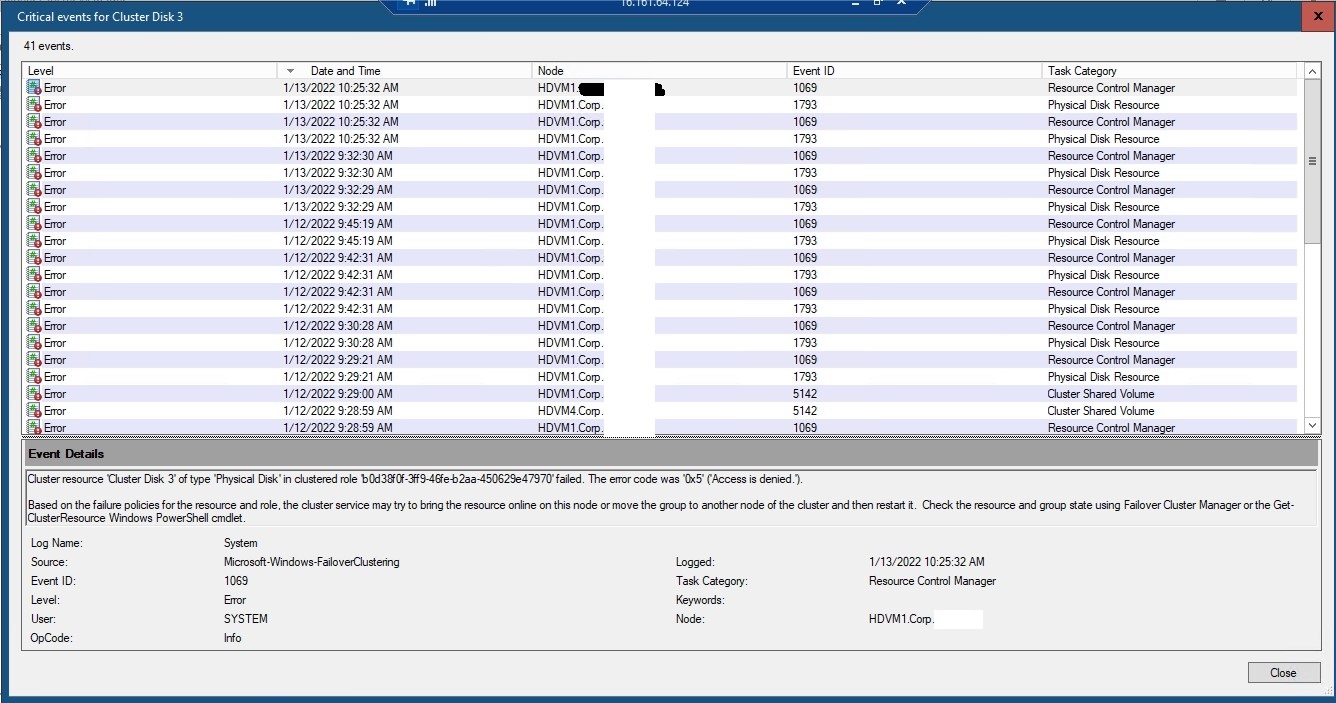
and more screenshots of the errors:
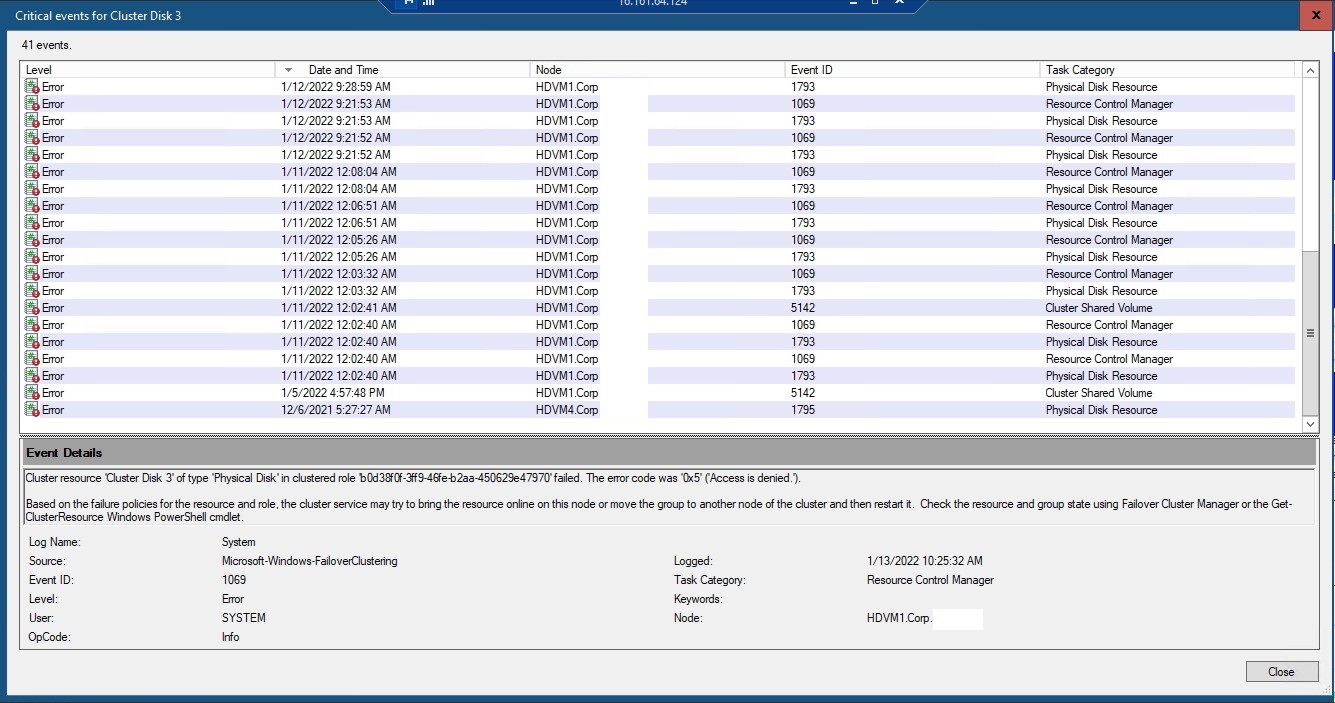
and more screenshots of the errors:
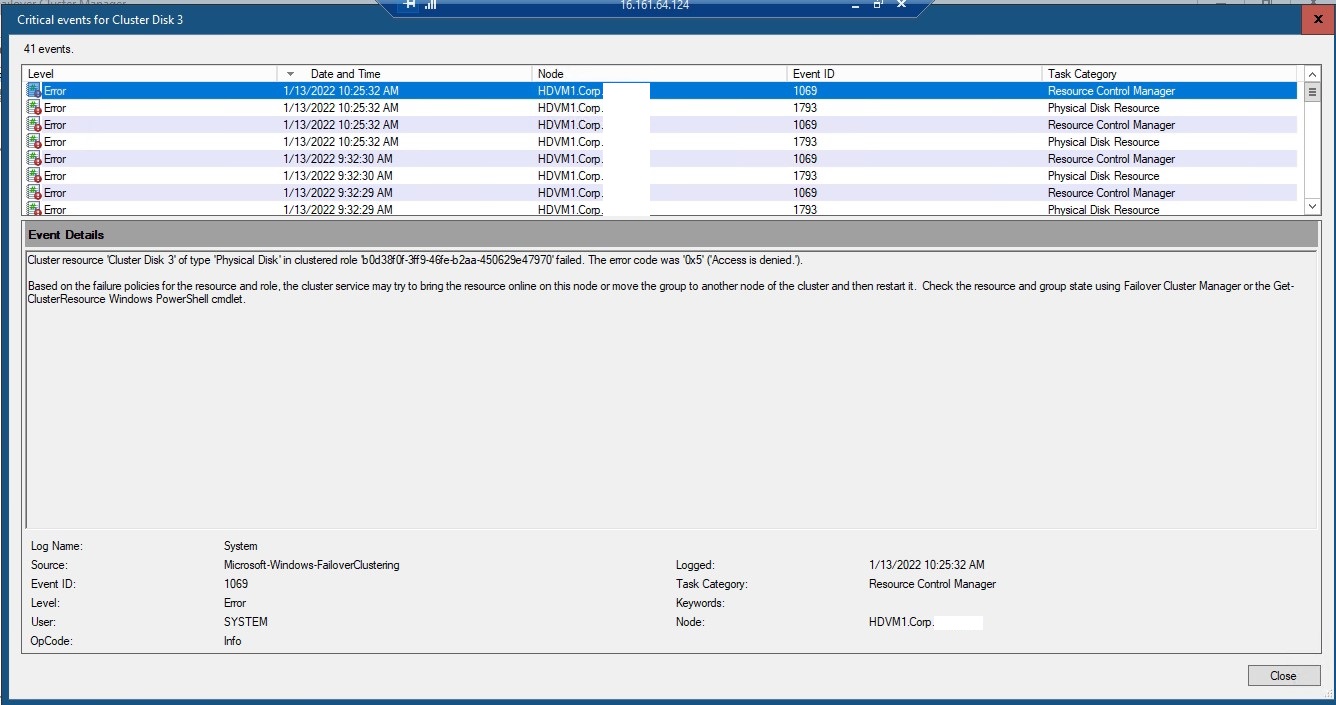
and more screenshots of the errors:
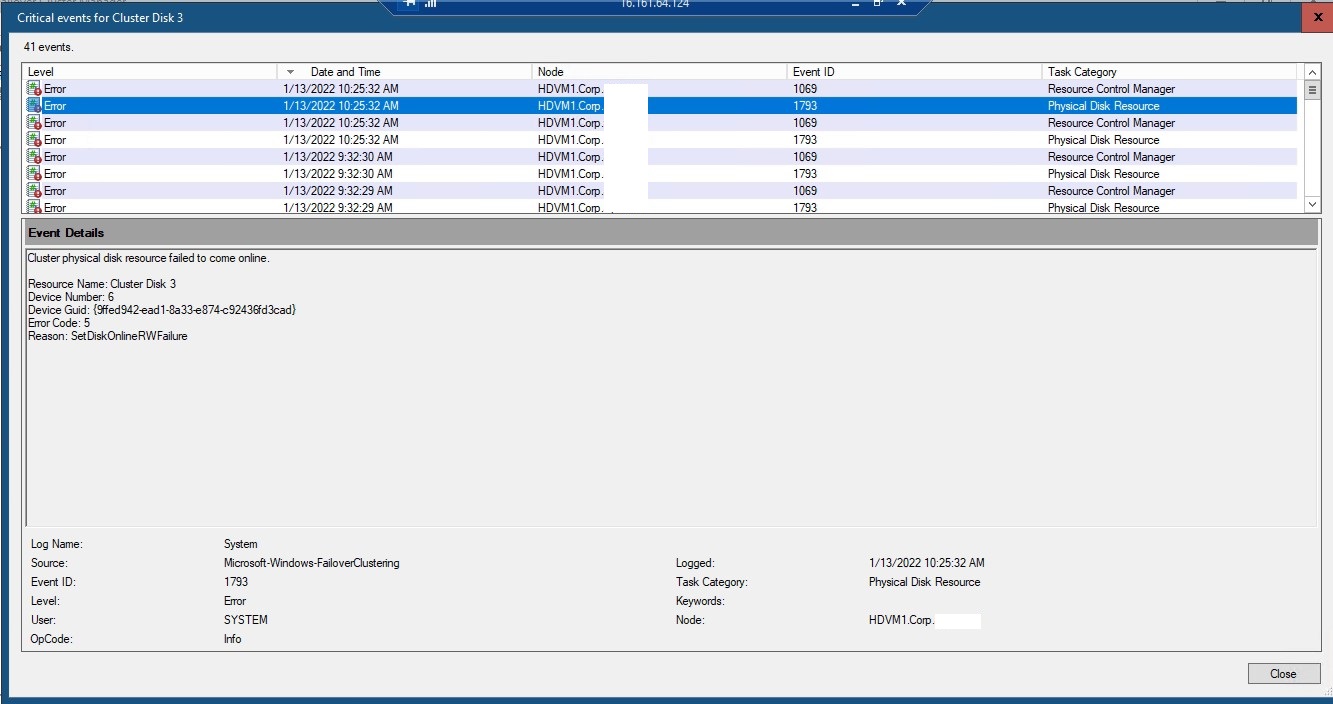
and more screenshots of the errors:
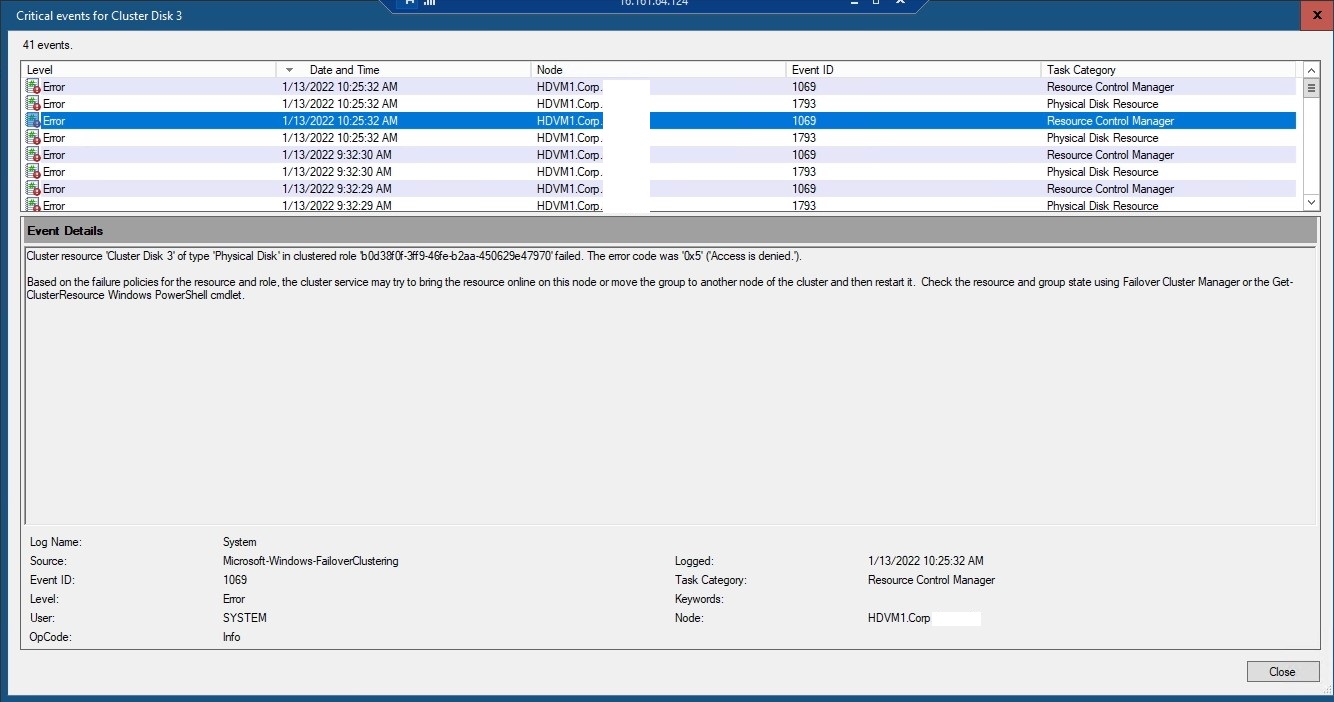
and more screenshots of the errors:
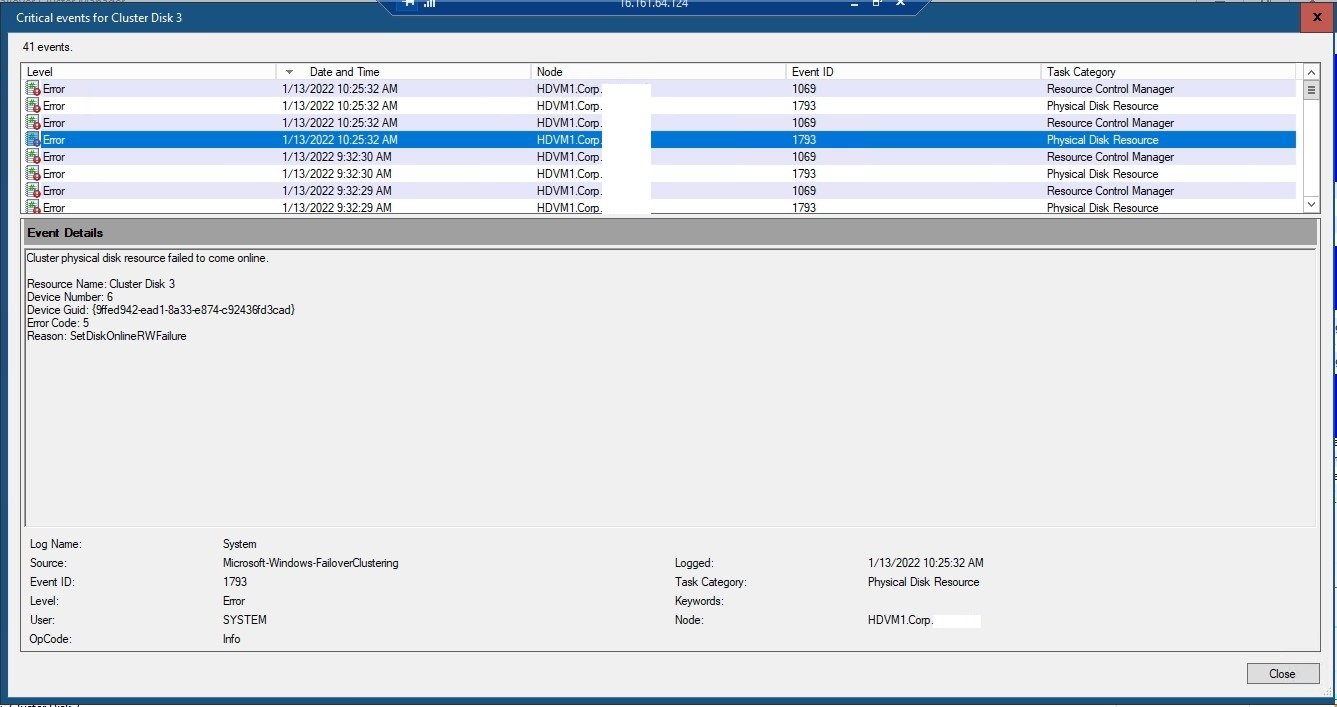
and more screenshots of the errors:
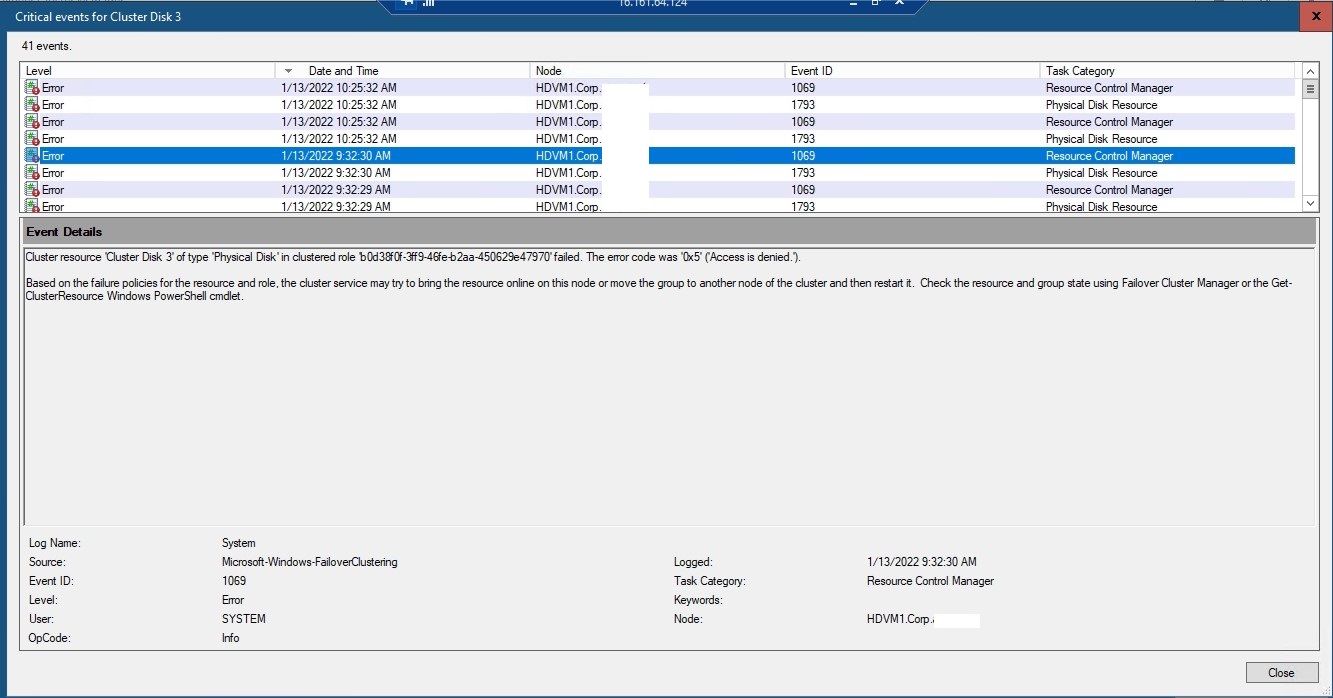
and more screenshots of the errors:
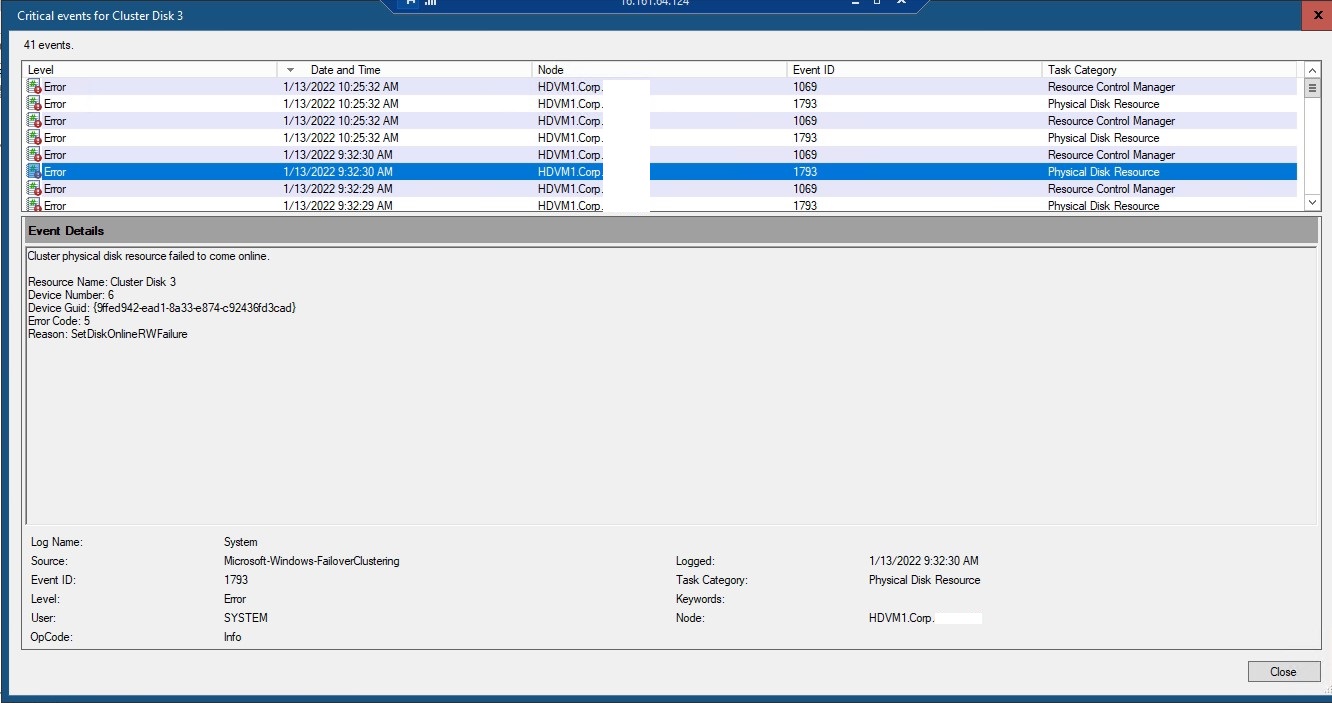
and more screenshots of the errors:
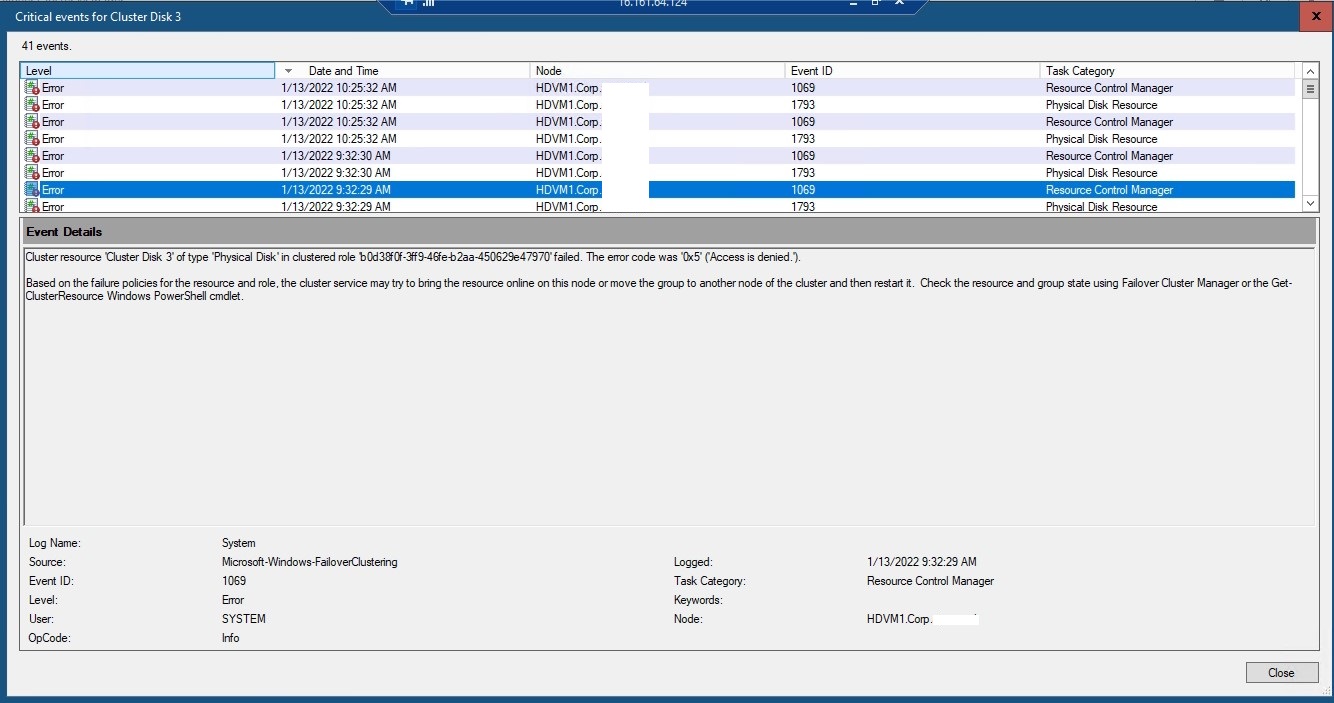
and more screenshots of the errors:
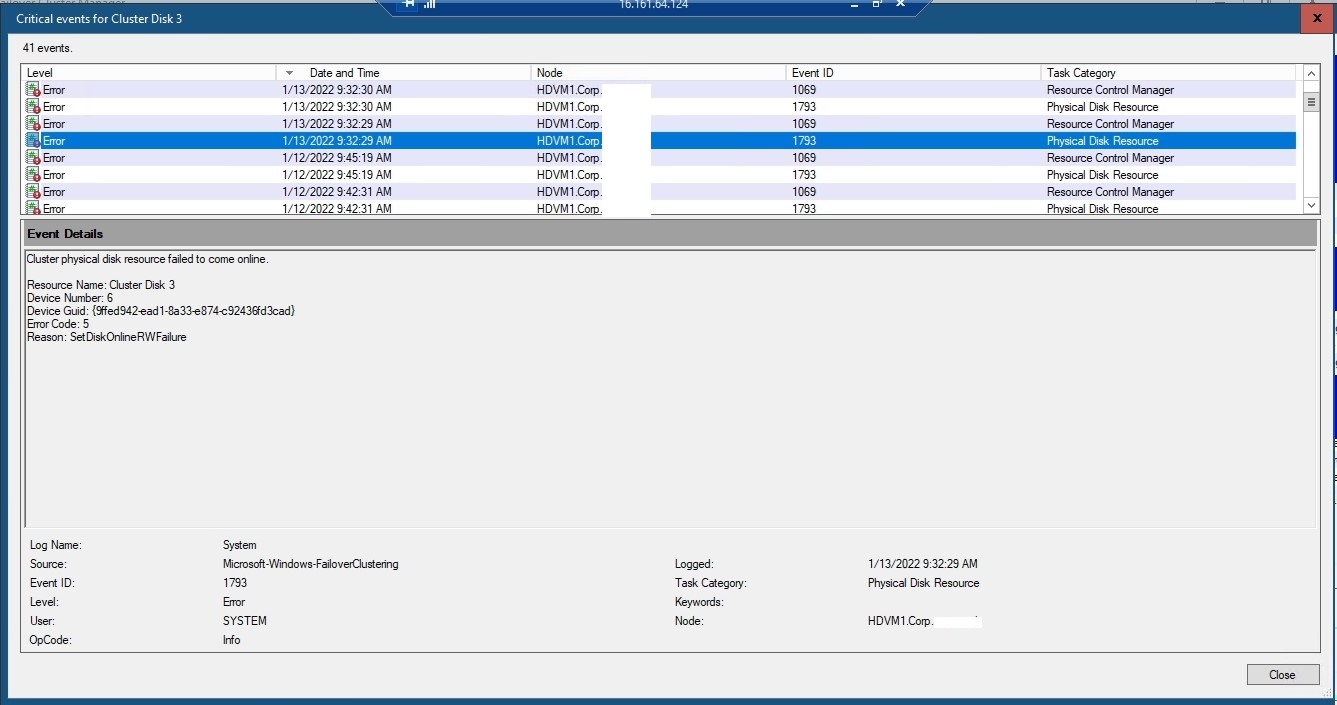
' cx='32' cy='32' r='32' /%3E%3Ctext x='50%25' y='55%25' dominant-baseline='middle' text-anchor='middle' fill='%23FFF' %3EN%3C/text%3E%3C/svg%3E)
Hi! We too are seeing the same issue in our environment. Same configuration as onemancrew.
No results with tiket in Hpe and Microsoft.
Were you able to solve the problem?
Thanks!
' cx='32' cy='32' r='32' /%3E%3Ctext x='50%25' y='55%25' dominant-baseline='middle' text-anchor='middle' fill='%23FFF' %3EJD%3C/text%3E%3C/svg%3E)
I wish I had an answer for you. We are seeing the same issue in our environment. Very similar setup to you, same errors, and the only difference is we have 4 physical nodes.
You asked this back in January and NO one from MS has answered. Speaks volumes.....