Note
Access to this page requires authorization. You can try signing in or changing directories.
Access to this page requires authorization. You can try changing directories.
Ran across this helpful blog post by John Paul Cook as I was looking for a way to use my wireless network card with Hyper-V machines. https://sqlblog.com/blogs/john_paul_cook/archive/2008/03/23/using-wireless-with-hyper-v.aspx
After creating the network bridge as described in John’s post, add that bridge to the VM’s settings in Server Manager as shown below:
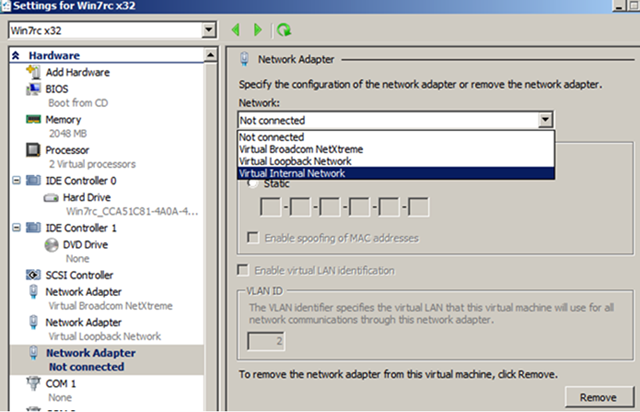
Once you do that, when you start your Hyper-V VM you’ll be able to connect to the internet using your wireless network.
Within my VM, as shown below,
- LAN Connection 5 is for the wireless network adapter.
- LAN Connection 4 is for the loopback adapter.
- LAN Connection 3 is for the wired network adapter (which is not plugged in).

And it works:
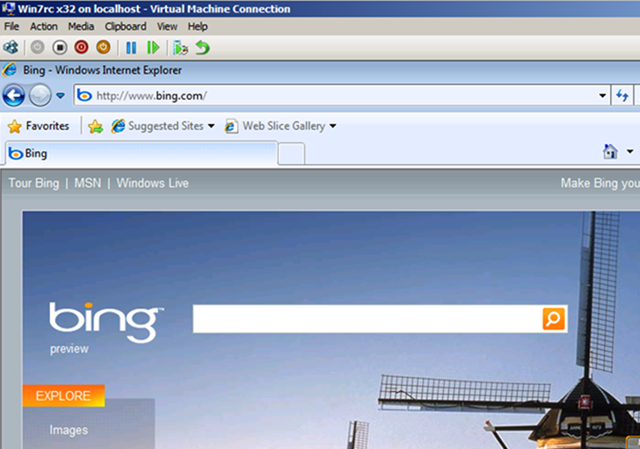
Taken from inside my Hyper-V image. . .