Note
Access to this page requires authorization. You can try signing in or changing directories.
Access to this page requires authorization. You can try changing directories.
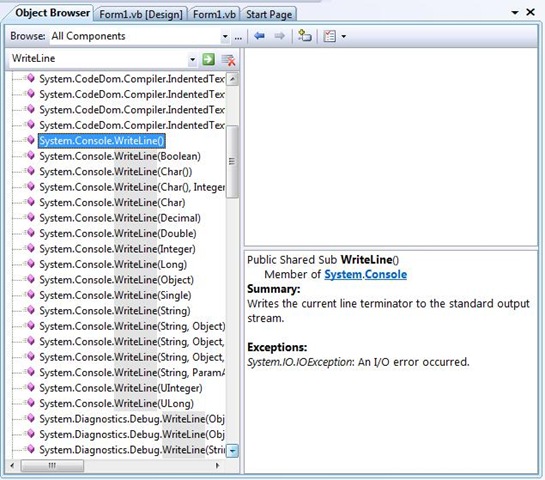
It’s time to move on to the Object Browser…
You can use Ctrl+Alt+J to open the Object Browser.
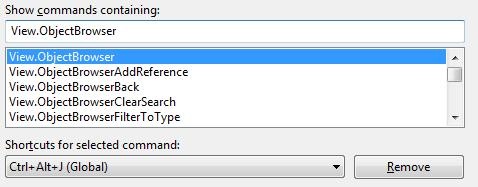
If this keyboard shortcut does not work for you, check what View.ObjectBrowser is bound to under Tools Options – Environment – Keyboard.
Technorati Tags: VS2005Tip,VS2008Tip
Comments
Anonymous
May 01, 2008
Hi Sara, This Ctrl+Alt+J is for Visual Studio 2008 also..??Anonymous
May 02, 2008
My latest in a series of the weekly, or more often, summary of interesting links I come across related to Visual Studio. Jamie Cansdale announced the availability of TestDriven.Net 2.13 , which includes support for NUnit 2.4.7. Visual Studio 2008 KB: