Note
Access to this page requires authorization. You can try signing in or changing directories.
Access to this page requires authorization. You can try changing directories.
When installing the Web Console you are presented with two authentication choices:
- Windows Authentication
- Forms Based Authentication (FBA).
Authentication method aside, a few of my clients just want the snazzy login screen:
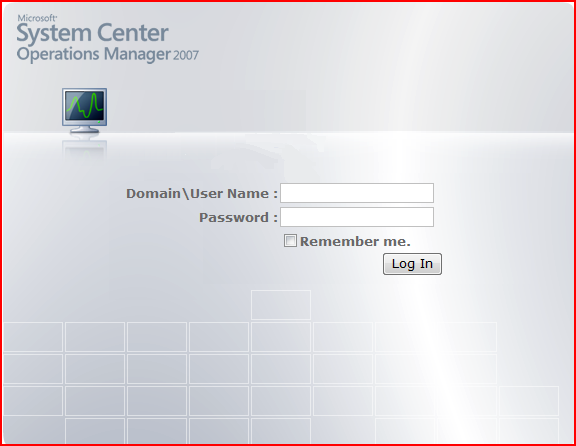
After explaining I was not 100% sure of the security implications and assuming they will not be traversing over any public networks, I have recommended the use of FBA with SSL disabled. I have seen a few other postings about this so I suspected it was not totally off the wall.
In order to disable the SSL, simply got to "C:\Program Files\System Center Operations Manager 2007\Web Console\" and edit 'Web.Config' and change ' <forms requireSSL="true" />' to ' <forms requireSSL="false" />'. Next, go to 'Administration / Settings / Web Address' and update the address. One thing I noticed is in addition to being set for SSL, the :51908 port is not specified. So assuming no other modifications are made it should look like https://<servername>:51908
Please submit comments for anything additional I may have missed.
This posting was edited completely with Vista speech recognition software. Sweet!