Introduction to Power Automate desktop app
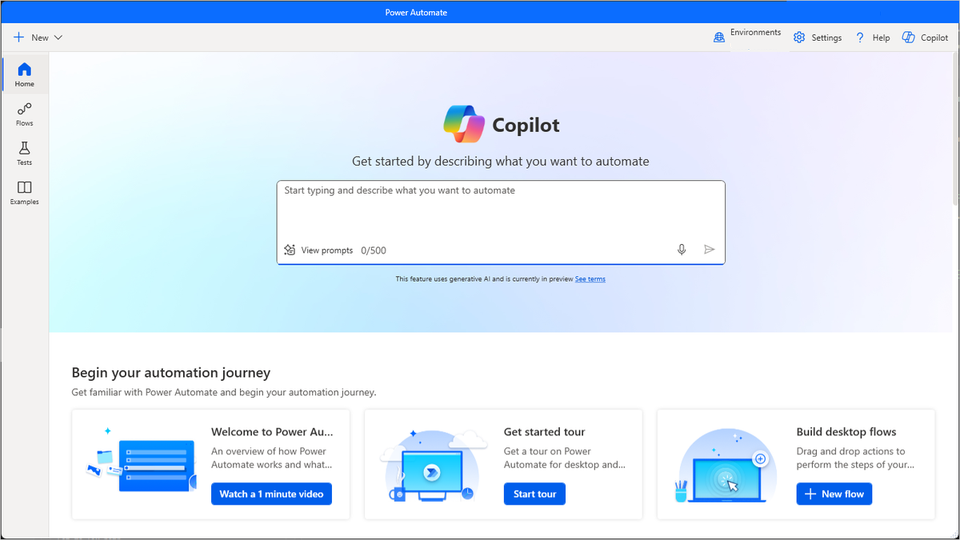
The Microsoft Power Automate desktop app platform consists of two main components that enable you to create and manage flows: the console and the flow designer.
The console is the main control panel of the platform. From the console, you can launch the flow designer to create or edit flows. Through the console's options, you can also delete, rename, and run existing flows.
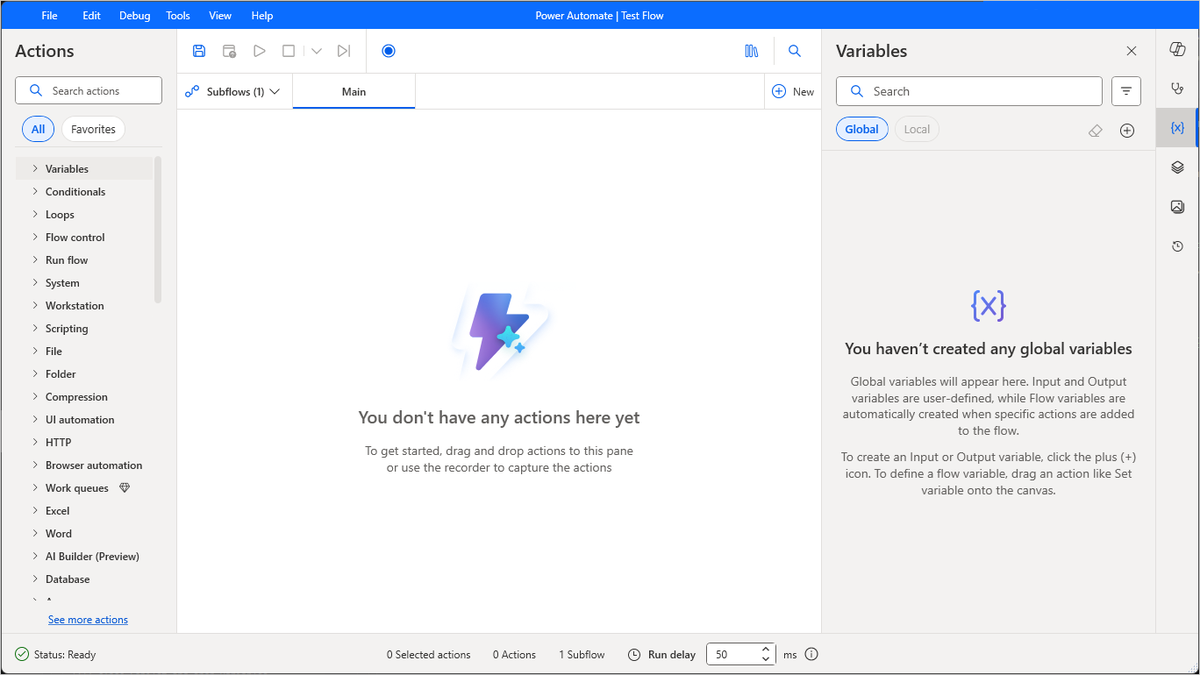
The flow designer is the development environment of Power Automate desktop app, where you can build flows and perform debugging. To develop a flow, drag and drop any of the available actions into the main workspace.
By the end of this module, you can use both components to create, run, and manage flows.
Learning objectives
In this module, you:
Explore the console and the flow designer.
Learn how to use the core features of the Power Automate desktop app platform.
Create and run a flow.
Prerequisites
Install Power Automate desktop app on your machine.