This article describes how to retrieve the IDs that you need to include Copilot connectors and SharePoint/OneDrive files in the capabilities section of your declarative agent manifest. You can use Microsoft Graph Explorer or Microsoft Graph PowerShell.
Copilot connectors
This section describes how to retrieve the value to set in the connection_id property of the Connection object in the Copilot connectors object in the manifest.
Important
Querying for Copilot connectors requires an admin account.
Browse to Microsoft Graph Explorer and sign in with your admin account.
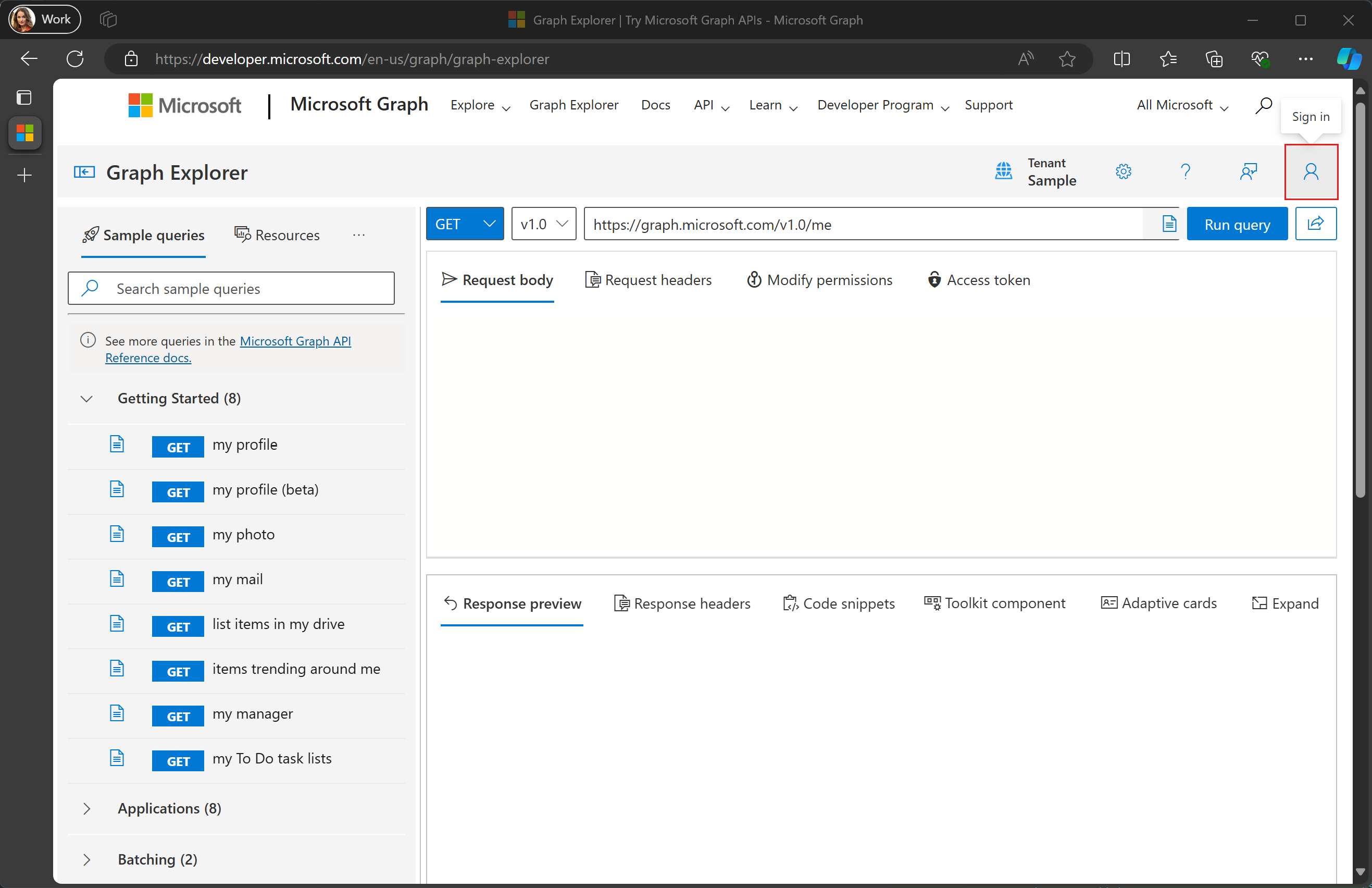
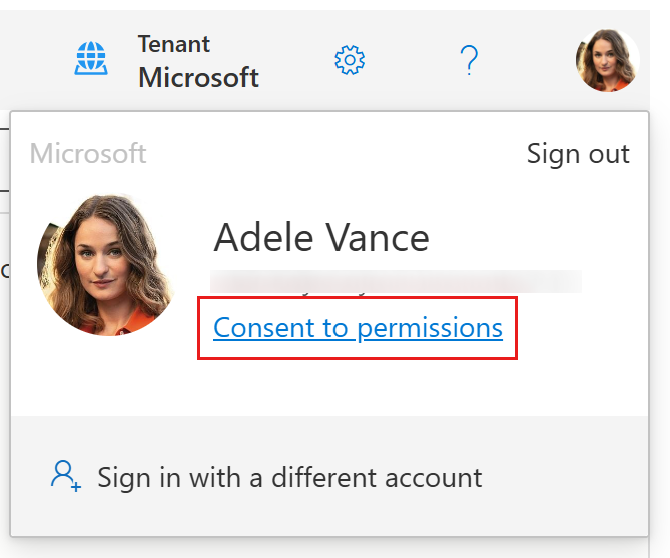
Select your user avatar in the upper right corner and select Consent to permissions.
Search for
ExternalConnection.Read.Alland select Consent for that permission. Follow the prompts to grant consent.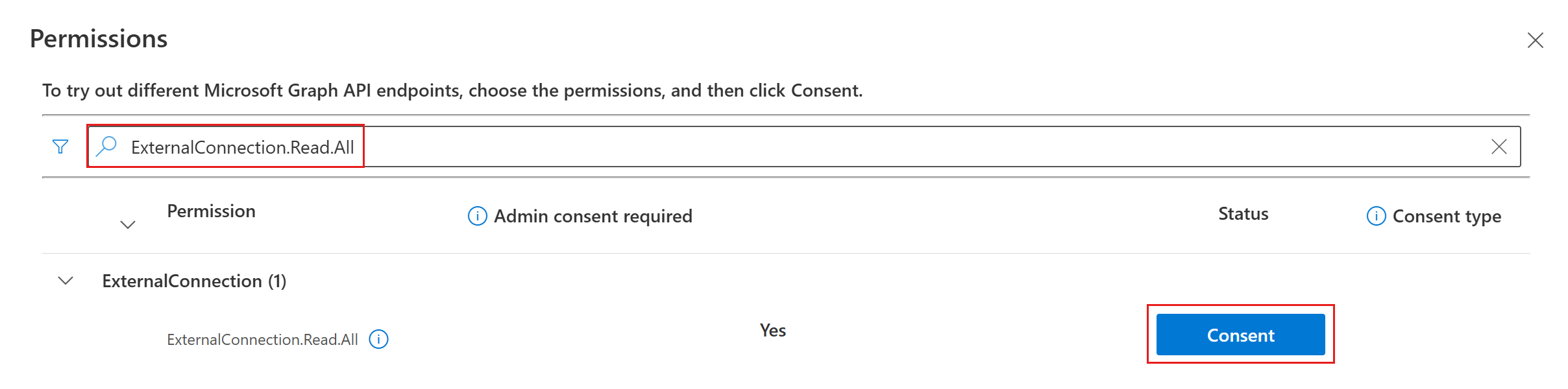
Enter
https://graph.microsoft.com/v1.0/external/connections?$select=id,namein the request field and select Run query.
Locate the connector you want and copy its
idproperty. For example, to use the GitHub Repos connector in the following response, copy thegithubreposvalue.{ "@odata.context": "https://graph.microsoft.com/v1.0/$metadata#connections(id,name)", "value": [ { "id": "applianceparts", "name": "Appliance Parts Inventory" }, { "id": "githubrepos", "name": "GitHub Repos" } ] }
Retrieving SharePoint IDs
This section describes how to retrieve the value to set in the following properties within the items_by_sharepoint_ids property of the OneDriveAndSharePoint object:
site_idlist_idweb_idunique_id
Browse to Microsoft Graph Explorer and sign in with your admin account.
Select your user avatar in the upper right corner and select Consent to permissions.
Search for
Sites.Read.Alland select Consent for that permission. Follow the prompts to grant consent. Repeat this process forFiles.Read.All.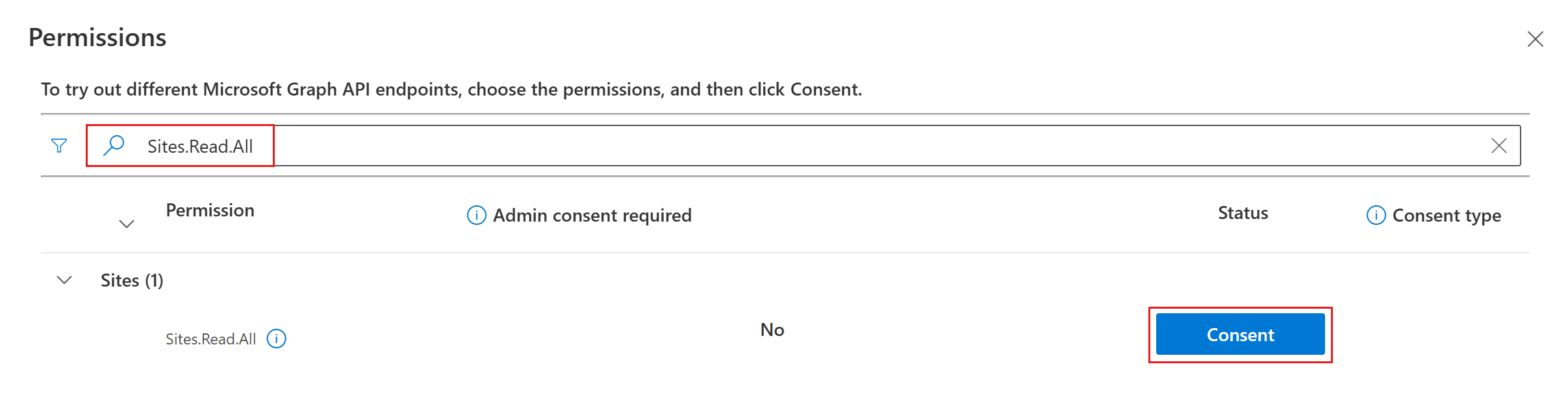
Change the method dropdown to POST and enter
https://graph.microsoft.com/v1.0/search/queryin the request field.
Add the following in the Request body, replacing
https://yoursharepointsite.com/sites/YourSite/Shared%20Documents/YourFile.docxwith the URL to the file or folder you want to get IDs for.{ "requests": [ { "entityTypes": [ "driveItem" ], "query": { "queryString": "Path:\"https://yoursharepointsite.com/sites/YourSite/Shared%20Documents/YourFile.docx\"" }, "fields": [ "fileName", "listId", "webId", "siteId", "uniqueId" ] } ] }Select Run query.
Locate the file you want and copy its
listId,webId,siteId, anduniqueIdproperties.{ "value": [ { "searchTerms": [], "hitsContainers": [ { "hits": [ { "hitId": "01AJOINAHZHINTBHPESZBISPIPSJG3D5EO", "rank": 1, "summary": "Reorder policy Our reorder policy for suppliers is straightforward and designed to maintain cost-efficiency and inventory control. We kindly request that no order exceeds a total", "resource": { "@odata.type": "#microsoft.graph.driveItem", "listItem": { "@odata.type": "#microsoft.graph.listItem", "id": "301b3af9-e49d-4296-893d-0f924db1f48e", "fields": { "fileName": "YourFile.docx", "listId": "12fde922-4fab-4238-8227-521829cd1099", "webId": "a25fab47-f3b9-4fa3-8ed9-1acb83c12a4f", "siteId": "5863dfa5-b39d-4cd1-92a6-5cf539e04971", "uniqueId": "{301b3af9-e49d-4296-893d-0f924db1f48e}" } } } } ], "total": 1, "moreResultsAvailable": false } ] } ] }