이 문서에서는 선언적 에이전트 매니페스트 섹션에 capabilities Copilot 커넥터 및 SharePoint/OneDrive 파일을 포함하는 데 필요한 ID를 검색하는 방법을 설명합니다.
Microsoft Graph Explorer 또는 Microsoft Graph PowerShell을 사용할 수 있습니다.
Copilot 커넥터
이 섹션에서는 매니페스트의 Copilot 커넥터 개체에서 연결 개체의 속성에 connection_id 설정할 값을 검색하는 방법을 설명합니다.
중요
Copilot 커넥터를 쿼리하려면 관리자 계정이 필요합니다.
Microsoft Graph Explorer로 이동하고 관리자 계정으로 로그인합니다.
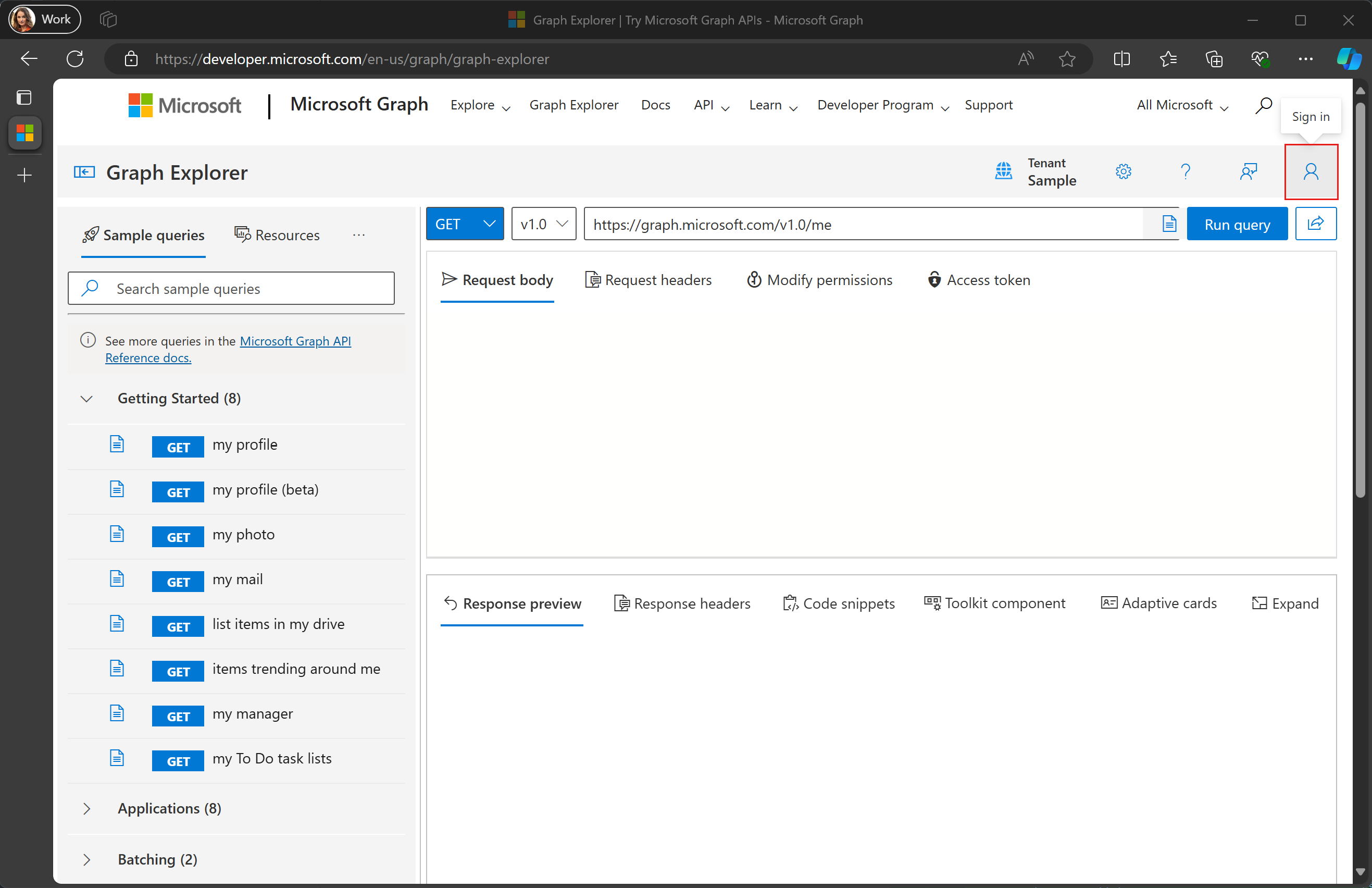
오른쪽 위 모서리에서 사용자 아바타를 선택하고 권한에 대한 동의를 선택합니다.
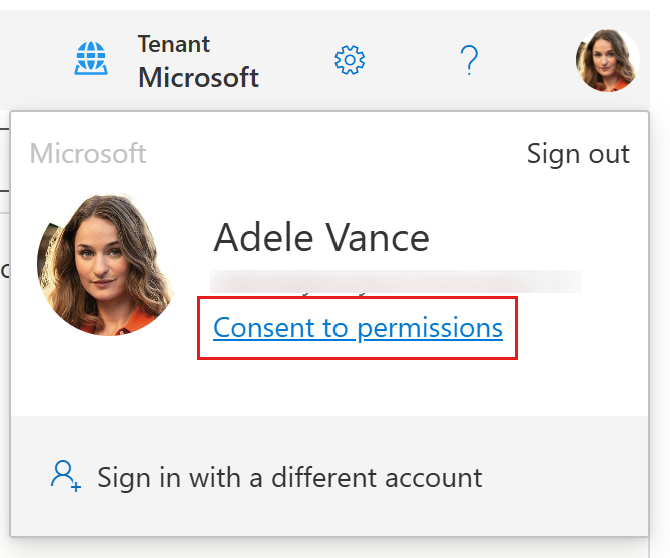
해당 권한에 대한 동의를
ExternalConnection.Read.All검색하고 선택합니다. 메시지에 따라 동의합니다.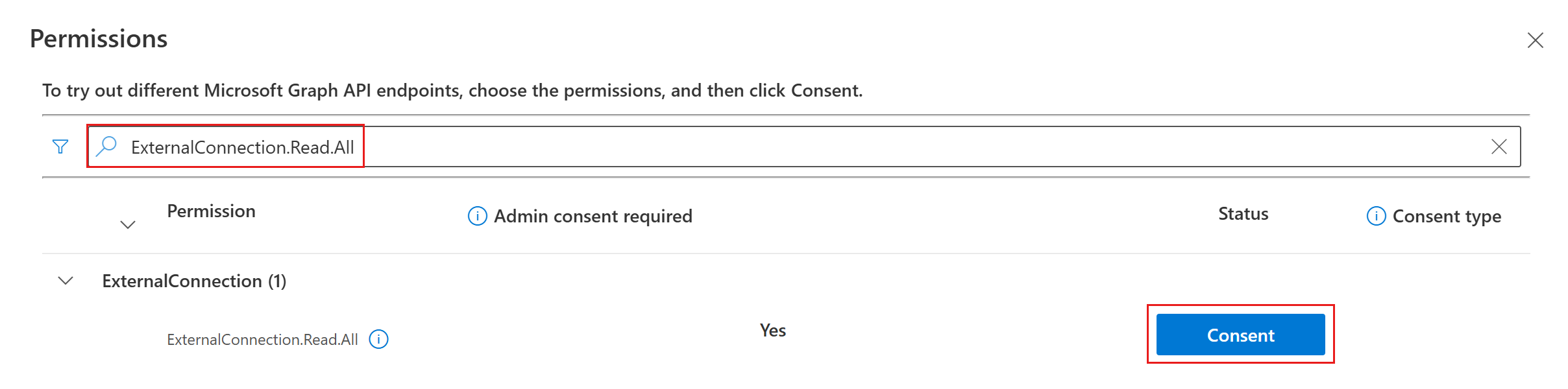
요청 필드를 입력
https://graph.microsoft.com/v1.0/external/connections?$select=id,name하고 쿼리 실행을 선택합니다.
원하는 연결선을 찾고 해당
id속성을 복사합니다. 예를 들어 다음 응답에서 GitHub Repos 커넥터를 사용하려면 값을 복사합니다githubrepos.{ "@odata.context": "https://graph.microsoft.com/v1.0/$metadata#connections(id,name)", "value": [ { "id": "applianceparts", "name": "Appliance Parts Inventory" }, { "id": "githubrepos", "name": "GitHub Repos" } ] }
SharePoint ID 검색
이 섹션에서는 개체 속성 내의 다음 속성에서 설정할 값을 검색하는 OneDriveAndSharePoint방법을 설명합니다.items_by_sharepoint_ids
site_idlist_idweb_idunique_id
Microsoft Graph Explorer로 이동하고 관리자 계정으로 로그인합니다.
오른쪽 위 모서리에서 사용자 아바타를 선택하고 권한에 대한 동의를 선택합니다.
해당 권한에 대한 동의를
Sites.Read.All검색하고 선택합니다. 메시지에 따라 동의합니다. 에 대해 이 프로세스를 반복합니다.Files.Read.All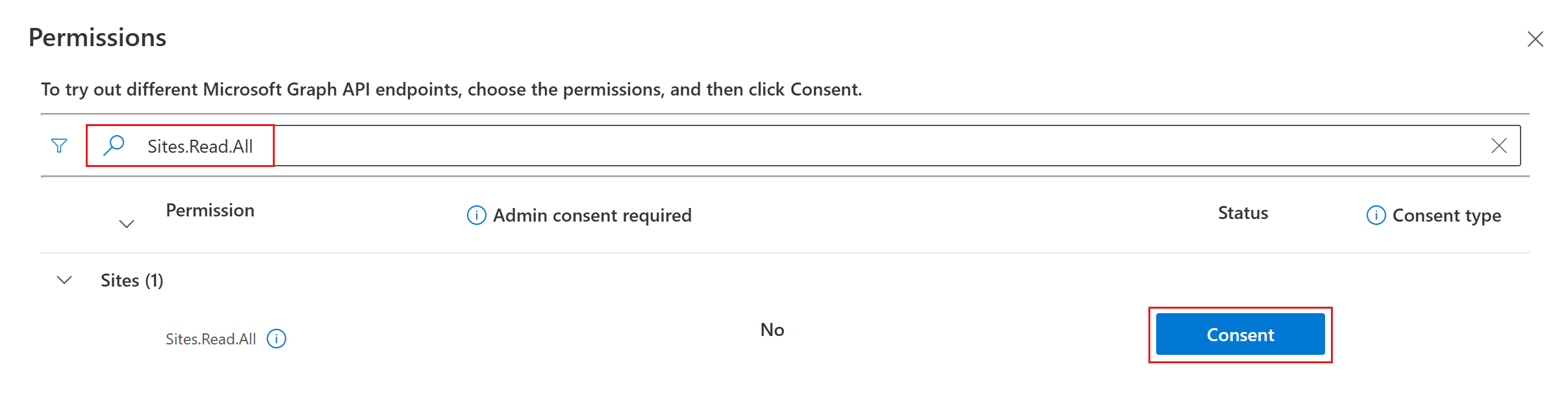
메서드 드롭다운을 POST 로 변경하고 요청 필드에 입력합니다
https://graph.microsoft.com/v1.0/search/query.
요청 본문에 다음을 추가하여 ID를 가져오려는 파일 또는 폴더의 URL로 바꿉
https://yoursharepointsite.com/sites/YourSite/Shared%20Documents/YourFile.docx니다.{ "requests": [ { "entityTypes": [ "driveItem" ], "query": { "queryString": "Path:\"https://yoursharepointsite.com/sites/YourSite/Shared%20Documents/YourFile.docx\"" }, "fields": [ "fileName", "listId", "webId", "siteId", "uniqueId" ] } ] }쿼리 실행을 선택합니다.
원하는 파일을 찾아 ,
webId,siteId, 및uniqueId속성을 복사listId합니다.{ "value": [ { "searchTerms": [], "hitsContainers": [ { "hits": [ { "hitId": "01AJOINAHZHINTBHPESZBISPIPSJG3D5EO", "rank": 1, "summary": "Reorder policy Our reorder policy for suppliers is straightforward and designed to maintain cost-efficiency and inventory control. We kindly request that no order exceeds a total", "resource": { "@odata.type": "#microsoft.graph.driveItem", "listItem": { "@odata.type": "#microsoft.graph.listItem", "id": "301b3af9-e49d-4296-893d-0f924db1f48e", "fields": { "fileName": "YourFile.docx", "listId": "12fde922-4fab-4238-8227-521829cd1099", "webId": "a25fab47-f3b9-4fa3-8ed9-1acb83c12a4f", "siteId": "5863dfa5-b39d-4cd1-92a6-5cf539e04971", "uniqueId": "{301b3af9-e49d-4296-893d-0f924db1f48e}" } } } } ], "total": 1, "moreResultsAvailable": false } ] } ] }