Notiz
Zougrëff op dës Säit erfuerdert Autorisatioun. Dir kënnt probéieren, Iech unzemellen oder Verzeechnesser ze änneren.
Zougrëff op dës Säit erfuerdert Autorisatioun. Dir kënnt probéieren, Verzeechnesser ze änneren.
When you perform a GET operation to retrieve a chart image, the Excel API in Microsoft Graph returns the image as a base-64 string. You can display the base-64 string inside an HTML image tag:
<img src="data:image/png;base64,{base-64 chart image string}/>
For default behavior, use Image(width=0,height=0,fittingMode='fit').
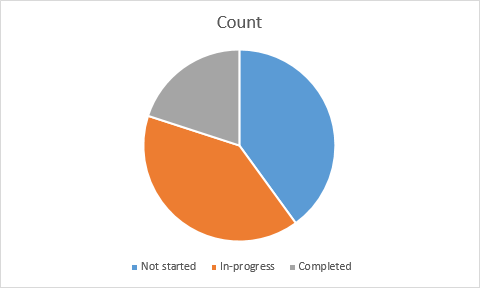
Following is an example of a chart image returned with the default parameters.
If you want to customize the display of the image, specify a height, width, and a fitting mode. Here is what the same chart image looks like if you retrieve it with these parameters: Image(width=500,height=500,fittingMode='Fill').