Notiz
Zougrëff op dës Säit erfuerdert Autorisatioun. Dir kënnt probéieren, Iech unzemellen oder Verzeechnesser ze änneren.
Zougrëff op dës Säit erfuerdert Autorisatioun. Dir kënnt probéieren, Verzeechnesser ze änneren.
Starting with Power Apps client library for code apps version 1.0.4, the client library includes an npm-based CLI for code apps. This new CLI reduces prerequisites for building code apps and replaces the Power Platform CLI's pac code commands, which are deprecated in a future release.
This article shows you how to install the Power Apps client library for code apps, set up a blank app from Vite, and convert it into a Power Apps code app by using the new npm-based CLI commands.
Prerequisites
Commands
The code apps npm CLI has four commands:
| Command | Description |
|---|---|
init |
Initialize your code app. |
run |
Starts a local development server. |
push |
Publishes a new version of the code app to your environment. |
find-dataverse-api |
See How to: Add a Dataverse action or function to your code app |
Learn how to use these commands by following the steps in this article.
Step 1: Initialize the project
Open a terminal and run the following command:
npx degit github:microsoft/PowerAppsCodeApps/templates/vite my-app
cd my-app
Learn more about the degit command.
Step 2: Install dependencies and initialize the code app
Install the project dependencies and the Power Apps client library for code apps:
npm install
Initialize your code app. You can either provide options directly or use interactive prompts:
Option A: Interactive mode (the CLI prompts you for required information):
npx power-apps init
Option B: Pass options directly:
npx power-apps init --display-name "App From Scratch" --environment-id <Your environment ID>
When you run the init command, the CLI authenticates you automatically. Sign in by using your Power Platform account when prompted.
Step 3: Test locally
Run the code app locally for development:
npm run dev
This starts a local development server. Open the URL labeled Local Play.
Important
Open the URL in the same browser profile as your Power Platform tenant.
Note
Local Network Access Restrictions
Since December 2025, Chrome and Microsoft Edge browsers block requests from public origins to local endpoints by default.
- Because your code app connects to localhost during development, you might need to grant browser permission or configure enterprise policies.
- For embedded scenarios, include
allow="local-network-access"in iframe tags. - For more information, see Control a website's access to the local network in Microsoft Edge and the new permission prompt for Local Network Access using Chrome.
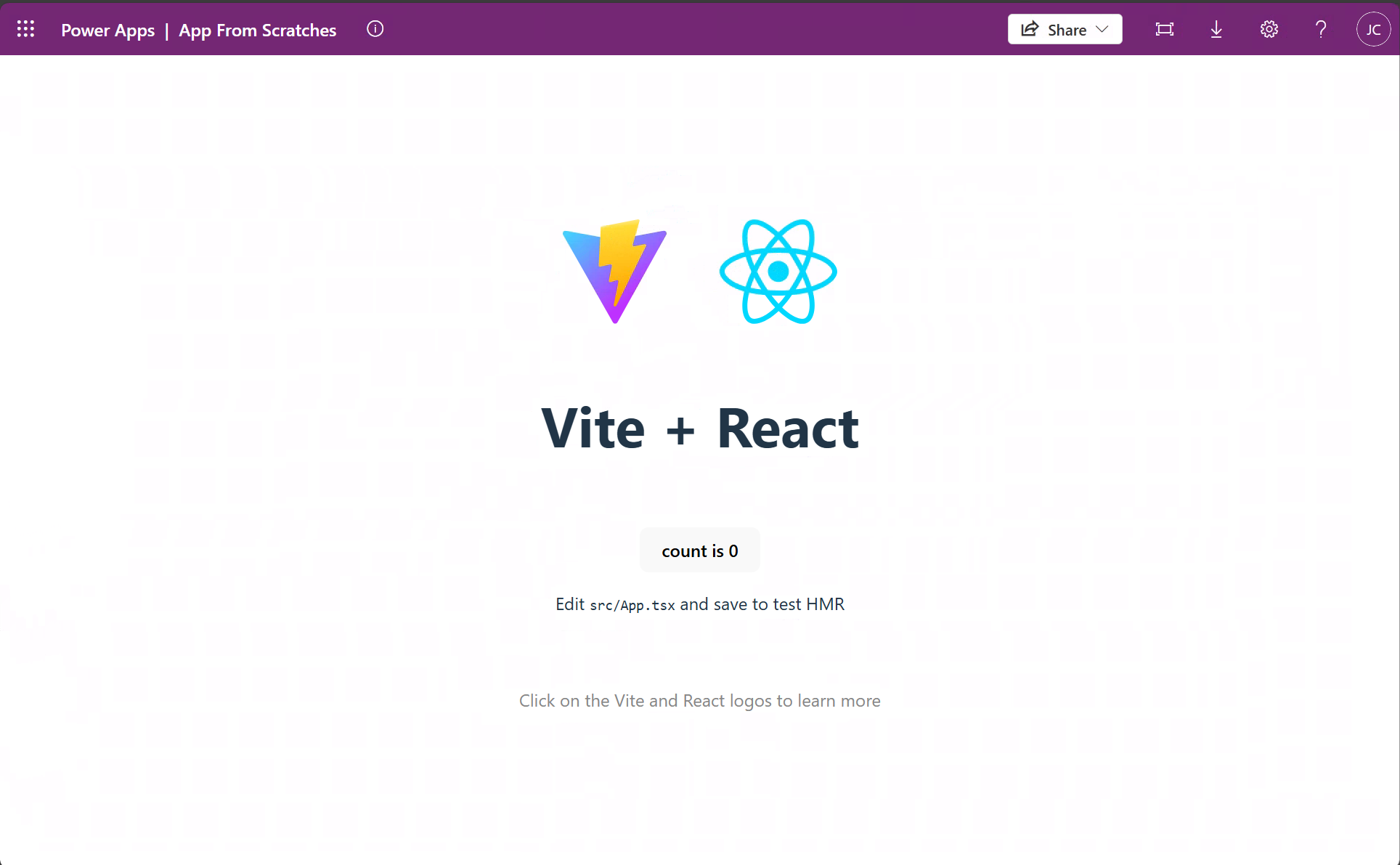
You should see the app open similar to:
Build and deploy to Power Apps
Build your app and push it to your Power Apps environment:
npm run build
npx power-apps push
Command details:
npm run build- Runs scripts frompackage.json. Executestsc -b && vite build.npx power-apps push- Publishes a new version of the code app to your environment.
When the command finishes successfully, it returns a Power Apps URL to run the app.
Optionally, go to Power Apps to view, play, share, or review app details.