Nota
L-aċċess għal din il-paġna jeħtieġ l-awtorizzazzjoni. Tista’ tipprova tidħol jew tibdel id-direttorji.
L-aċċess għal din il-paġna jeħtieġ l-awtorizzazzjoni. Tista’ tipprova tibdel id-direttorji.
Azure DevOps Services | Azure DevOps Server | Azure DevOps Server 2022
You can subscribe to email alerts to be notified of changes in pull requests (PRs). By default, you're subscribed to several common PR notifications. For a complete list of default subscription notifications, see Out-of-the-box (OOB) or default subscriptions.
To view or set your personal notifications, see Manage your personal notifications.
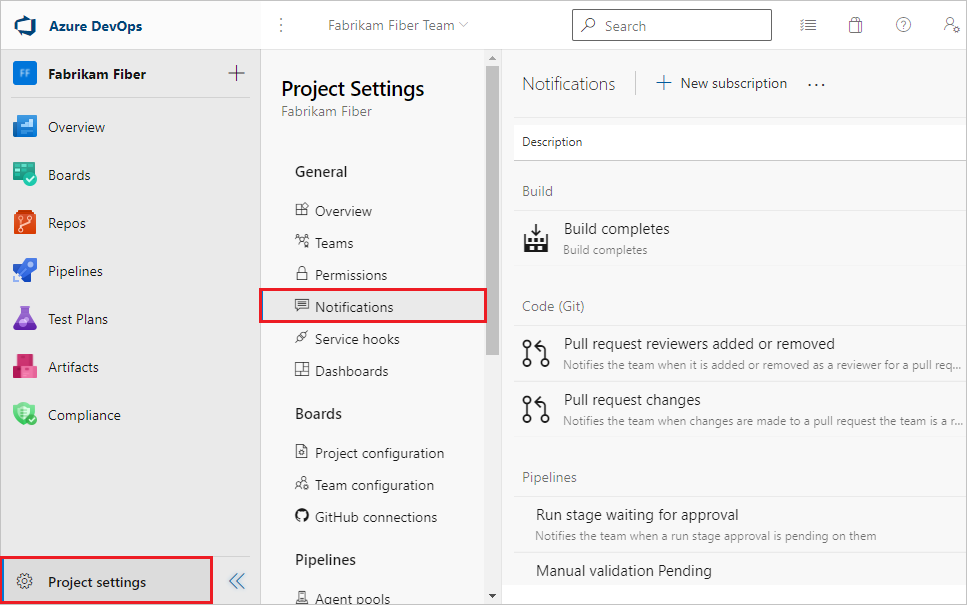
To view project notification settings, go to the project and select Project settings > Notifications.
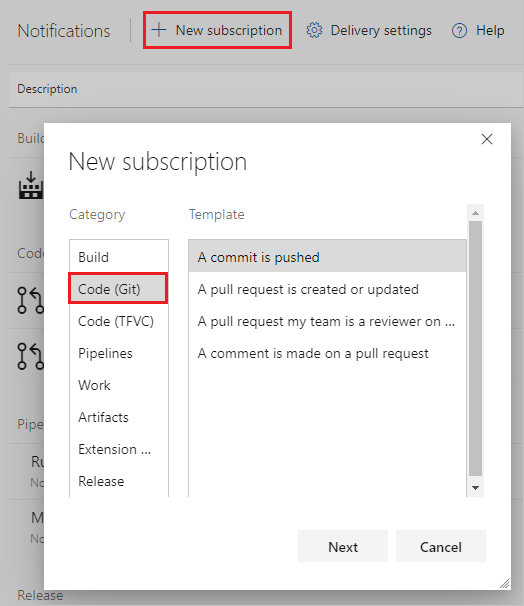
To subscribe to more notifications, select New subscription.
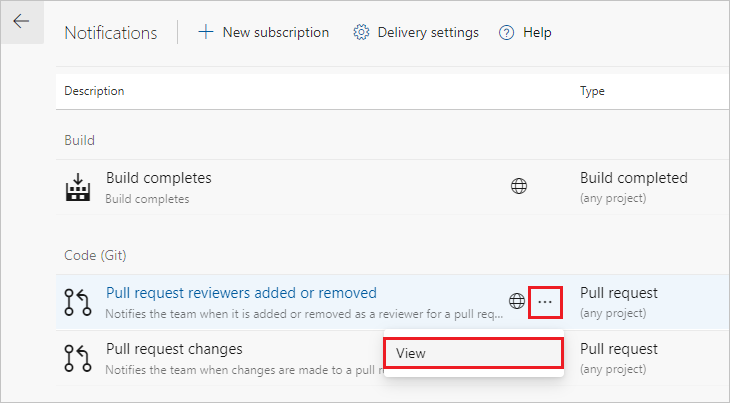
To edit a notification, select ... next to the notification and select View, then edit the subscription.
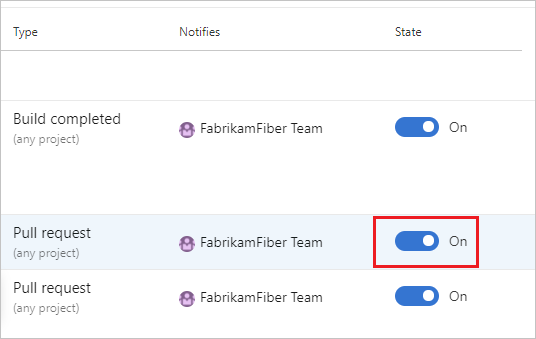
To opt out of a notification, set the State to Off.