Nota
L-aċċess għal din il-paġna jeħtieġ l-awtorizzazzjoni. Tista’ tipprova tidħol jew tibdel id-direttorji.
L-aċċess għal din il-paġna jeħtieġ l-awtorizzazzjoni. Tista’ tipprova tibdel id-direttorji.
Track your tasks in Microsoft Outlook to your Dynamics 365 app. You can only track a task using category based tracking. For more information, see Use Outlook category to track appointments and emails.
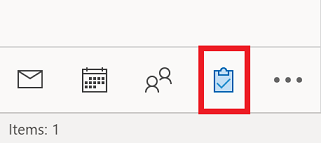
Navigate to your tasks in Microsoft Outlook.
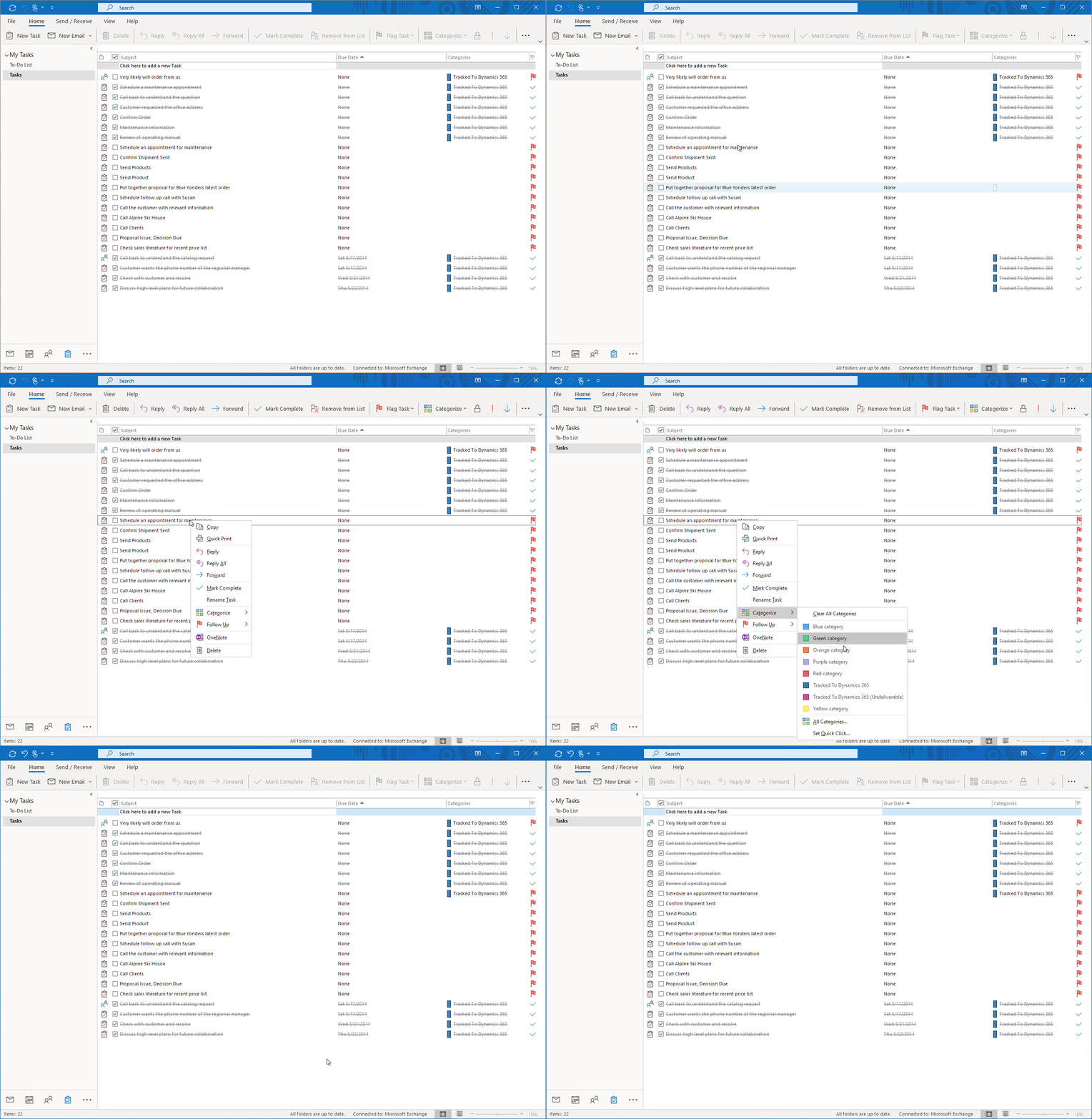
Right-click on the task that you want to track and then select Categorize > Track to Dynamics 365. The task will be created in your Dynamics 365 when the synchronization occurs.