Merk
Tilgang til denne siden krever autorisasjon. Du kan prøve å logge på eller endre kataloger.
Tilgang til denne siden krever autorisasjon. Du kan prøve å endre kataloger.
For a while now I have been eyeing off the Asus EEE PC. I liked the look of it and wanted to get one as a 'mobile email client' to use at Microsoft. However there were two significant issues for me. The first was that it only supports a display of 800x480 - and I wasn't sure if I could actually use Outlook at that resolution. The second was that it only has 4GB of storage.
I spent some time trying to find some hardware that I could use to try this out - and soon found that none of my computers would support this resolution. But in a moment of inspiration I realized that as Virtual PC supports arbitrary resolutions once Virtual Machine Additions are installed, I could use Virtual PC as a test:
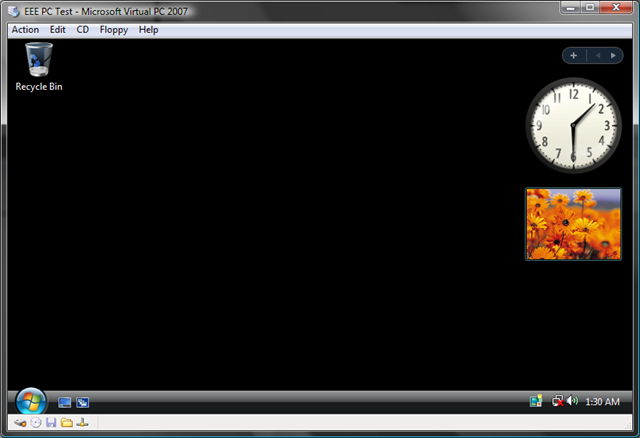
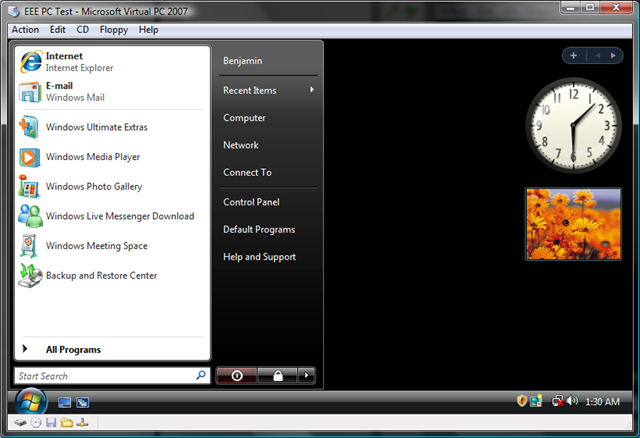
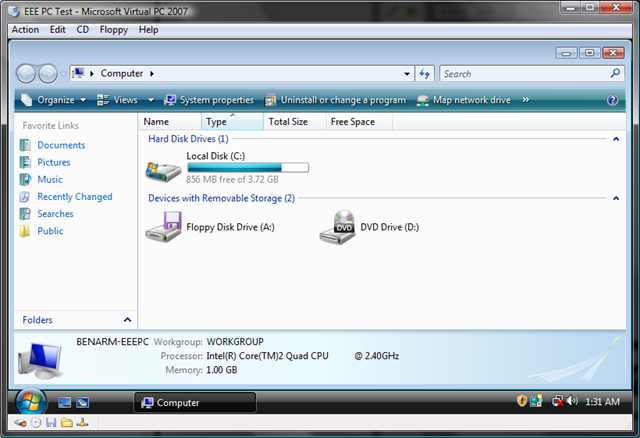
A little while later I had a virtual machine with a 4GB hard disk and Vista running at 800x480. Thanks to this I was able to confirm that yes - the EEE PC was a good option for me.
Cheers,
Ben
Comments
Anonymous
March 05, 2008
What did you use for your CPU/memory settings on that virtual. I've heard that putting vista on the eee is to aggressive. also, you know the new one with the 9 inch screen is coming out very soon at a 700$ price point (same form factor). I'd hold off.Anonymous
March 05, 2008
Vista is history, i'am running the EEE 4G on XP and Outlook 2007, works great. Upgraded it to 1 Gb ram, and added a 4 Gb SD card for storrage. With a bigger power consuming screen, what will the battery time be ? More info would show up on eeeuser.comAnonymous
March 05, 2008
How did you cut Vista for only 3.72Gb space usage?Anonymous
March 06, 2008
Excellent idea Ben. It would be fantastic if you would explain how you managed to install Vista onto such a small drive? The Vista installer kindly informs me that I am unable to install Vista onto a drive with less than 7GB of space. Many thanks, MorganAnonymous
March 06, 2008
The comment has been removedAnonymous
March 06, 2008
The comment has been removedAnonymous
March 06, 2008
To answer some questions: Yes - I did use vLite to get Vista installed. Yes - I did buy an EEE PC and am running Vista on it now quite happily. Cheers, BenAnonymous
March 07, 2008
Many thanks for the reply Ben. I was hoping there was an "official" way to cut Vista down. Unfortunately vLite cannot be used for commercial purposes :(Anonymous
March 11, 2008
Client of ours is running XP on the EeePC. Ram was bumped up to 2 gig I think with an 8 gig card. But tempted to get one myself and do the Vista thing on it... :) The Wifi range on that tiny little thing is SO impressive!Anonymous
April 02, 2008
Nice kit, isn't it? I use it in my stone cottage - and it is the only thing that can pick up wireless signals in there. The walls are largely 3' thick stone - so whether it's bounce or scatter I don't know.