Merk
Tilgang til denne siden krever autorisasjon. Du kan prøve å logge på eller endre kataloger.
Tilgang til denne siden krever autorisasjon. Du kan prøve å endre kataloger.
The following list includes community resources created by the Power Apps community. Use these resources to create code components in model-driven and canvas apps by using Power Apps component framework and Microsoft Power Platform CLI.
Note
Microsoft doesn't support resources created by the community. If you have questions or issues with community resources, contact the publisher of the resource. Before using these resources, ensure that they meet the Power Apps component framework guidelines. Use them only for reference.
PCF Gallery
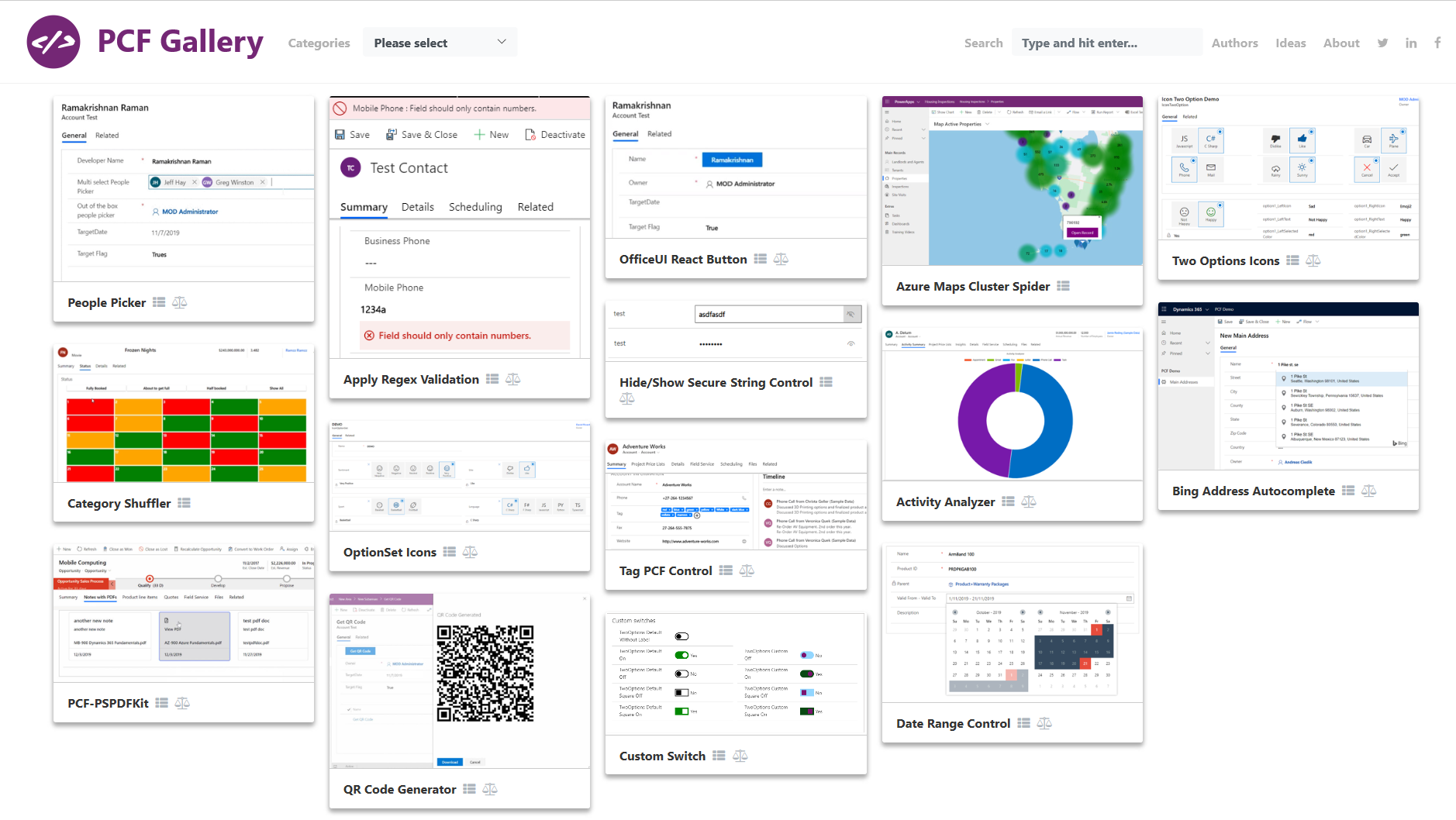
The Power Apps component framework gallery (https://pcf.gallery/) is a collection of code components created by the Power Apps community. It has a wide range of code components that might fit your business case.
Review the licensing terms and the source code before you download. See How to run the samples for information about creating a solution package and importing it into Microsoft Dataverse.
Warning
Code components run in the context of the end user who is using the component. The code component can perform any action that might include accessing, capturing, and modifying the data.
Videos
The following list shows videos created by the Power Apps community.
| Name | Description |
|---|---|
| Build your own code components | Learn how to build code components in model-driven and canvas apps by using the Power Apps component framework. |
| Code components for canvas apps | Learn how to develop and use code components in canvas apps. |
| Develop code components | This video shows the requirements for developing code components by using the Power Apps component framework and demonstrates a step-by-step approach for creating your first code component. |
| Easier debugging with source maps and Fiddler | Learn how to debug minified production code by using Fiddler and source maps. |
| Getting started with code components | Introductory video on Power Apps component framework and basics of building code components. |
| Power Apps component framework Academy: Dataset components | Learn more detail about dataset components and how different methods of dataset API are used. |
| Power Apps component framework Academy: Deep dive manifest file for field template | Learn how to define a manifest file for field type code components. |
| Power Apps component framework Academy: Getting started | Introductory video on how to build your first code component. |
| Power Apps component framework Academy: Importing into your organization | Learn how to package and import code components into Dataverse. |
| Power Apps component framework Academy: Usage of additional frameworks | Learn how to use additional frameworks in building code components. |
| Power Apps component framework Academy: Using React and Office UI fabric | Learn how to use React and UI fabric in code components. |
| Power Apps component framework Academy: Working with manifest file | Introductory video on manifest file and various methods that you need to define for developing code components in the manifest file. |
| Power Apps component framework: Deep dive manifest file for dataset template | Learn how to define a manifest file for dataset type code components. |
| Power Apps component framework revolution | Learn how component framework enhanced the visualization in model-driven and canvas apps |
| Power Apps component framework: What it is for Dynamics 365 | If you ever lamented over the limitations of custom form components in Microsoft Dynamics 365, this tutorial opens your eyes to a whole new world of possibilities. |
Blogs
The following list includes blogs created by the Power Apps community.
- Add style to code component in Power Apps component framework
- Beyond the Power Apps component framework
- Build and deploy your first PCF control without React
- Create code components
- Create PCF-based regular-expression validation
- Debug PCFs using a browser autoresponder extension
- Detect whether a PCF is running in a canvas app or custom page
- Dianamics Lady (Multiple topics)
- Editing the DOM with supported code components
- PCF Controls Course from Carl de Souza
- Power Apps grid API: Disabling
- Style your Fluent UI 9 PCFs for Power Apps
- Use Copilot Studio agent APIs from a PCF control
- Use pfx-default-value for PCF properties
- Virtual PCFs with Fluent UI 9 after GA
- What happens when a web resource calls setVisible/setDisabled for that component
- When do you call updateView method
PCF Builder
PCF Builder is a tool that you use to build code components. You don't need to write the CLI commands but still use the Microsoft Power Platform CLI under the hood. Most of the commands are consolidated, making it easier to build components.
PCF Builder is available in three ways:
- PCF Builder for XrmToolBox
- PCF Builder for Visual Studio Code
- PCF Builder for Power Platform Tools This tool is based on the PCF Custom Control Builder for XrmToolBox
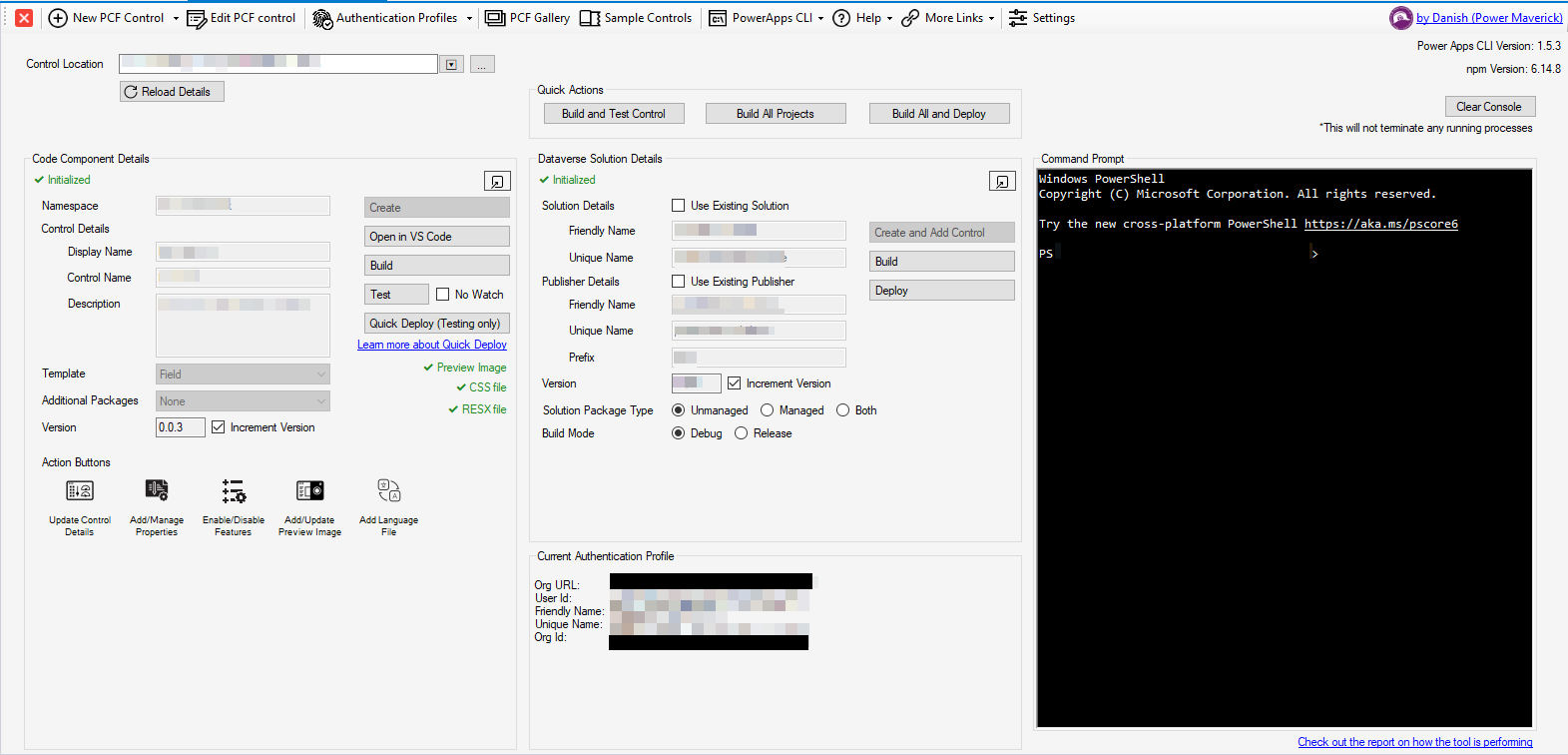
PCF Builder for XrmToolBox provides a graphical user interface that you use to create code components in a visual manner by using Microsoft Power Platform CLI.
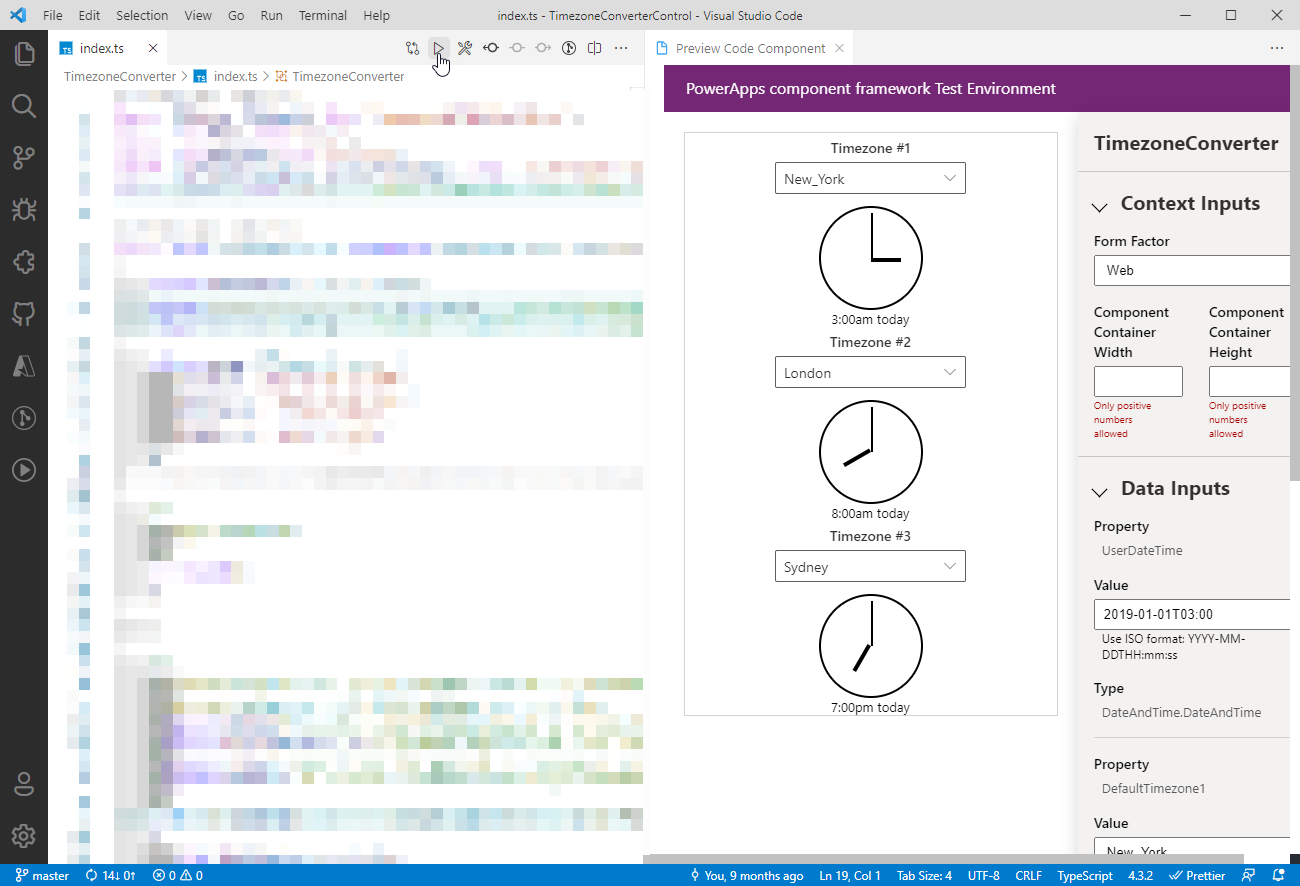
PCF Builder extension for Visual Studio Code provides a guided experience that not only lets you create code components but also lets you preview a code component inside of Visual Studio Code.