Примечание.
Для доступа к этой странице требуется авторизация. Вы можете попробовать войти или изменить каталоги.
Для доступа к этой странице требуется авторизация. Вы можете попробовать изменить каталоги.
When you need to find Microsoft Security integrations, follow this process:
Navigate to the Security Store portal.
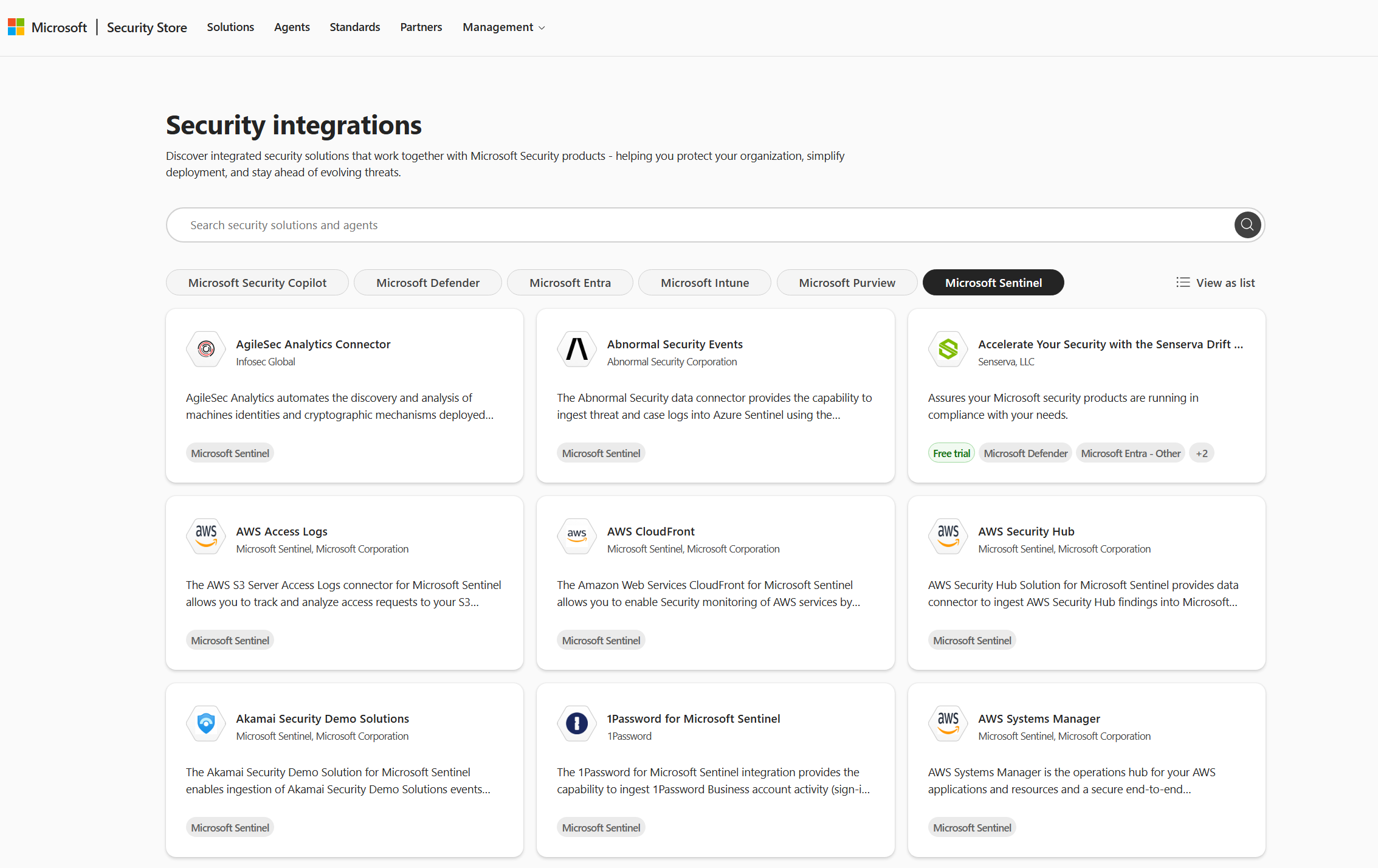
Select Explore solutions on the Security integrations card.
Select any Microsoft Security product filters to view integrations specific to the product with which you're working. For example, the screenshot shows Microsoft Sentinel solutions that also appear in Microsoft Sentinel Content hub.
Select any solution to view solution details. Select Get solution.
Related content
Use Microsoft Security Store to find, buy, and deploy security solutions and agents