Simple User Model Sample

This sample is compatible with the June 2022 Microsoft Game Development Kit (10.0.22000.4362)
Description
This sample shows how to use the new Simple User Model introduced with the June Microsoft Game Development Kit.
Building the sample
If using an Xbox One devkit, set the active solution platform to Gaming.Xbox.XboxOne.x64.
If using an Xbox Series X|S devkit, set the active solution platform to Gaming.Xbox.Scarlett.x64.
If using a PC, set the active solution platform to x64.
For more information, see Running samples, in the GDK documentation.
Using the Sample
To launch the Simple User Model Sample on a devkit, you first need to sign in a user and set the default devkit user. The default user can be user using the Xbox One Manager GDK by checking "Auto Sign-In" for the user. Alternatively, it can be set using the "xbconfig DefaultUser" setting. Please see documentation on the Simple User Model for more information.
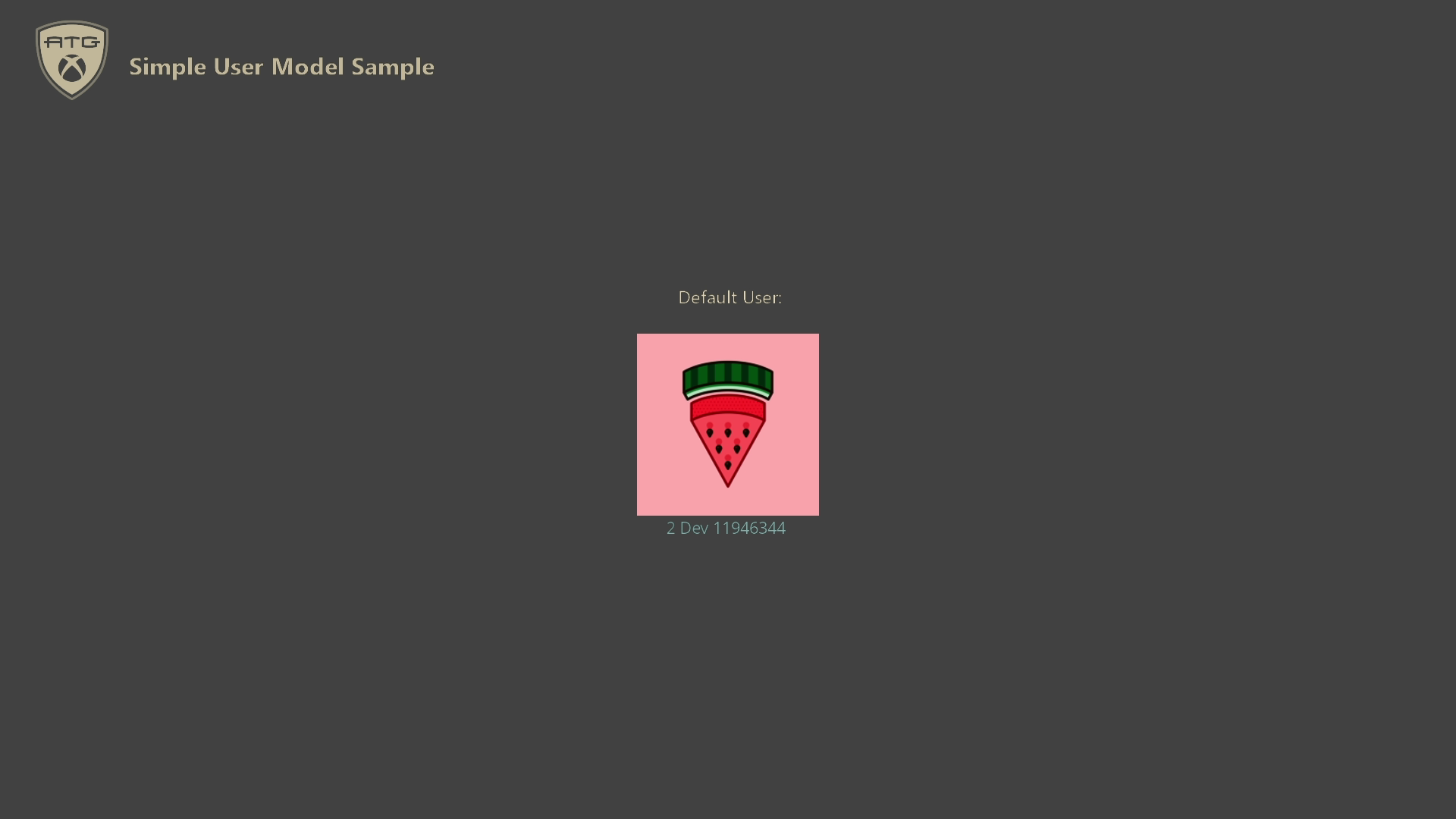
The sample signs in the default user silently and shows their gamertag and gamerpic on the screen. If the user changes their gamertag or gamerpic, they will be updated on the screen as well. Press the [View] button to exit the sample.
CONSOLE ONLY: When the controller assigned to the default user is disconnected, the sample calls XUserFindControllerForUserWithUiAsync, which launches a UI that prompts for controller input. This ensures that a controller is always paired to the default user.
Implementation Notes
The new simple user model greatly simplifies the user management code needed by a title when the title intends to have a single default user. Examples can include single-player games, single-user always-online titles, RPGs, and more.
When looking at the sample code, search for the "[Simple User Model]" comment to find locations related to using the simple user model.
To enable the simple user model for your title, you need to edit MicrosoftGame.config and add the following entry:
<!-- Opt into requiring a default user at launch and to use the simple user model. -->
<AdvancedUserModel>false</AdvancedUserModel>
The default value is currently true for titles built with the June 2022 GDK release. This may change in a future GDK major release to default to false. On titles built with GDK versions older than April 2021, this setting does not exist and the user model available is only the advanced model.
When using the simple user model, user sign-in/sign-out behavior, user events, PLM (Process Lifetime Management) events, and related functionality change and can be handled in simpler ways than when using the older advanced model. See the following table for information on the changes and how the handling has been simplified:
| Feature | Handling with Simple User Model | Handling with Advanced User Model |
|---|---|---|
| Default User / Primary User | On console, the user who launches the title from the Xbox home screen is set as the immutable default user for that title's lifetime. On PC, if nobody is signed in, the game will get terminated and the PC Bootstrapper will get launched to help sign-in a user. Subsequent launches will work just fine so long as the user is fully signed into Xbox Live. | The title must manually establish and manage the primary user for the title. See XR-112 for more information. |
| Sign-In & Sign-Outs | Signing in the default user with XUserAddAsync and the AddDefaultUserSilently flag is guaranteed to succeed silently. On console, if the default user becomes signed-out, the title is suspended. On PC, if the default user becomes signed-out, the title is terminated. Extra users beyond the default user are handled the same as with the advanced user model. | No assumptions can be made about the success of a sign-in attempt. The title is not automatically suspended if any user is signed out. Instead, the title must handle sign-ins and sign-outs according to XR-115. |
| PLM | The application will terminate the title when attempting to start the title from the Xbox home screen with a different user than the one that previously launched it. On console, the application will relaunch automatically. On PC, the application must be relaunched manually. | All PLM events should be handled accordingly, including any that cause change/loss of users and/or devices. |
| User Events | The default user never receives Sign-In/Out related user events. Extra users do receive the Sign-Out/In related events. All users receive other user change events, such as gamertag and gamerpic change events. | All users can receive all user events. |
The behavior described in the table above is the behavior when testing on PC or console (retail console or when using the Xbox home screen to launch and test applications on a devkit).
When using a devkit with DevHome, testing PLM using testing tools, or other devkit applications, there are some extra cases to consider.
You can get user sign-out/in related events for the default user if you signed out the default user, signed in a new user, and then manually resumed the title using the Xbox Manager application or other PLM testing tools. This case does not need to be handled for retail usages.
You need to set a default user for launching the title on a devkit when not using the Xbox home screen to launch. To do this, you can check "Auto Sign-In" in the Xbox Manager application or by using "xbconfig DefaultUser" settings.
For more information about how to handle multiple users, user sign-in/out events, gamepad pairing, XR handling, and other more advanced user topics, please see the UserManagement Sample.
Update history
August 10, 2023: Added scenario for reconnecting controller to user after controller loss
June 24, 2022: Added PC support, upgraded requirements to June 2022 GDK
Initial Release: Microsoft Game Development Kit (June 2021)
Privacy Statement
When compiling and running a sample, the file name of the sample executable will be sent to Microsoft to help track sample usage. To opt-out of this data collection, you can remove the block of code in Main.cpp labeled "Sample Usage Telemetry".
For more information about Microsoft's privacy policies in general, see the Microsoft Privacy Statement.