您可以透過 az postgres flexible-server firewall-rule create 命令,將防火牆規則新增至伺服器。
az postgres flexible-server firewall-rule create \
  --resource-group <resource_group> \
  --name <server> \
  --rule-name <rule> \
  --start-ip-address <start_ip_address> \
  --end-ip-address <end_ip_address>
如果您嘗試在未處於 Ready 狀態的伺服器上新增防火牆規則,您會收到如下的錯誤:
Code: InternalServerError
Message: An unexpected error occured while processing the request. Tracking ID: '<tracking_id>'
附註
防火牆規則名稱只能包含 0-9、、a-zA-Z、 -和 。_ 此外,防火牆規則的名稱必須至少有 3 個字元,長度不超過 128 個字元。
如果您嘗試新增名稱無效的防火牆規則,您會收到如下的錯誤:
The firewall rule name can only contain 0-9, a-z, A-Z, '-' and '_'. Additionally, the name of the firewall rule must be at least 3 characters and no more than 128 characters in length.
如果您嘗試新增防火牆規則,但其名稱與另一個現有防火牆規則的名稱相符,您將不會收到錯誤,但規則會以針對 --start-ip-address 和 --end-ip-address 提供的值更新。
如果您為--start-ip-address和--end-ip-address參數傳遞無效的 IP 位址,您會收到如下的錯誤:
Incorrect value for ip address. Ip address should be IPv4 format. Example: 12.12.12.12.
如果您傳遞的值--start-ip-address大於傳遞的值--end-ip-address,您會收到如下錯誤:
The end IP address is smaller than the start IP address.
如果您嘗試將防火牆規則新增至未啟用公用存取的伺服器,您會收到如下的錯誤:
Firewall rule operations cannot be requested for a private access enabled server.
附註
雖然不建議這麼做,但您可以建立多個具有不同名稱和重疊IP範圍的防火牆規則,或甚至比對開始和結束IP位址。
若要允許公用存取,從 Azure 內的任何 Azure 服務到您的伺服器,您必須建立防火牆規則,其開始和結束 IP 位址都設定為 0.0.0.0。
重要
當您在防火牆中設定規則,並將起始和結束IP位址設定為 0.0.0.0時,它會設定防火牆以允許從配置給任何 Azure 服務或資產的IP位址連線,包括來自其他客戶的訂用帳戶連線。
![顯示 [網络] 頁面的螢幕快照。](media/how-to-networking/public-access-networking-enabled.png)
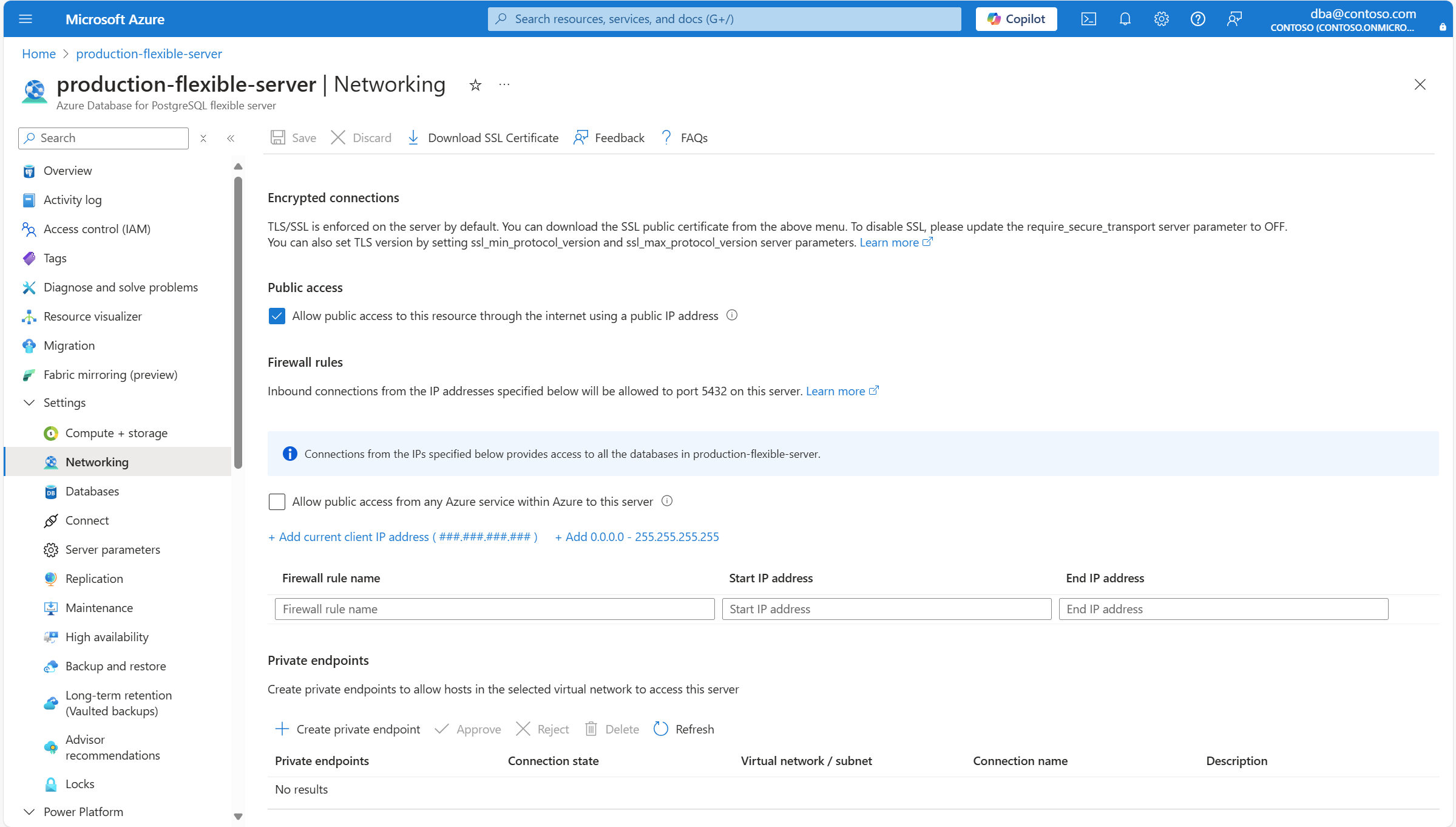
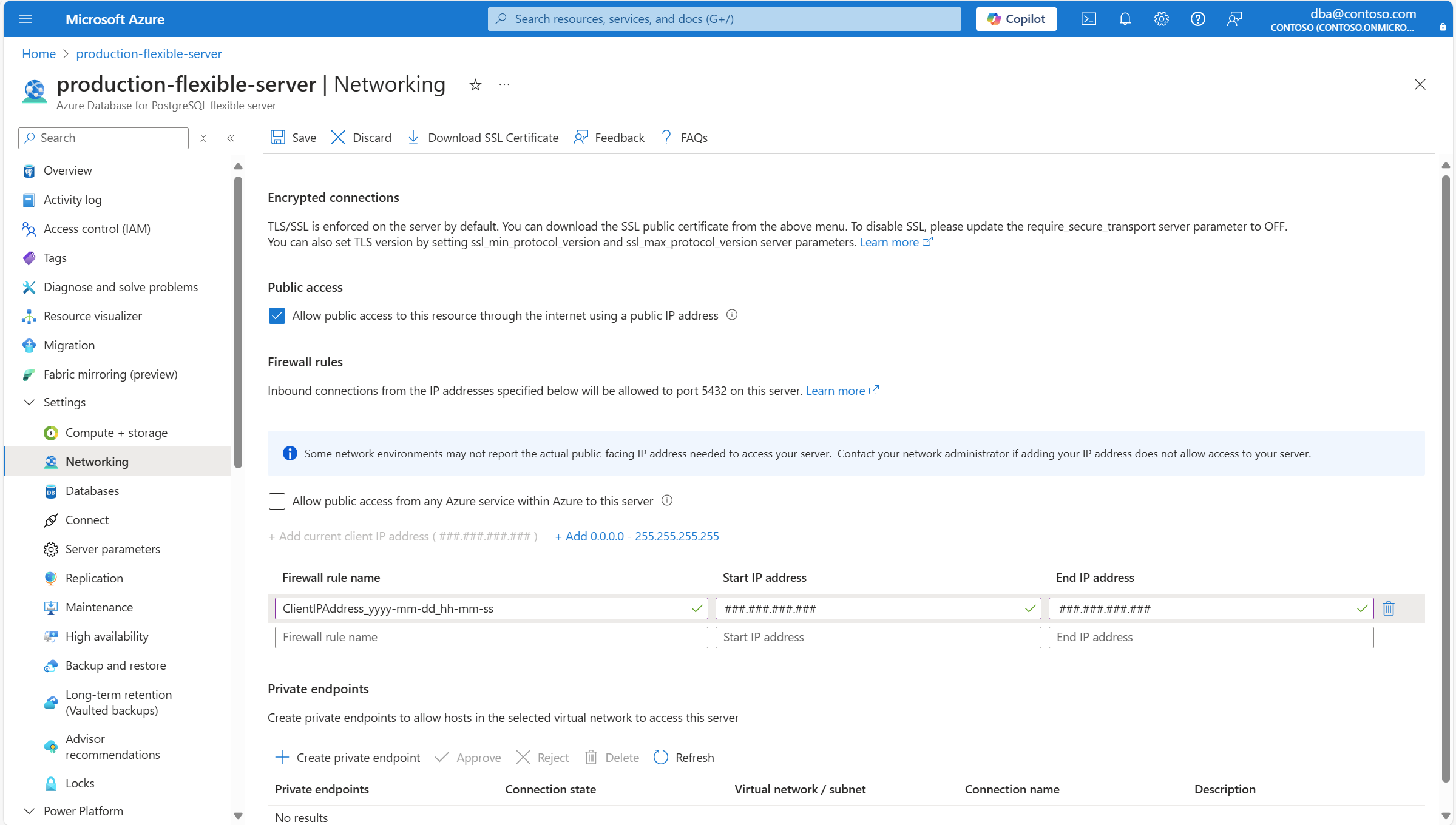
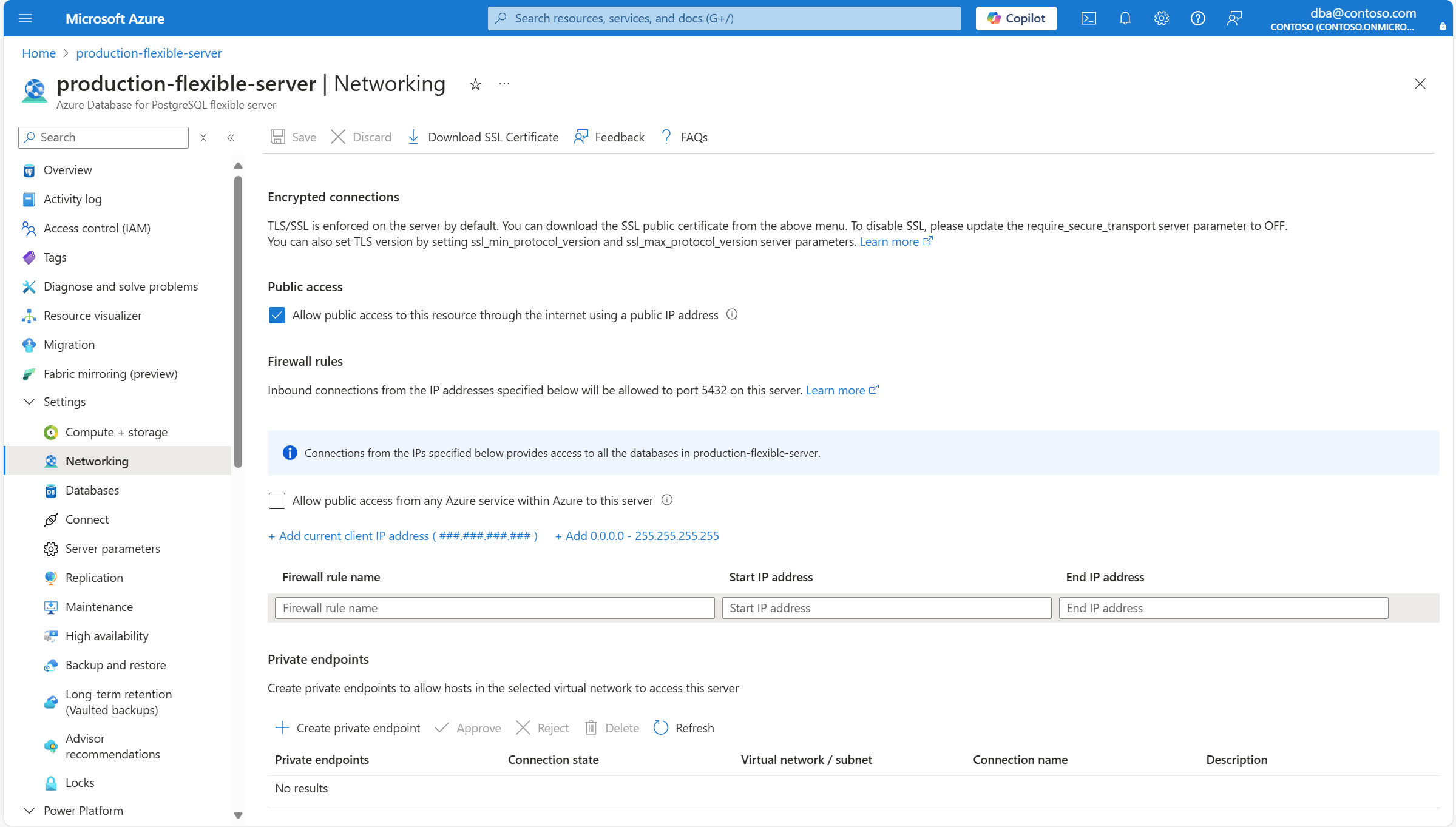
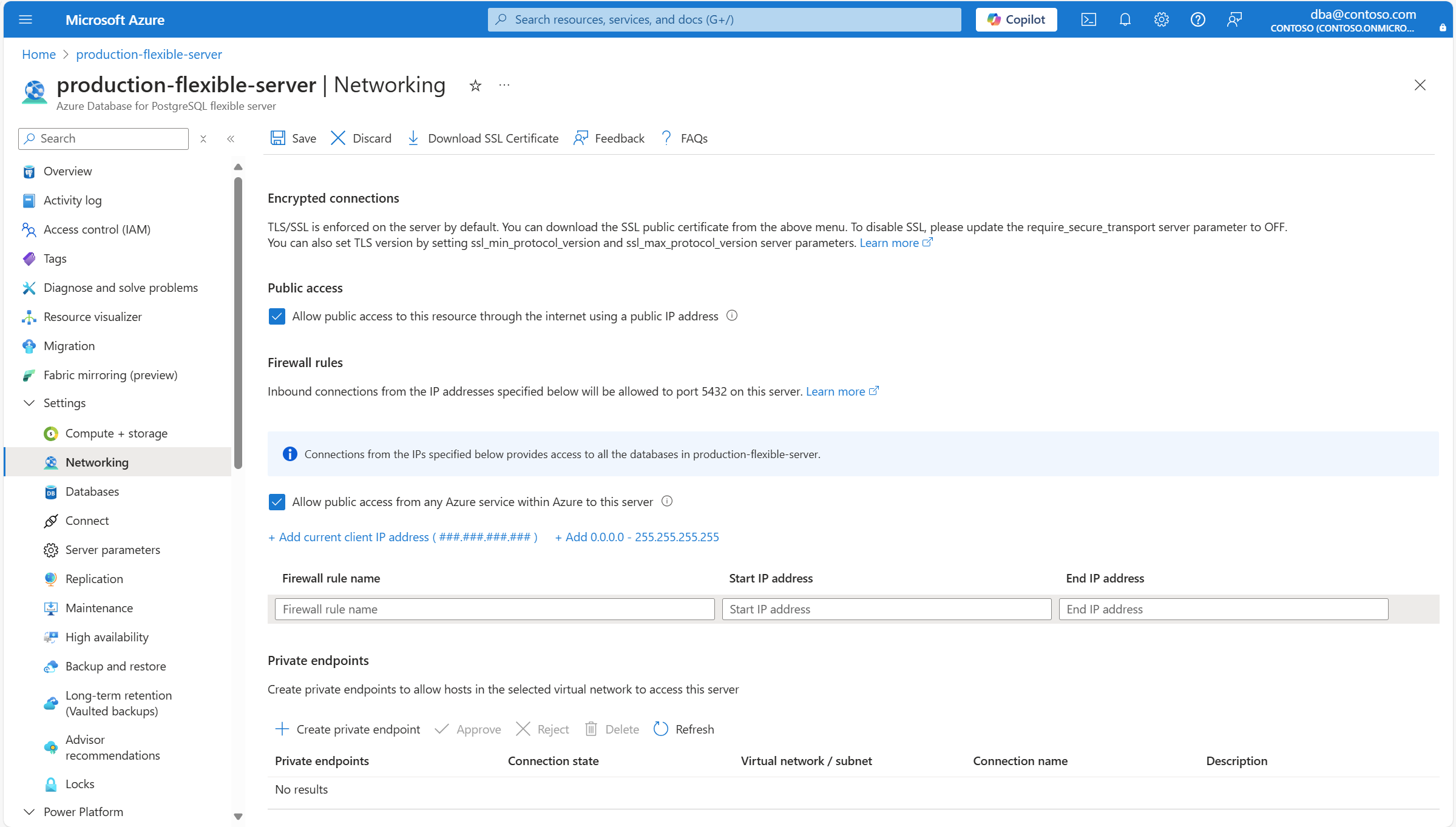
![顯示 [網络] 頁面的螢幕快照。](media/how-to-networking/public-access-networking-enabled.png#lightbox)
![顯示 [儲存] 按鈕的螢幕快照。](media/how-to-networking/added-firewall-rule-current-client-save.png)
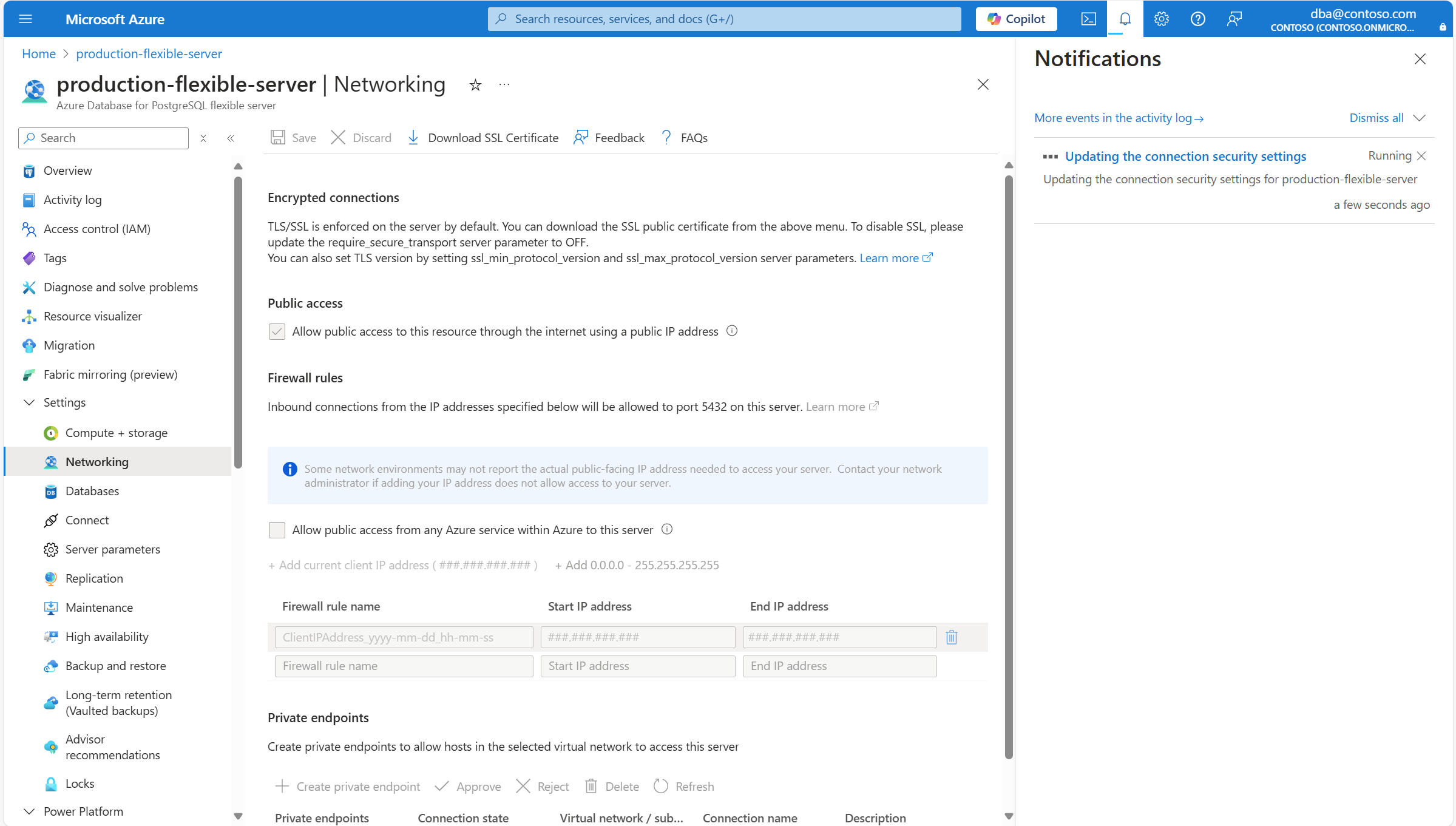
![顯示伺服器狀態為 [正在更新] 的螢幕快照。](media/how-to-networking/public-access-updating.png)
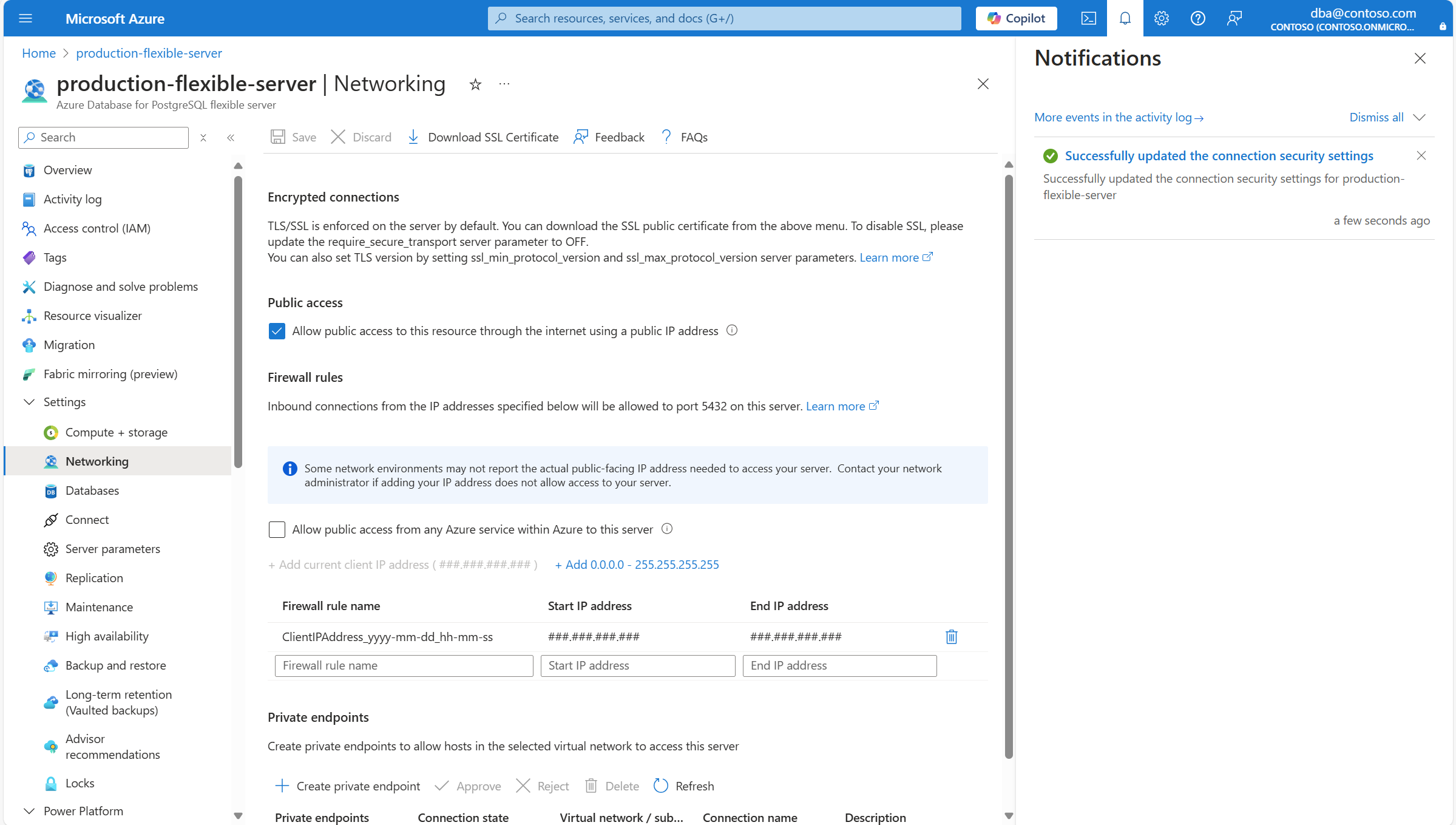
![顯示伺服器狀態為 [就緒] 的螢幕快照。](media/how-to-networking/public-access-available.png)
![顯示 [儲存] 按鈕的螢幕快照。](media/how-to-networking/added-firewall-rule-current-client-save.png#lightbox)
![顯示伺服器狀態為 [正在更新] 的螢幕快照。](media/how-to-networking/public-access-updating.png#lightbox)
![顯示伺服器狀態為 [就緒] 的螢幕快照。](media/how-to-networking/public-access-available.png#lightbox)