失敗要求,其中包含模擬錯誤的檔案中隨機選取的錯誤。
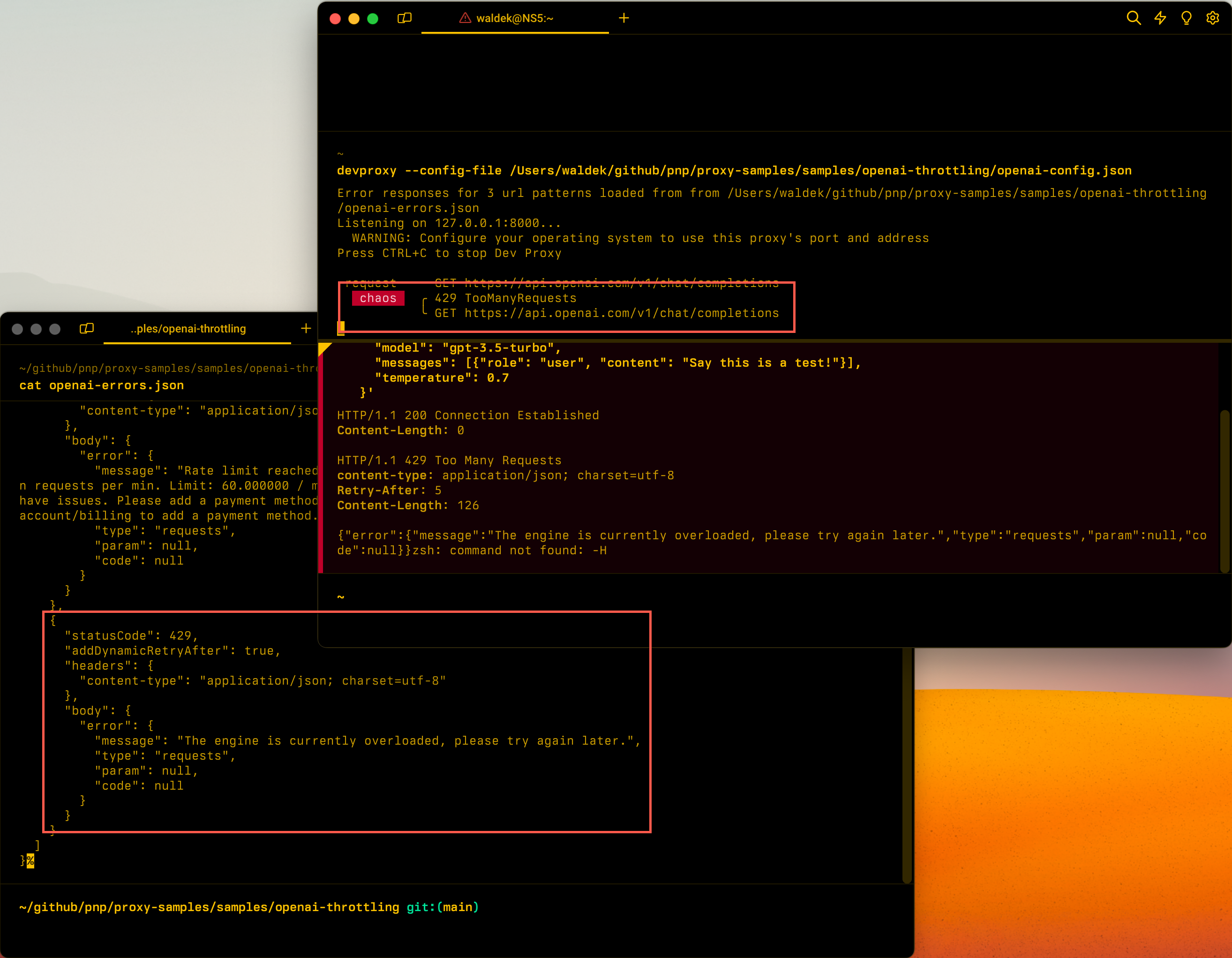
組態範例
{
  "$schema": "https://raw.githubusercontent.com/dotnet/dev-proxy/main/schemas/v4.0.0/rc.schema.json",
  "plugins": [
    {
      "name": "GenericRandomErrorPlugin",
      "enabled": true,
      "pluginPath": "~appFolder/plugins/DevProxy.Plugins.dll",
      "configSection": "genericRandomErrorPlugin"
    }
  ],
  "urlsToWatch": [
    "https://api.openai.com/*"
  ],
  "genericRandomErrorPlugin": {
    "$schema": "https://raw.githubusercontent.com/dotnet/dev-proxy/main/schemas/v4.0.0/genericrandomerrorplugin.schema.json",
    "errorsFile": "errors.json"
  }
}
組態屬性
| 財產 | 描述 | 違約 |
|---|---|---|
errorsFile |
包含錯誤回應之檔案的路徑。 | errors.json |
rate |
要求失敗的百分比,並出現隨機錯誤。 介於 0 和 100 之間的值。 | 50 |
retryAfterInSeconds |
重試要求之前要等候的秒數。 包含在動態節流 Retry-After 回應標頭中。 |
5 |
命令行選項
| 名稱 | 描述 | 違約 |
|---|---|---|
-f, --failure-rate <failure rate> |
要求失敗的百分比,並出現隨機錯誤。 介於 0 和 100 之間的值。 | 50 |
備註
回應機構
如果你把錯誤回應的屬性設定 body 在 JSON 物件或陣列上,Dev Proxy 會將其序列化成 JSON。 如果你把它設成字串,Dev Proxy 會把字串寄 as-is,不會加上引號。 以 開頭的 @ 字串被視為相對於錯誤檔案的路徑,並以回應主體為基礎。 因為開發代理預設Content-Type標頭為 application/json,例如回傳非 JSON 內容text/plain時,標頭會與Content-Type你的內容相符。
每次回應 Retry-After 值
Dev Proxy 會在@dynamicRetry-After標頭中解析任何狀態碼,例如 429、 503、 529。 它會與標頭名稱相符,不論哪種情況。 當它解決 @dynamic後,也會向 RetryAfterPlugin 註冊請求,該插件會回報你的應用程式在時間結束前 Retry-After 發出的請求。
預設標 Retry-After 頭使用全域 retryAfterInSeconds 值。 你可以用 @dynamic=N 錯誤回應檔案中的語法,針對每個回應來覆寫這個值,其中 N 是等待後再嘗試的秒數。
{
  "$schema": "https://raw.githubusercontent.com/dotnet/dev-proxy/main/schemas/v4.0.0/genericrandomerrorplugin.errorsfile.schema.json",
  "errors": [
    {
      "request": {
        "url": "https://api.openai.com/*"
      },
      "responses": [
        {
          "statusCode": 429,
          "headers": [
            {
              "name": "Retry-After",
              "value": "@dynamic=17"
            }
          ],
          "body": {
            "error": {
              "message": "Rate limit exceeded. Wait 17 seconds."
            }
          }
        }
      ]
    }
  ]
}
在此範例中, Retry-After 標頭對此回應使用 17 秒數,無論全域 retryAfterInSeconds 設定為何。 每次後續限速請求的值都會增加,就像普通 @dynamic 標記一樣。
預設 Content-Type 標頭
如果錯誤回應有且 body 沒有定義 Content-Type 標頭,Dev Proxy 會回傳帶有 Content-Type: application/json 標頭的回應。 若要回傳不同內容類型,請在錯誤檔案中加入 Content-Type 回應標頭。 Dev Proxy 使用你指定的值。
