In powerpoint, when trying to record a presentation, the microphone is not available. The device is not set up correctly is the error message

Matt Paynter 20 Reputation points
2025-07-10T23:58:06.95+00:00

Hi all,

Got a bit of a head scratcher..

When trying to record a presentation in PowerPoint my microphone is now showing as unavailable.

I was having no issues previously so I am assuming a setting has been changed somewhere however I cannot figure out where to look.

Microphone works in other apps, and I can record audio directly for the slide via the standard audio selection. It is only when going to Record > From Beginning or From Current Slide that I have the issue.

PowerPoint is the only application open, and no other app is using the microphone.

I have tried removing and adding devices back, updates, reinstalling PowerPoint, setting and resetting the option to use the microphone exclusive. I have tried the audio trouble-shooters and have had no luck. Tried a headset and 2 microphones, same issue.

Any other suggestions greatly appreciated!
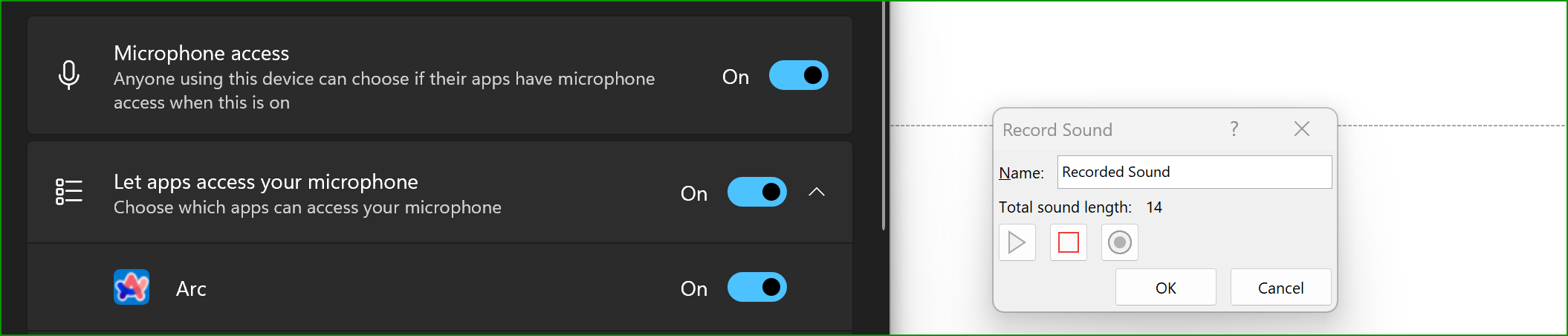
User's image

User's image

User's image

Microsoft 365 and Office | PowerPoint | For business | Windows

Answer accepted by question author
Steve Rindsberg 99,196 Reputation points MVP Volunteer Moderator
2025-07-20T00:38:57.5166667+00:00

Microsoft is releasing a fix for this. They'll probably roll it out gradually as usual, to make sure that a fix to one problem doesn't inadvertently create other problems.

If you've received the fix, which is distributed silently, restarting PPT will enable it.

I've already heard from one user who's received the fix already and has the microphone working again.

Was this answer helpful?


1 additional answer

Sort by: Most helpful
  1. Anonymous
    2025-07-11T06:52:14.59+00:00

    Dear Matt Paynter
    Welcome to the Microsoft Q&A Forum and thank you for reaching out and sharing your issue.

    Based on the information you've provided, I understand you're experiencing difficulties in PowerPoint where the microphone appears unavailable when trying to record a presentation, despite having already attempted basic troubleshooting steps.

    After researching the issue, one suggestion I can offer is to try using your microphone with a different device to see if the same error occurs. This can help determine whether the problem is specific to your current computer setup.

    If you encounter any new developments or have additional details to share, please feel free to do so, I’m always here and ready to support you further.


    If the answer is helpful, please click "Accept Answer" and kindly upvote it. If you have extra questions about this answer, please click "Comment".      

    Note: Please follow the steps in our documentation to enable e-mail notifications if you want to receive the related email notification for this thread. 

    Was this answer helpful?


Your answer

Answers can be marked as 'Accepted' by the question author and 'Recommended' by moderators, which helps users know the answer solved the author's problem.