Generative AI for Beginners
21 lessons covering AI fundamentals, prompt engineering, and building with LLMs. Start from zero and build your first generative AI apps.
Tento prohlížeč se už nepodporuje.
Upgradujte na Microsoft Edge, abyste mohli využívat nejnovější funkce, aktualizace zabezpečení a technickou podporu.
Labs
Explore a growing library of self-paced technical labs, curated from Microsoft advocates and community experts. Build real projects in your own environment—apply modern workflows, explore AI tools, and develop job-ready skills.
Entry point for developers new to AI. Beginner-friendly, free or trial-compatible. Don't have an Azure subscription yet? Start your free trial today
21 lessons covering AI fundamentals, prompt engineering, and building with LLMs. Start from zero and build your first generative AI apps.
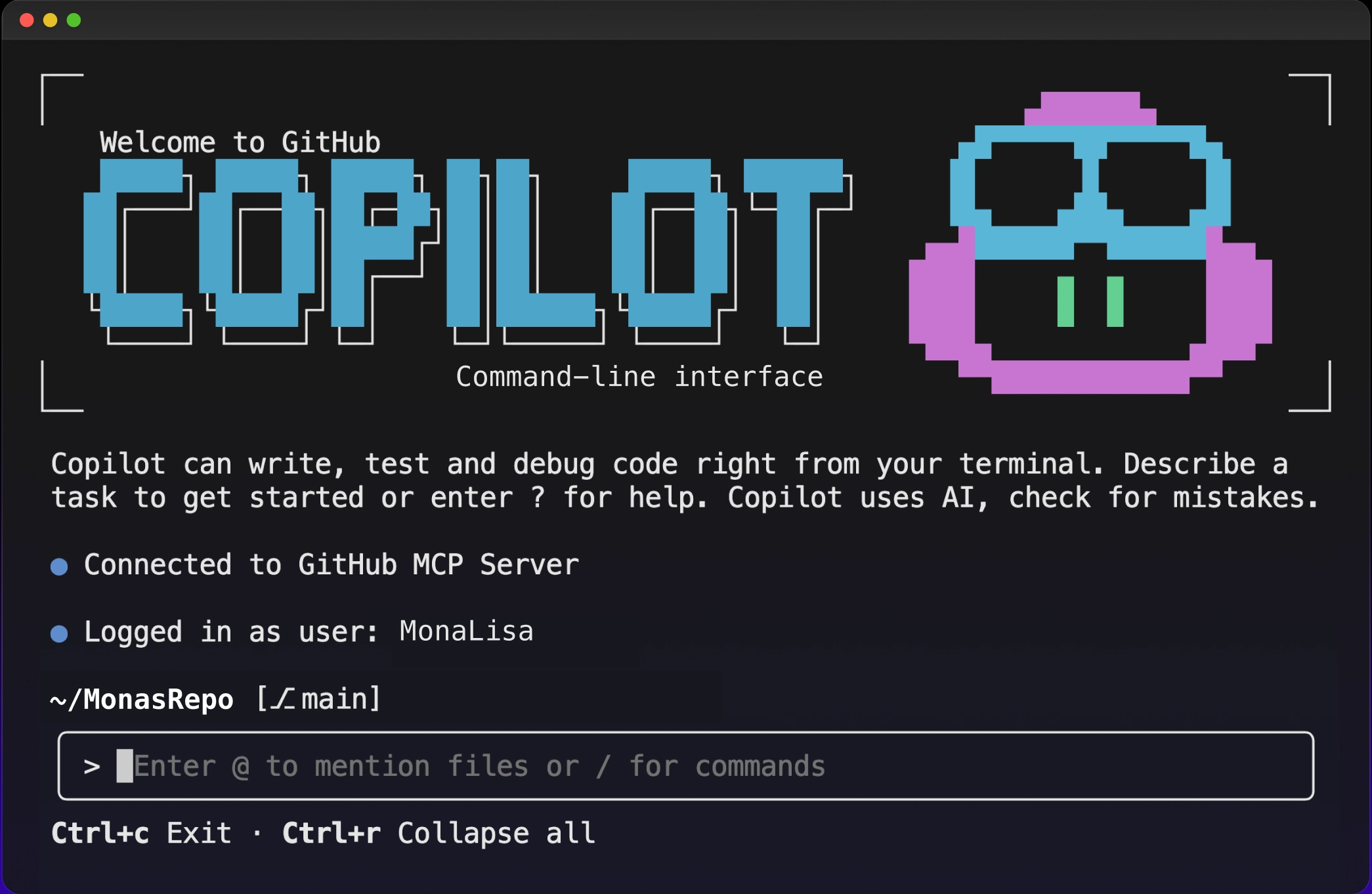
Hands-on course covering AI-assisted development from the terminal — code review, test generation, debugging, custom agents, and MCP integration with GitHub Copilot CLI.
12 lessons on building AI agents with AutoGen, Semantic Kernel, and LangGraph. Learn how agents reason, plan, and use tools.
Learn MCP fundamentals through real-world examples in .NET, Java, TypeScript, Python, Rust, and JavaScript. Build modular, scalable AI workflows.
A course for building AI applications with LangChain4j and Azure OpenAI GPT-5.2, from basic chat to AI agents.
Code-centric, applied labs for developers building AI applications.
This course equips you to fully harness GitHub Copilot's AI capabilities, including real-time autonomous code execution, intelligent problem-solving, and workflow automation.
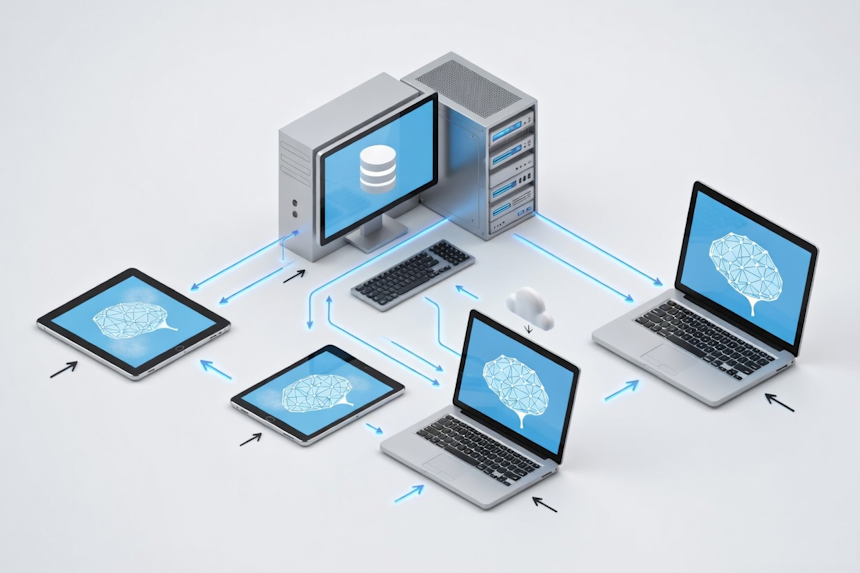
Run language models on your own machine with Foundry Local. Build RAG pipelines, AI agents, and multi-agent workflows in Python, JavaScript, and C# — no cloud account required.
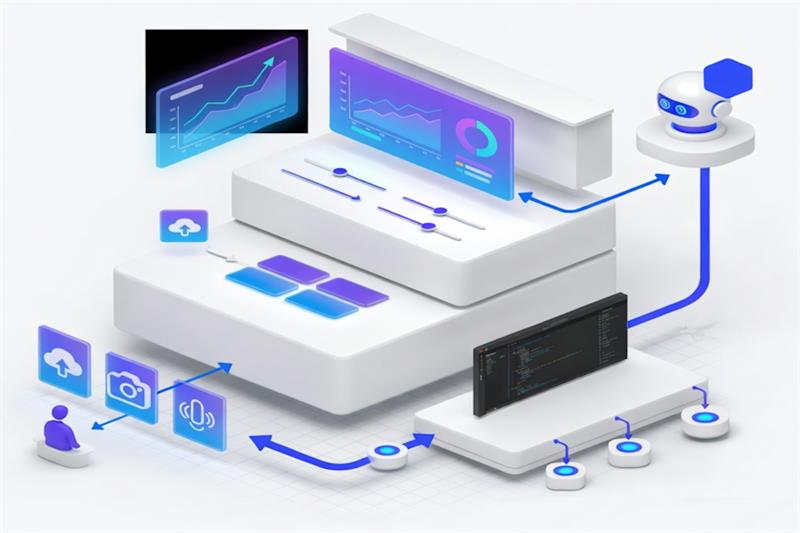
Get started with the AI Toolkit in VS Code. Compare multimodal models, augment them with prompts and data, then prototype an agent with MCP tools.
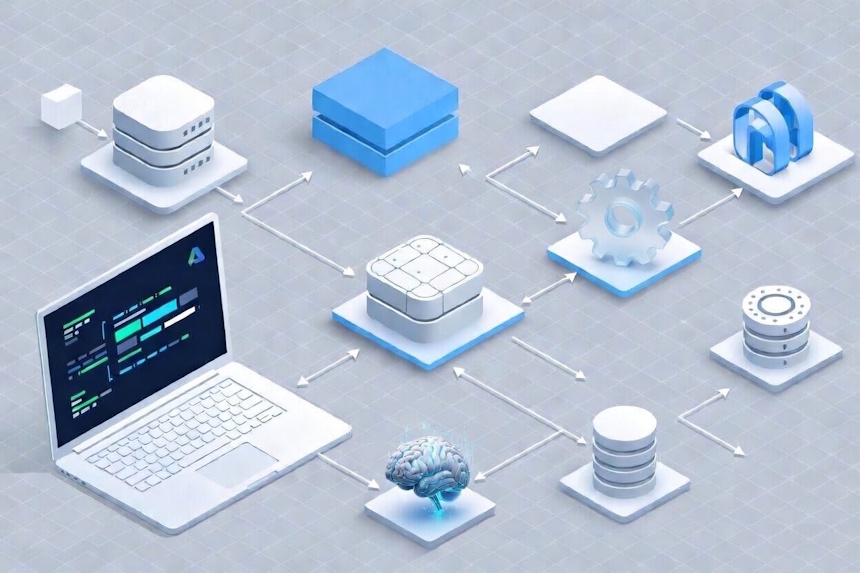
A hands-on introduction to the Azure Developer CLI (azd). Build and deploy a real-world application to Azure using modern development workflows and best practices.
Scenarios for developers building on Microsoft 365, including Microsoft 365 Copilot agents, Power Platform, Microsoft Graph, and Microsoft Teams.
Learn how to build, scale, and deploy intelligent agents with Microsoft Copilot Studiousing real-world tools and use cases.
Learn how to design, implement, and manage complex multi-agent systems with Microsoft Copilot Studio.
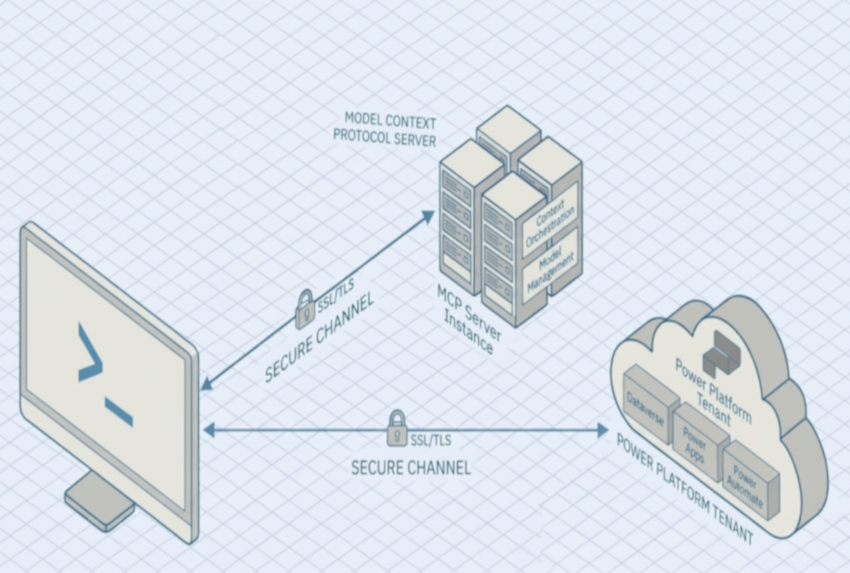
Establish a secure channel between the Power Platform CLI and your AI copilot using the Model Context Protocol (MCP), deploy AI-powered natural language operations across your Power Platform tenant, and implement enterprise-grade governance best practices across the organization.
Build agents and connectors for Microsoft 365 Copilot. Multiple tracks — API plugins, declarative agents, and custom engine agents.
Hands-on labs focused on Copilot Cowork which allows you to delegate work to Copilot so it can take action on your behalf across your Microsoft 365 environment.
Infrastructure, migration, and operations for IT Pros and Platform Engineers.
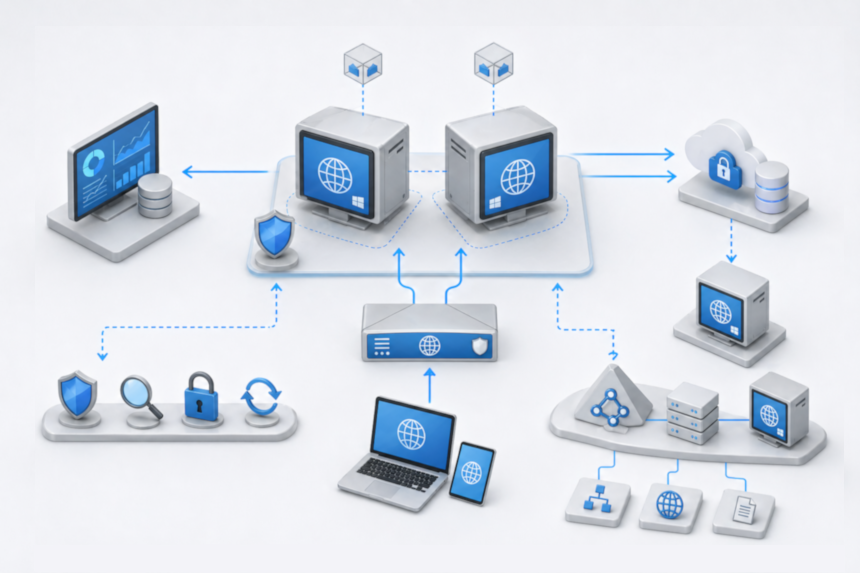
Deploy Windows Server workloads on Azure and explore best practices for management and optimization.
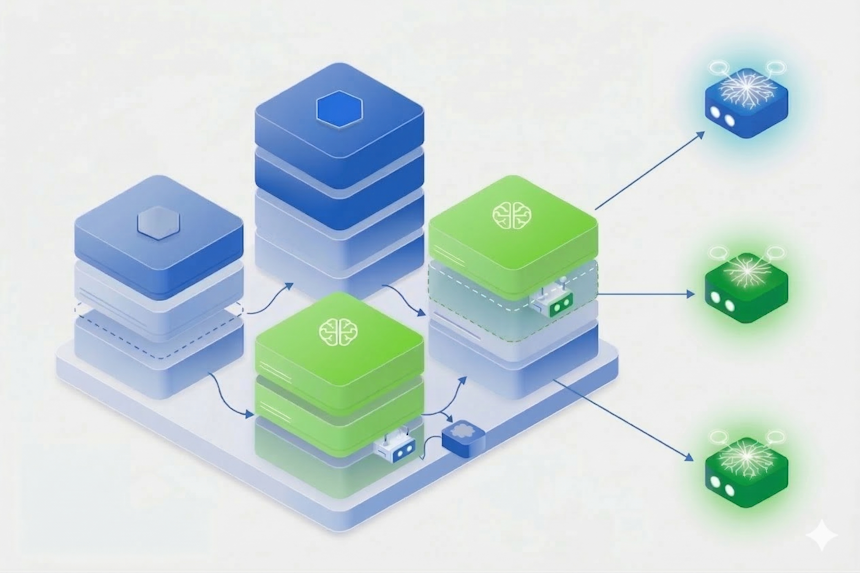
Simulate production traffic spikes, deploy self-healing agents, and troubleshoot Kubernetes clusters using natural language and MCP integrations.
Deploy an AI-powered e-commerce app on Azure, then use Azure Monitor, AKS, and Azure OpenAI to troubleshoot and optimize it in guided workshop exercises.
Configure Log Analytics, Application Insights, data collection rules, and alert notifications. Build comprehensive monitoring for Azure workloads. ~85 minutes.
To skill up and gain credentials at your own pace with lab experiences, explore and earn Microsoft Applied Skills.