Analyze main assets and asset components
You can use the Main Asset Statistics page to obtain an overview of the number of fixed asset components for a main asset and the total acquisition cost, depreciation, and book value for the main asset.
You can access the Main Asset Statistics page from a fixed asset card by selecting Related > Main Asset and then selecting Main Asset Statistics.
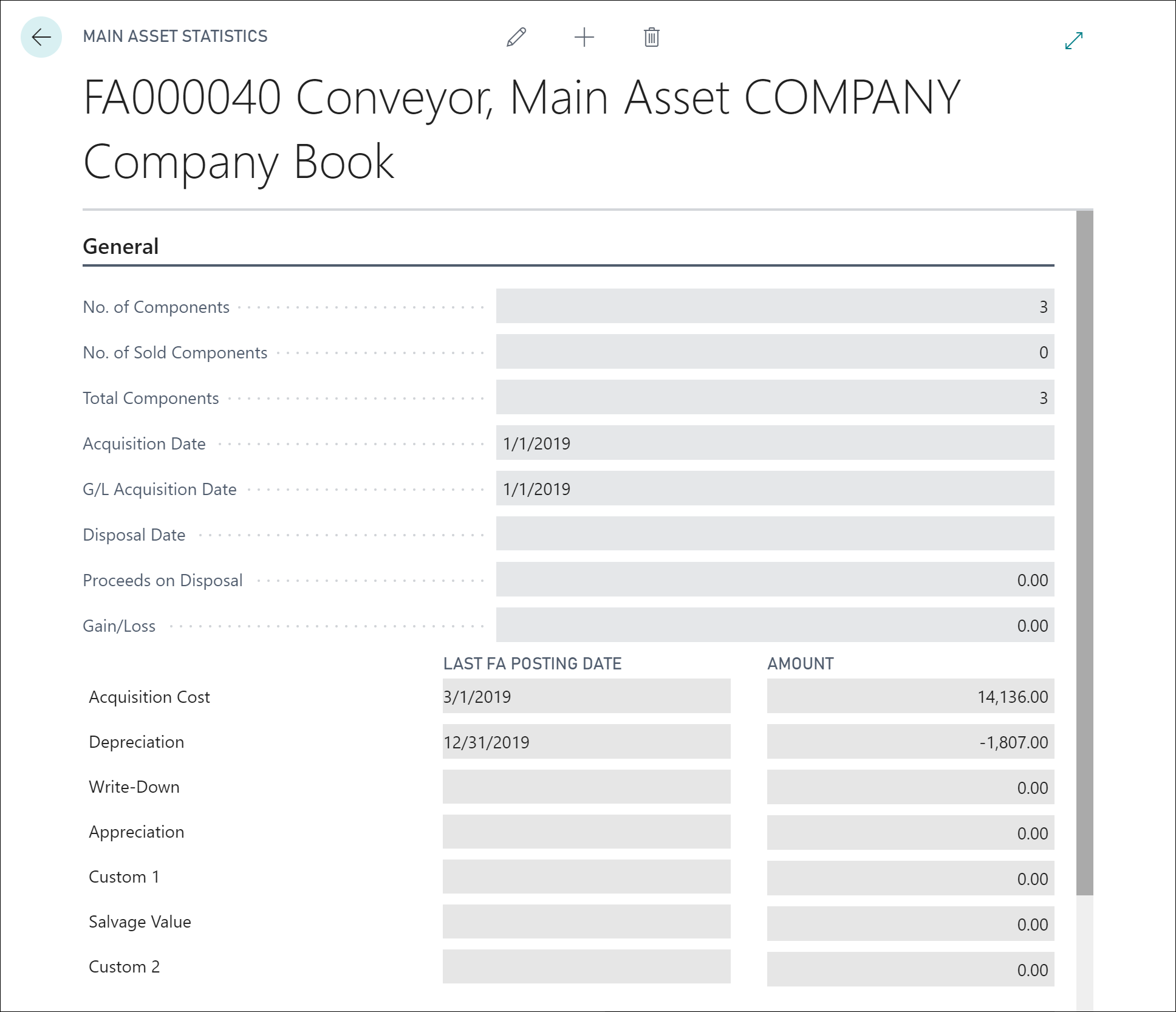
The Main Asset Statistics page shows the combined total acquisition cost, depreciation, and book value of all components of the main asset. It also shows the total number of components that are included in the asset and whether any components were disposed of.
If any components were disposed of, the combined gain or loss and book value on disposal are displayed. The Acquisition Date field shows the earliest date of acquisition for a component. Similarly, the Disposal Date field shows the date of the disposal of a component.