Note
Access to this page requires authorization. You can try signing in or changing directories.
Access to this page requires authorization. You can try changing directories.
Note
Support for agent reactions in Teams is available in public developer preview.
In Teams chat, reactions are lightweight emoji markers that participants can attach to anyone's messages. Agents can use reactions to acknowledge messages, display workflow status, and present other information without interrupting the flow of the conversation. Agents can also listen for and respond to reactions.
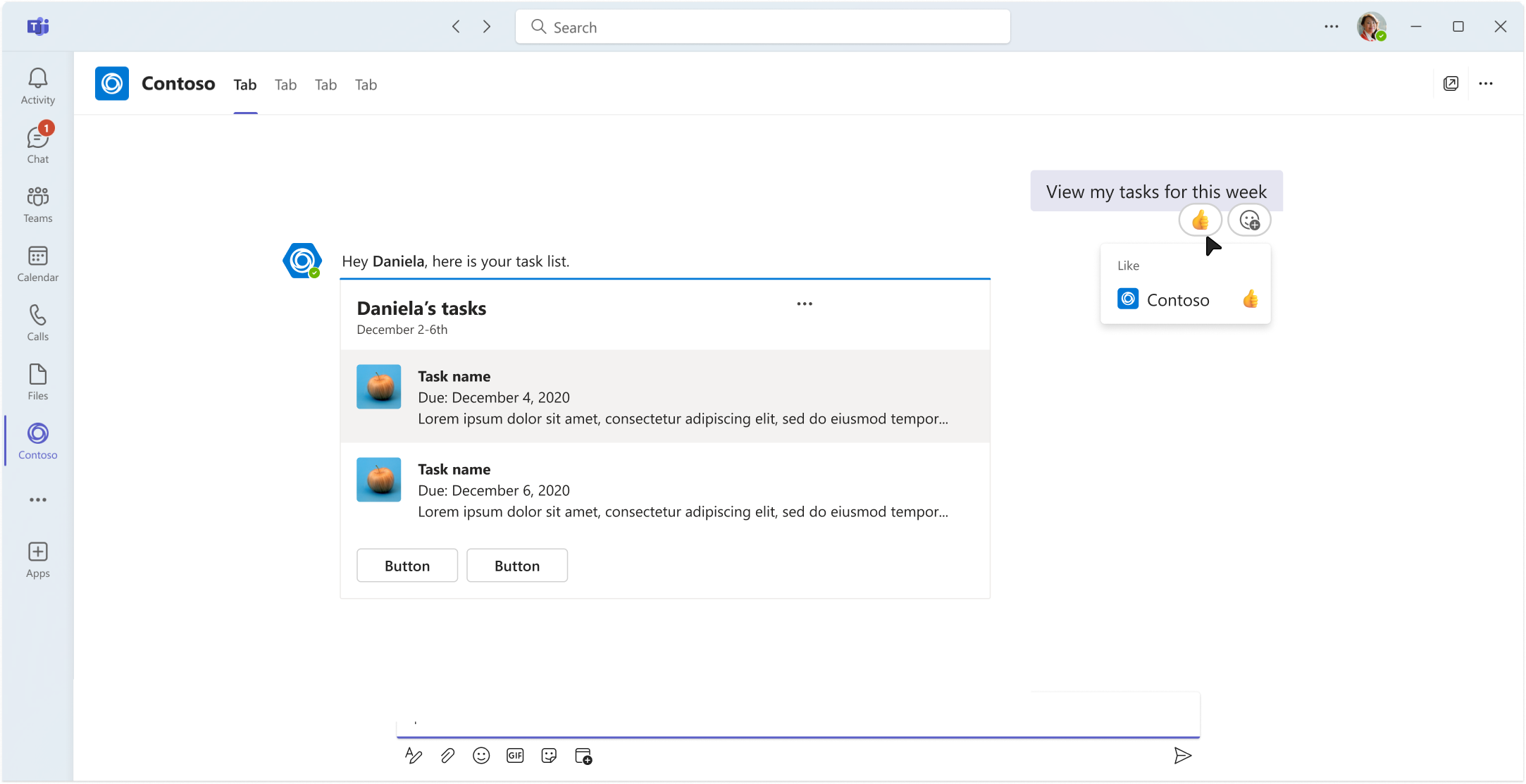
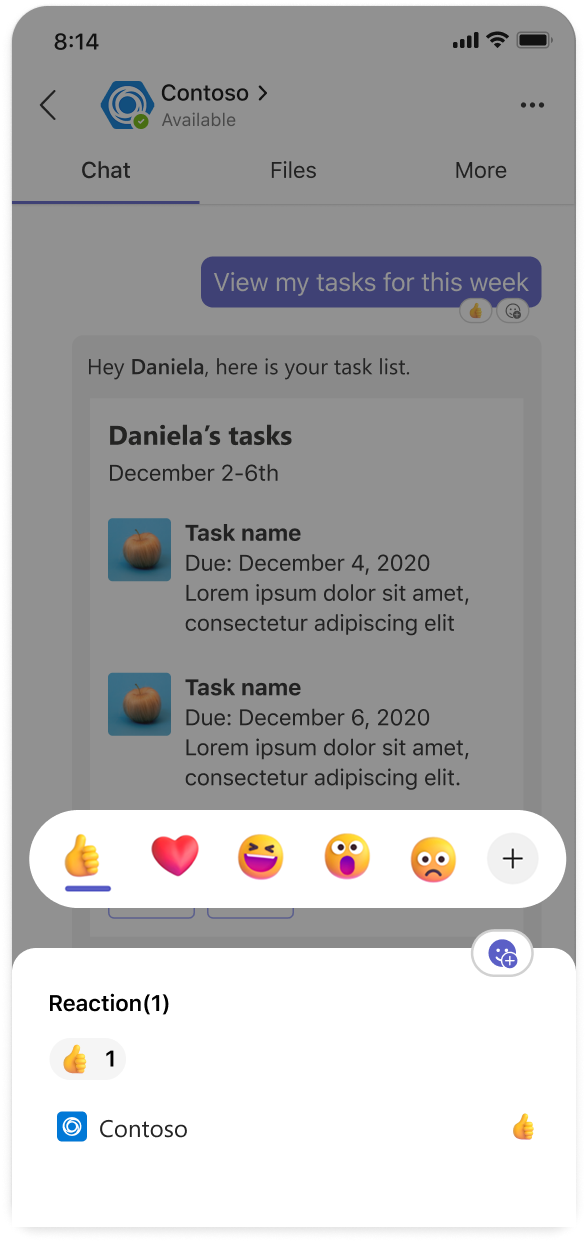
Add and remove reactions on messages
Like users, agents can attach one or more different reactions to any message in a conversation, and can remove reactions after adding them. Both users and agents can only remove their own reactions, not reactions placed by others.
To add and remove reactions from messages, use the AddAsync and DeleteAsync methods on ReactionClient, part of the Teams API Client.
The following example illustrates adding a reaction to a received message, then removing it.
app.OnMessage(async context =>
{
    // First, add a reaction
    await context.Api.Conversations.Reactions.AddAsync(
        context.Activity.Conversation.Id,
        context.Activity.Id,
        new ReactionType("1f44b_wavinghand")
    );

    // Wait a bit, then remove it
    await Task.Delay(2000);
    await context.Api.Conversations.Reactions.DeleteAsync(
        context.Activity.Conversation.Id,
        context.Activity.Id,
        new ReactionType("1f44b_wavinghand")
    );
});
Adding or removing a reaction requires a reference to a message and a reaction ID string that uniquely identifies the emoji to use. See the Teams Reactions Reference for a complete list of available emoji, including skin tone variants. Additionally, the ReactionTypes static class exposes named constants for a few of the most commonly used reaction IDs.
To add and remove reactions from messages, use the add and delete methods on ReactionClient, part of the Teams API Client.
The following example illustrates adding a reaction to a received message, then removing it.
app.on('message', async ({ activity, api }) => {
// First, add a reaction
  await api.conversations.reactions.add(activity.conversation.id, activity.id, '1f44b_wavinghand');

  // Wait a bit, then remove it
  await new Promise((resolve) => setTimeout(resolve, 2000));
  await api.conversations.reactions.delete(activity.conversation.id, activity.id, '1f44b_wavinghand');
});
Adding or removing a reaction requires a reference to a message and a reaction ID string that uniquely identifies the emoji to use. See the Teams Reactions Reference for a complete list of available emoji, including skin tone variants. Additionally, Teams SDK includes named constants for a few of the most commonly used reaction IDs.
To add and remove reactions from messages, use the add and delete methods on ReactionClient, part of the Teams API Client.
The following example illustrates adding a reaction to a received message, then removing it.
import asyncio

@app.on_message
async def handle_message(ctx: ActivityContext[MessageActivity]):
    # First, add a reaction
    await ctx.api.conversations.reactions.add(
        ctx.activity.conversation.id,
        ctx.activity.id,
        '1f44b_wavinghand'
    )

    # Wait a bit, then remove it
    await asyncio.sleep(2)
    await ctx.api.conversations.reactions.delete(
        ctx.activity.conversation.id,
        ctx.activity.id,
        '1f44b_wavinghand'
    )
Adding or removing a reaction requires a reference to a message and a reaction ID string that uniquely identifies the emoji to use. See the Teams Reactions Reference for a complete list of available emoji, including skin tone variants. Additionally, Teams SDK includes named constants for a few of the most commonly used reaction IDs.
To replace a reaction on a message, make separate calls to remove the existing reaction and add the new one.
Multiple reactions can be added to a single message, but the add and remove operations for a given reaction ID are idempotent: repeated calls to add or remove a specific reaction from a message have no effect, but don't throw an exception.
Exception handling
Reaction activity is a common source of exceptions and should always use dedicated exception handling.
In particular, rate limiting exceptions (429 Too Many Requests) can be more common than developers expect. Reaction adds and removes are rate-limited to two per second across all conversations an agent participates in. Handle rate limiting exceptions by using the value of the response's Retry-After header as part of an exponential backoff and retry strategy.
Reaction operations fail if the target message is deleted or the agent is removed from the conversation, and shouldn't be retried.
Listen for reaction events
Agents can listen for reaction activity in conversations they're a part of by handling the OnMessageReaction event, or the more specific OnMessageReactionAdded and OnMessageReactionRemoved activities.
app.OnMessageReactionAdded(async (context, cancellationToken) =>
{
    foreach (var reaction in context.Activity.ReactionsAdded ?? [])
    {
        Console.WriteLine($"User added reaction: {reaction.Type}");
    }
});

app.OnMessageReactionRemoved(async (context, cancellationToken) =>
{
    foreach (var reaction in context.Activity.ReactionsRemoved ?? [])
    {
        Console.WriteLine($"User removed reaction: {reaction.Type}");
    }
});
Agents can listen for reaction activity in conversations they're a part of by handling the messageReaction event.
app.on('messageReaction', async ({ activity }) => {
  for (const reaction of activity.reactionsAdded ?? []) {
    console.log(`User added reaction: ${reaction.type}`);
  }

  for (const reaction of activity.reactionsRemoved ?? []) {
    console.log(`User removed reaction: ${reaction.type}`);
  }
});
Agents can listen for reaction activity in conversations they're a part of by handling for the on_message_reaction event.
@app.on_message_reaction
async def handle_reaction(ctx: ActivityContext[MessageReactionActivity]):
    for reaction in ctx.activity.reactions_added or []:
        print(f"User added reaction: {reaction.type}")

    for reaction in ctx.activity.reactions_removed or []:
        print(f"User removed reaction: {reaction.type}")
Best practices and design guidance
Exception handling: Reaction activity is a common source of exceptions. Always use dedicated exception handling for reaction operations, especially to handle rate limiting exceptions. For more information, see Exception handling.
Use reactions sparingly and consistently: Productivity-focused agents should avoid using reactions to add personality. Users generally expect productivity-focused agents to use reactions to communicate acknowledgment or status, not sentiment. Use a small set of unambiguous emoji that doesn't require a guide to understand.
Acknowledging requests: Agents should be consistent and predictable in their acknowledgment of commands and requests. Immediately acknowledging messages with reactions is effective in many scenarios, but might be excessive if the agent responds quickly with a message anyway, especially if the agent uses message streaming and thinking indicators.
Reactions as status indicators: Reactions can go unnoticed by users, especially in active conversations. Updating (removing and adding) status reactions on a message is an effective way of recording outcomes for historical reference, but it's easy to miss when used for live status updates. Use messages, including targeted messages, to communicate live status and completion for longer running tasks.
Interpreting reaction events: User reactions aren't a reliable or consistent indicator of intent, and shouldn't drive agent behavior. Use suggested actions or cards to present clearly-defined interactions. Implement feedback buttons to give users an unambiguous way to provide agent feedback.
See also
Collaborate with us on GitHub
The source for this content can be found on GitHub, where you can also create and review issues and pull requests. For more information, see our contributor guide.
Platform Docs