Note
Access to this page requires authorization. You can try signing in or changing directories.
Access to this page requires authorization. You can try changing directories.
Suggested actions help users continue conversations with your bot by presenting context-specific next steps in the chat.
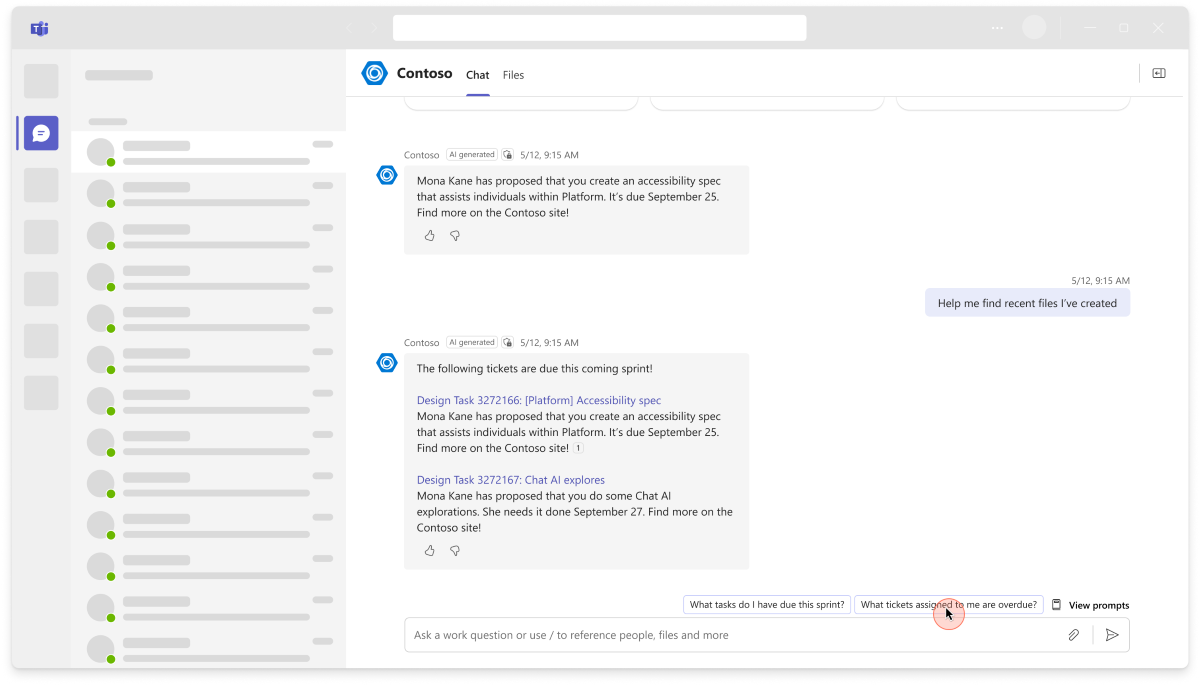
For guidance on commands that help users start a conversation, see Create prompt starters.
Suggested actions
Suggested actions help users with ideas of what to ask next, based on the previous response or conversation. Your agent or bot should offer context-specific suggestions to the user, rather than generic or fixed ones. You can use your agent's or bot’s large language model (LLM) to generate up to three suggestions along with its responses. Then, you can extract these suggestions and present them as options for the user to choose. You can build the following suggested actions in your agent or bot:
imBack: UseimBackto add suggested actions, setactivity.suggestedActionsto a list of card actions (buttons) to show the user.Action.Compose: UseAction.Composeto prefill the compose box with a message (including tags, @mentions, and rich content like emojis, GIFs, and other semantic objects).Action.Submit: UseAction.Submitfor suggested action buttons in agent responses for slash commands that trigger server-side logic via an invoke activity (no user-visible chat message).
Important
The bot can parse up to three actions. Even if you include more than three actions, Teams displays only the first three.
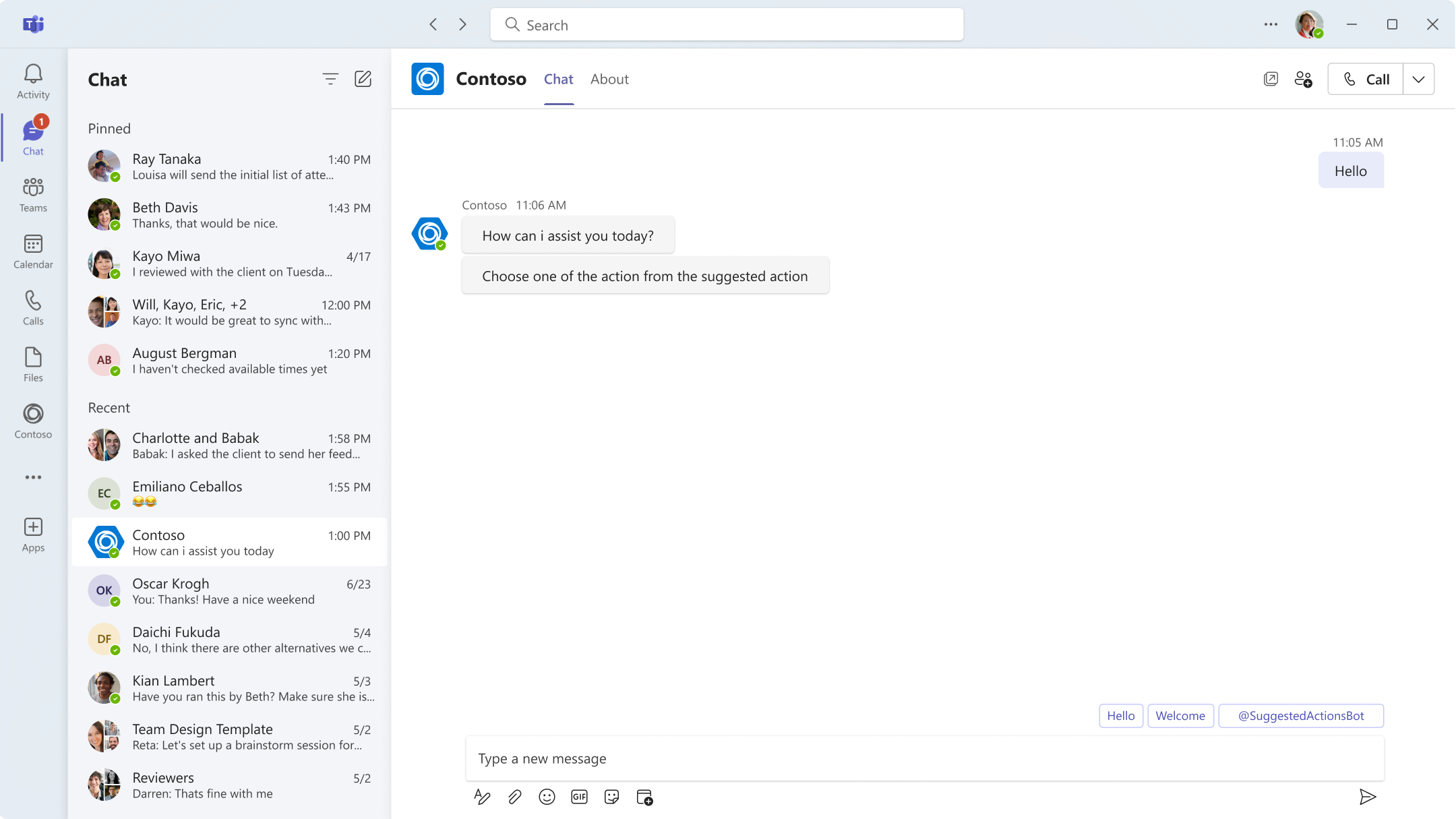
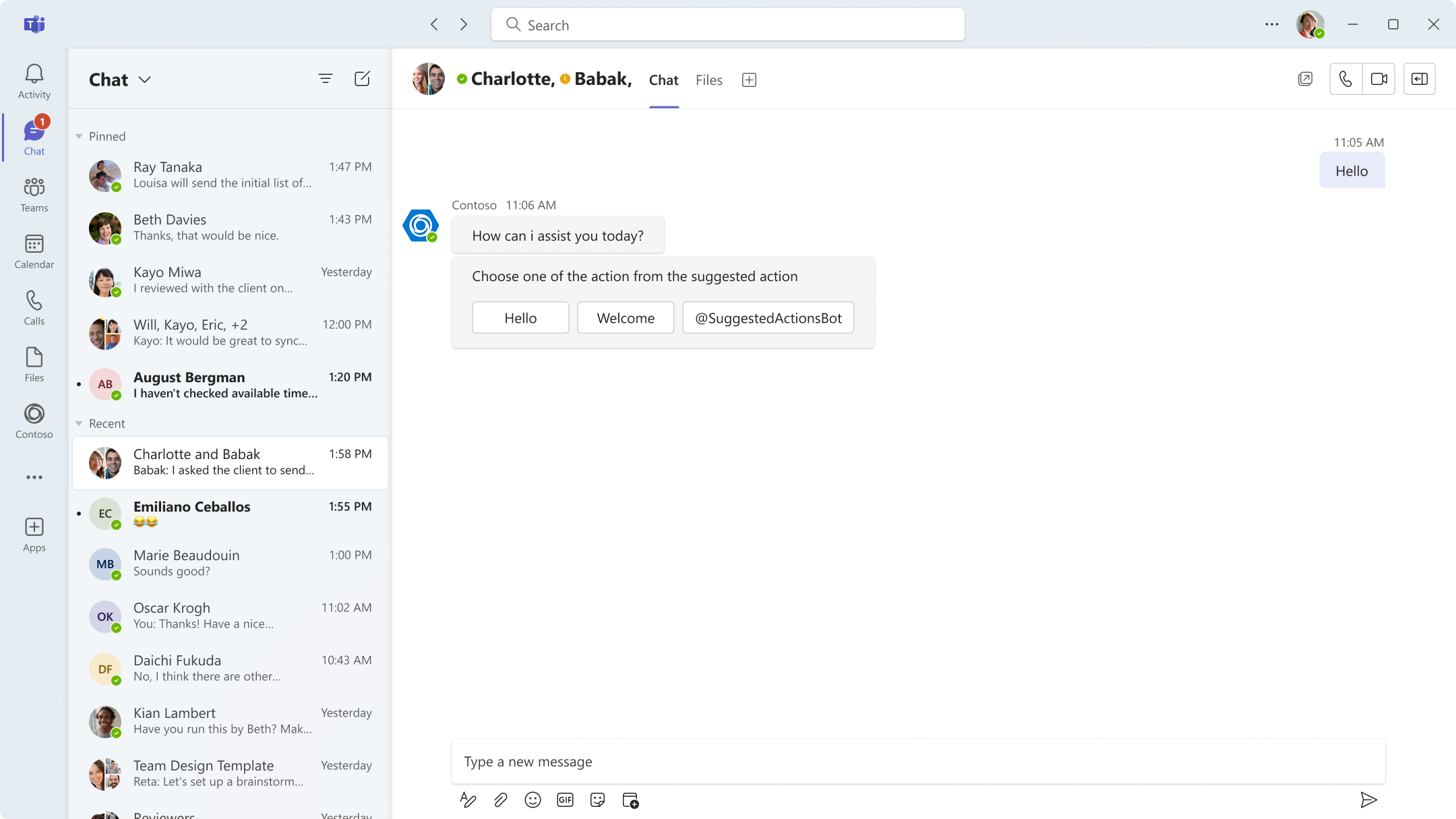
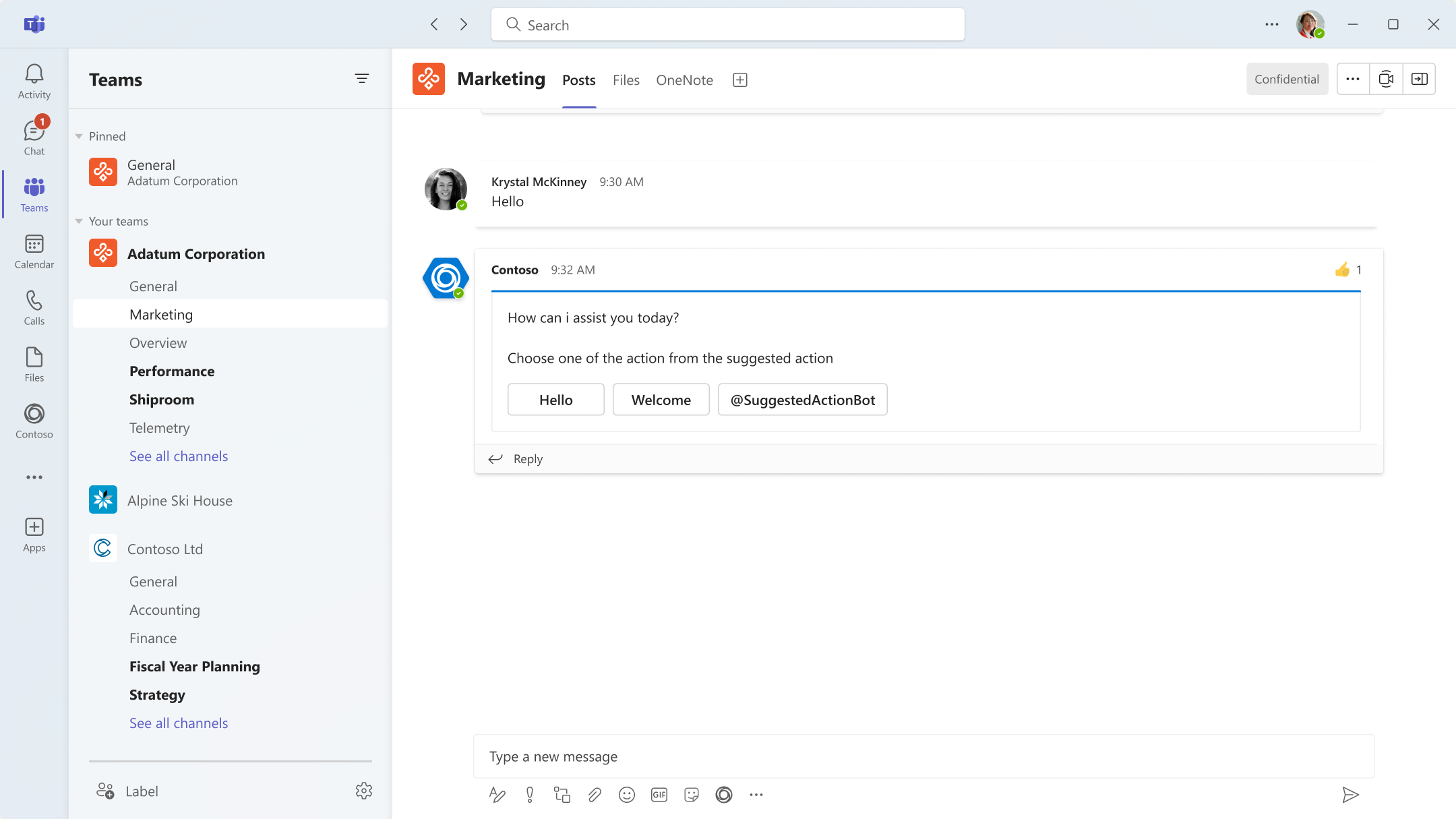
When a user selects a button, it remains visible and accessible on the rich cards. Suggested actions are supported in all scopes:
personal: In one-on-one chats, actions are shown as smart replies, so only the actions from the last message appear.teamandgroupChat: In group chats and channels, actions are always saved with the message.
Note
SuggestedActions aren't supported for chat bots with attachments for any conversation type.
Here are some examples that show how to implement and experience suggested actions using imBack, Action.Compose, and Action.Submit:
To add suggested actions to a message, specify a list of card action objects that represent the buttons to be displayed to the user for the suggestedActions property of the activity object.
The following is an example to implement suggested actions using imBack:
{
  "type": "message",
  "from": {
    "id": "12345678",
    "name": "sender's name"
  },
  "conversation": {
    "id": "abcd1234",
    "name": "conversation's name"
  },
  "recipient": {
    "id": "1234abcd",
    "name": "recipient's name"
  },
  "text": "What are the tasks for the day.",
  "inputHint": "expectingInput",
  "suggestedActions": {
    "actions": [
      {
        "type": "imBack",
        "title": "Create a new query identifying overdue tasks",
        "value": "Create a new query identifying overdue tasks"
      },
      {
        "type": "imBack",
        "title": "Create a new work item for this feature",
        "value": "Create a new work item for this feature"
      }
    ]
  },
  "replyToId": "5d5cdc723"
}
See also
Collaborate with us on GitHub
The source for this content can be found on GitHub, where you can also create and review issues and pull requests. For more information, see our contributor guide.
Platform Docs