Note
Access to this page requires authorization. You can try signing in or changing directories.
Access to this page requires authorization. You can try changing directories.
The Add data page in Fabric Real-Time hub helps you connect to data from inside and outside Fabric. You can connect new or existing streaming sources, events, Azure services, and diagnostic data. External streaming sources include Kafka connectors powered by Kafka Connect and Debezium connectors for change data capture (CDC). Real-Time hub also connects to notification events from Azure, Amazon Web Services, Google Cloud Platform, and other services.
Navigate to the Add data page
Go to the Add data page in either of the following ways:
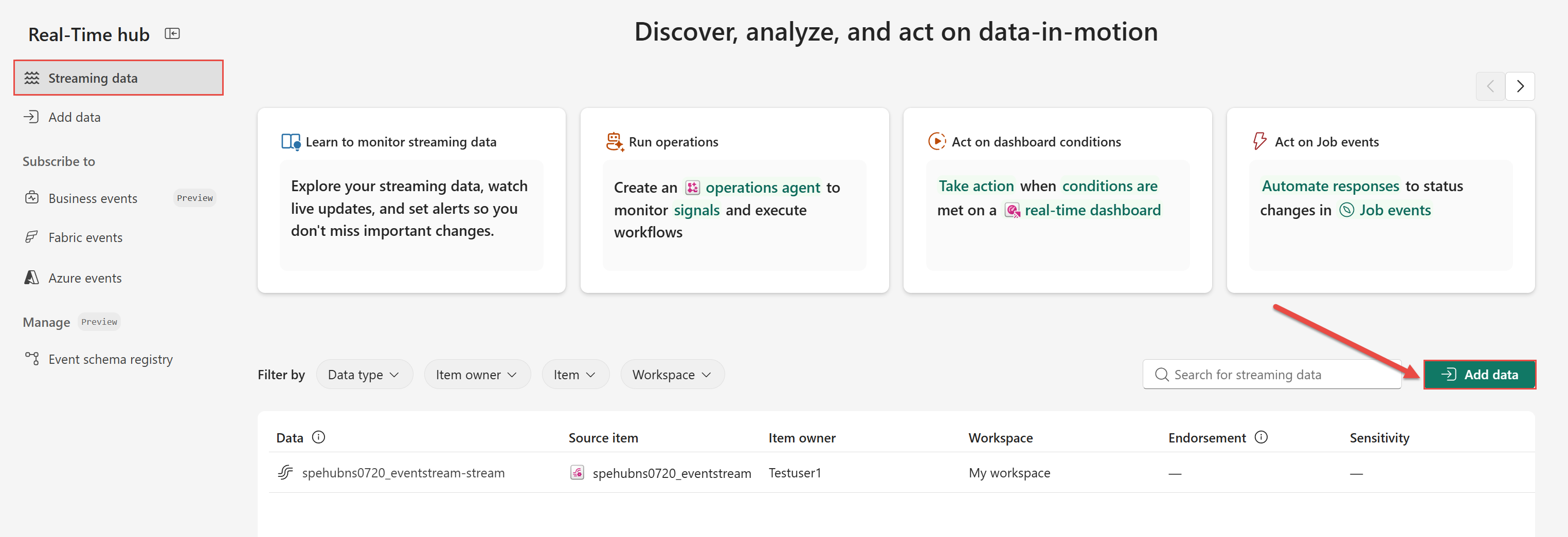
On the Streaming data page, select Add data.
On the left navigation menu, select Add data.
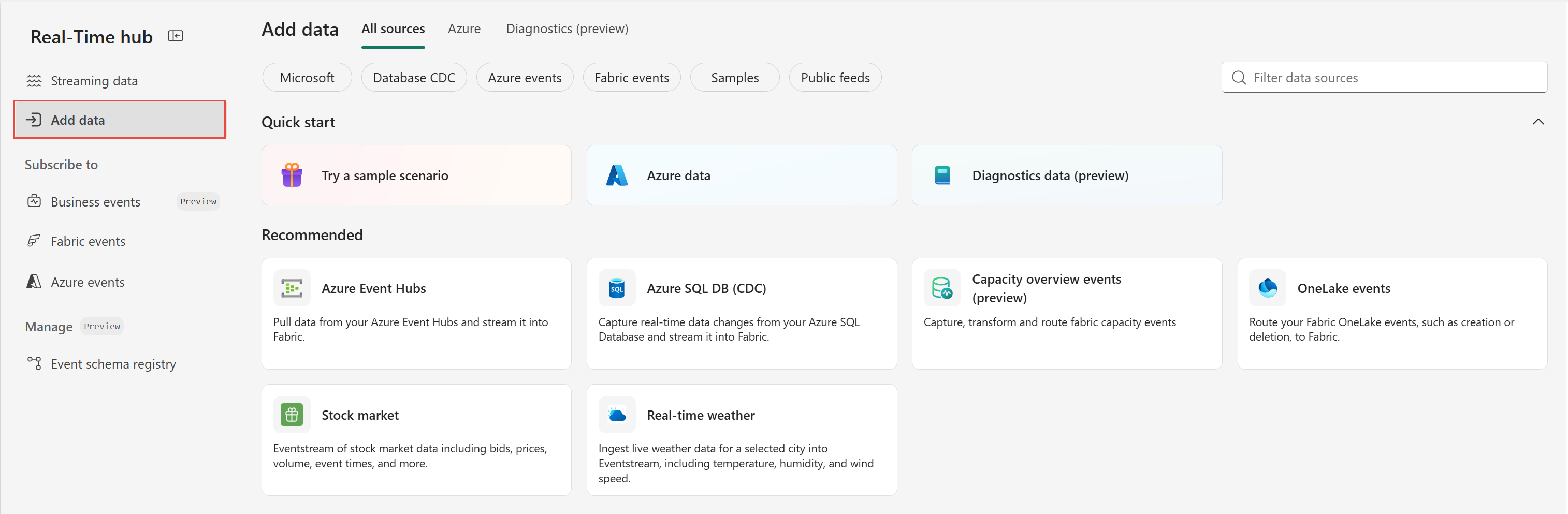
All sources tab
The All sources tab is the default tab for this page. It has Quick start and Recommended sources sections.
Quickstart section
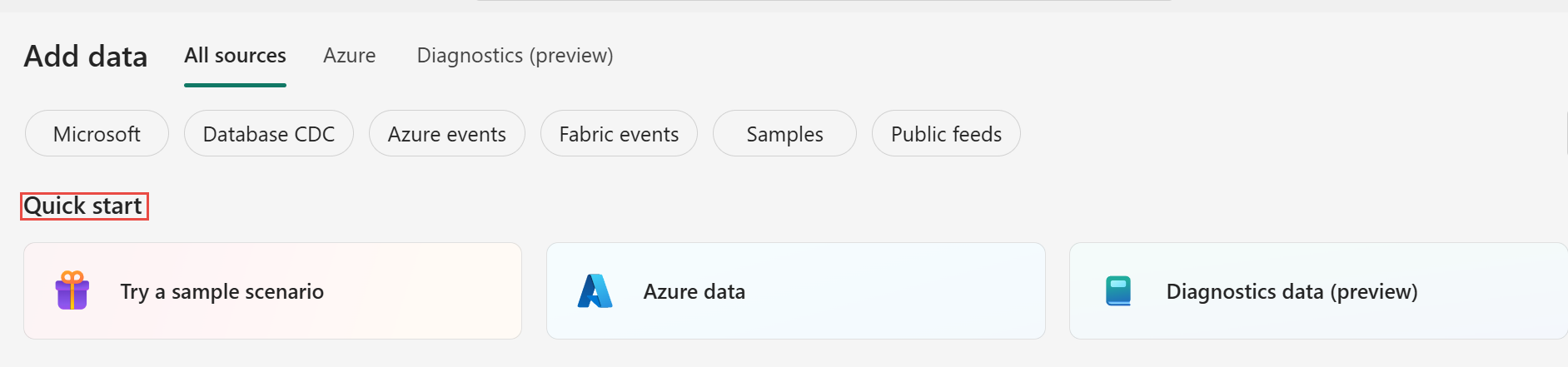
The Quick start section provides the following options:
Try a sample scenario - Explore the Bicycle rentals, Stock market, and Yellow taxi samples. Each sample creates a group of Fabric Real-Time Intelligence items that demonstrate how to stream, analyze, and visualize data end to end, so you can see a working solution without connecting your own source. For more information, see End-to-end Real-Time Intelligence sample.
Azure data - Switch to the Azure tab at the top so that you can view Azure sources, such as Azure event hubs and Azure IoT hubs, that you can connect to eventstreams. For more information, see Azure tab.
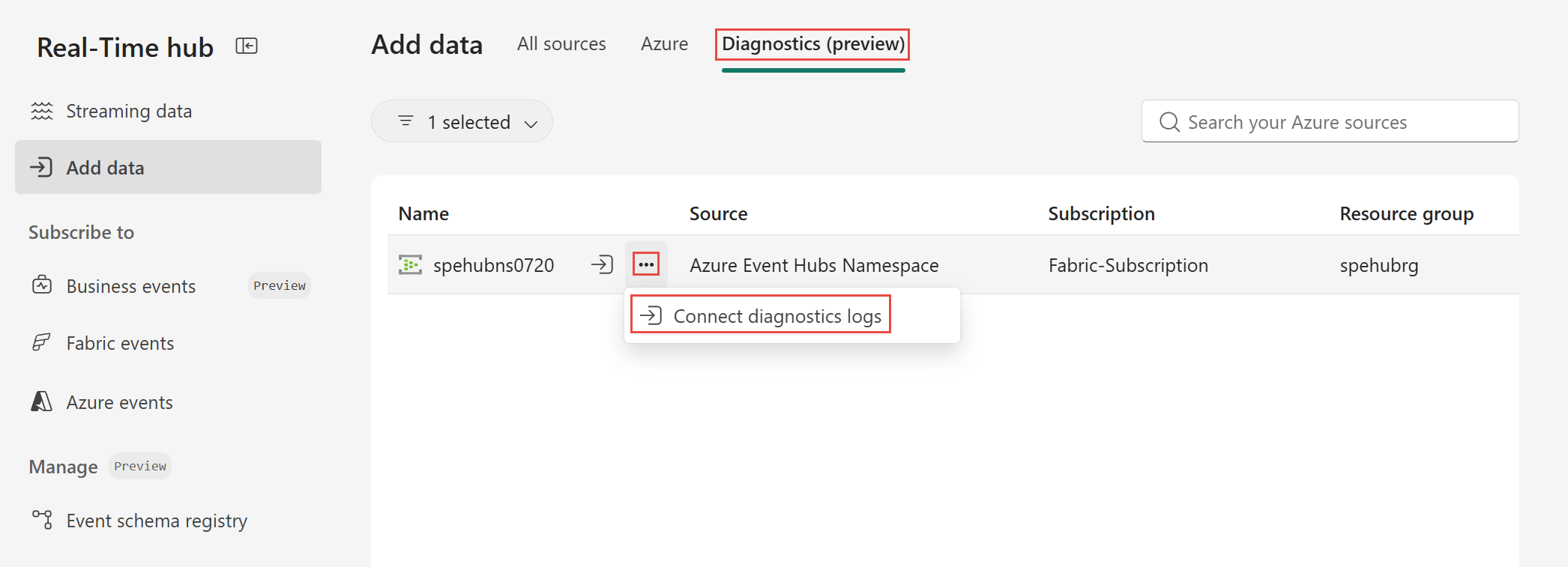
Diagnostics data (preview) - Switches to the Diagnostics tab at the top to view sources that provide diagnostic logs and metrics, which you can stream into Real-Time hub. For more information, see Diagnostics (preview) tab.
Recommended sources section
The Recommended section lists sources that Real-Time hub supports. Select a source to learn how to connect it and create an eventstream. Created eventstreams appear on the Streaming data page.
Here's the list of supported sources. When you select the following links, you can learn how to connect the source and create an eventstream.
The All sources tab is the default tab for this page. Two other tabs are available:
- Azure.
- Diagnostics (preview).
The following sections provide more information about these tabs and the sources they contain.
Azure tab
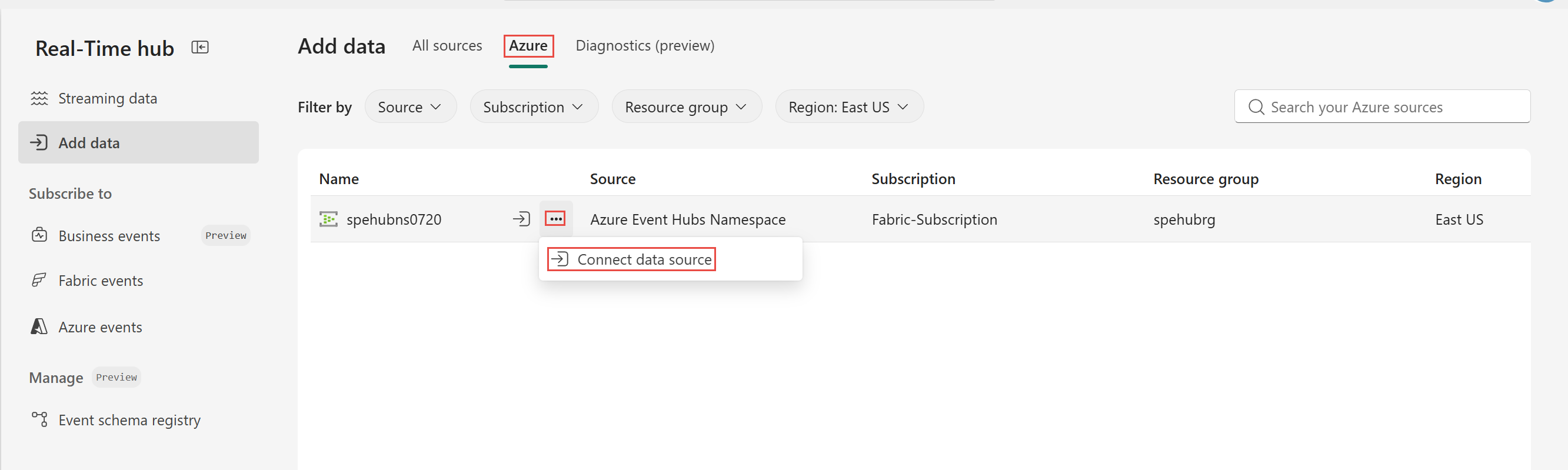
The Azure tab lists the Azure data sources that you can access. These sources fall into a few groups: real-time ingestion services such as Azure Event Hubs and Azure IoT Hub, event routing through Azure Event Grid, messaging through Azure Service Bus (preview), analytics data from Azure Data Explorer, and change data capture (CDC) sources such as Azure Cosmos DB, Azure SQL Database, Azure SQL Managed Instance, MySQL, PostgreSQL, and SQL Server on a VM.
| Source | Description | Learn More |
|---|---|---|
| Azure Cosmos DB CDC | Stream changes from Cosmos DB. | Learn more |
| Azure Data Explorer | Analyze large volumes of data in real time. | Learn more |
| Azure Event Grid Namespace | A fully managed event routing service. | Learn more |
| Azure Event Hubs Namespace | A fully managed real-time data ingestion service. | Learn more |
| Azure IoT Hub | A platform for managing IoT devices and data. | Learn more |
| Azure MySQL Database (CDC) | Stream changes from Azure MySQL databases. | Learn more |
| Azure Service Bus (preview) | A messaging service for reliable communication. | Learn more |
| Azure SQL Database CDC | Capture and stream database changes in real time. | Learn more |
| Azure SQL Managed Instance CDC | Capture changes from SQL Managed Instances. | Learn more |
| PostgreSQL CDC | Stream changes from PostgreSQL databases. | Learn more |
| SQL Server on VM DB CDC | Stream changes from SQL Server on VMs. | Learn more |
Hover the mouse over a source and select Connect to connect it. When you connect a source, Real-Time hub creates an eventstream that continuously ingests the incoming data. Created streams appear on the Streaming data page.
Diagnostics (preview) tab
The Diagnostics (preview) tab lists sources that provide diagnostic logs and metrics, such as an Azure Event Hubs namespace. Use this tab to bring operational telemetry into Real-Time hub.
Select a source to connect it and create an eventstream. When you connect a source, Real-Time hub creates an eventstream that continuously ingests the diagnostic data. Created eventstreams appear on the Streaming data page, where you can preview, transform, and route the data.
Next step
Go to the Business events page to learn how to define, discover, publish, and consume business events.