Microsoft Security | Microsoft Entra | Microsoft Entra External ID
Managing external identities to enable secure access for partners, customers, and other non-employees

This browser is no longer supported.
Upgrade to Microsoft Edge to take advantage of the latest features, security updates, and technical support.
' cx='32' cy='32' r='32' /%3E%3Ctext x='50%25' y='55%25' dominant-baseline='middle' text-anchor='middle' fill='%23FFF' %3EA%3C/text%3E%3C/svg%3E)
I am following this code sample step by step
but the web API is throwing error for localhost not found. Web app is working fine and after authentication when it try to call Web API it throws error because its not running on local host.
Managing external identities to enable secure access for partners, customers, and other non-employees
A cloud-based identity and access management service for securing user authentication and resource access
A set of technologies in .NET for building web applications and web services. Miscellaneous topics that do not fit into specific categories.

Web API it throws error because its not running on local host.
Right click the solution in solution explorer and select properties. From solution properties you can select multiple startup projects.
I typically use the "Current Selected" option and press ctrl-F5 to start the project without debugging. Then select the next project to start and press ctrl-F5 (or F5) to get the second project running.
There's also the command line. I use often to start Web API.
Answer accepted by question author
' cx='32' cy='32' r='32' /%3E%3Ctext x='50%25' y='55%25' dominant-baseline='middle' text-anchor='middle' fill='%23FFF' %3ESM%3C/text%3E%3C/svg%3E)
Hi @Anonymous ,
Thanks for reaching out.
I understand you are trying to call web API from web application but getting error as "https://localhost:44332" web API address is not found.
I configured the same applications in my lab and able to call web API successfully. If you have already started the localhost server of web API while calling from web application but still getting the error. The reason might be you have not trusted the certificate to call https endpoint.
.NET Core SDK already has certificate installed to the local user certificate store, but that also need to be trusted to call https.
You can trust the certificate with this command dotnet dev-certs https --trust
Make sure both the service and client server are up using command line rather than PowerShell.

As per documentation,
service server is running on https://localhost:44332
client server is running on https://localhost:5000.
Make sure the addresses are configured correctly.
Hope this will help.
Thanks,
Shweta
----------------------------------
Please remember to "Accept Answer" if answer helped you.
I already trust the certificate but still not working. I think its not finding the index page may be that is the default startup page because the index page is in shared web app. I just changed the port to one that is working on my system and still its throwing error which means that there is some problem with configuration of API.
Hi @Anonymous
Below are the configuration files I am using in my lab and able to call the API successfully
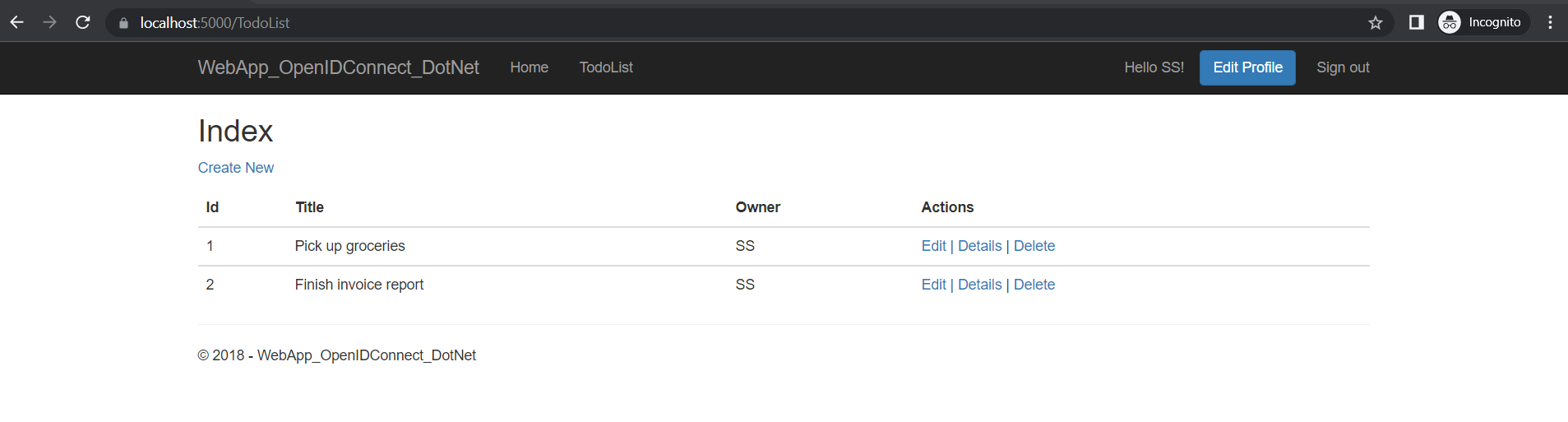
Client Configuration File
{
"AzureAdB2C": {
"Scopes": "access_as_user",
"Instance": "https://xxxx.b2clogin.com",
"ClientId": "xxxx",
"Domain": "xxx.onmicrosoft.com",
"SignedOutCallbackPath": "/B2C_1_signupsignin//oauth2/v2.0/logout/",
"SignUpSignInPolicyId": "B2C_1_signupsignin",
"ClientSecret": "xxx"
},
"TodoList": {
"TodoListScope": "https://xxxx.onmicrosoft.com/my-api/access_as_user",
"TodoListBaseAddress": "https://localhost:44332"
},
"Logging": {
"LogLevel": {
"Default": "Information",
"Microsoft": "Warning",
"Microsoft.Hosting.Lifetime": "Information"
}
},
"AllowedHosts": "*"
}
Server Configuration File:
{
"AzureAdB2C": {
"Instance": "https://xxx.b2clogin.com",
"ClientId": "xxx",
"Domain": "xxx.onmicrosoft.com",
"SignedOutCallbackPath": "/signout/B2C_1_SignIn",
"SignUpSignInPolicyId": "B2C_1_signupsignin"
},
"Kestrel": {
"Endpoints": {
"Http": {
"Url": "https://localhost:44332"
}
}
},
"Logging": {
"LogLevel": {
"Default": "Warning"
}
},
"AllowedHosts": "*"
}
If you are following the github sample https://github.com/Azure-Samples/active-directory-aspnetcore-webapp-openidconnect-v2/tree/master/4-WebApp-your-API/4-2-B2C to sync with the document then there is a wrong port mentioned here in client application to call web API. It should be 44332 in both web API and client application where Web API base address needs to call.
Thanks,
Shweta
Thankyou for your reply. I have exactly similar configurations. The thing is that API is not running before I start the web app, I start the API individually and it throws error for local host. I tried to change the port that is running on my system already and still its throwing same error for localhost not found :(
Thanks a lot for your help. I just figured out the issue, I ran the Service through command line and then called it and it worked fine :)
Thanks for update and glad you are able to solve the issue. I have updated my initial answer with the same.
Please "Accept the answer" so anyone else is facing similar issue in the community get benefit from this thread.
Thanks
Shweta