Note
Access to this page requires authorization. You can try signing in or changing directories.
Access to this page requires authorization. You can try changing directories.
AI is creating significant impact across society and industries. However, it can also amplify ethical and social challenges for accessibility. If not done responsibly, AI can generate new barriers for people with disabilities—including increases in digital divide, bias or discrimination, and the loss of control or agency.

As a designer, be thoughtful about how AI evolves and how it impacts real people. This article introduces the principles and practices of inclusive and accessible AI design as they apply to agents in Microsoft 365 Copilot. It's a starting point—not a complete guide. Use the resources in the Related content section for deeper guidance.
AI inclusion
At Microsoft, inclusive design tools and processes recognize people with physical disabilities throughout the design process. Over time, this thinking expanded to include other areas of exclusion: cognitive issues, learning style preferences, and social bias.
Today, AI systems learn from signals and examples. Like humans, machines can acquire tacit knowledge—but they still lack human nuance. That gap creates risk. Bias can enter a system in subtle ways, not only in major failures. As designers and creators of AI experiences, recognizing and addressing that risk is part of the work.
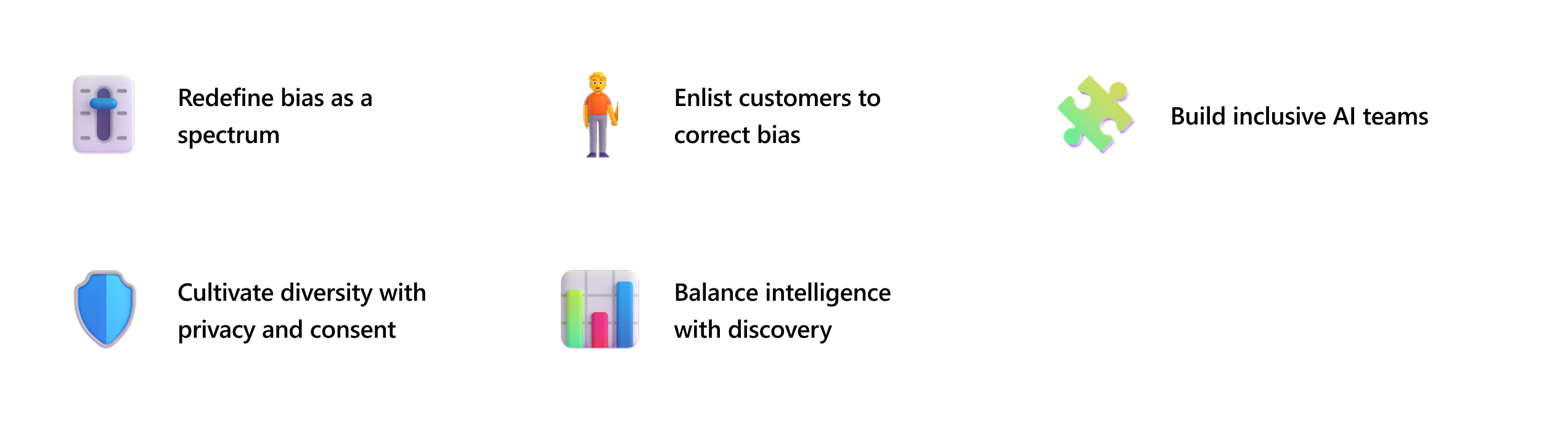
Microsoft identified five insights to help identify exclusion and design more inclusive AI:
| Insight | What it means |
|---|---|
| Redefine bias as a spectrum | Bias can appear in subtle ways, not only in major failures. Recognizing it along a spectrum helps teams identify small exclusions early and correct them. |
| Enlist customers to correct bias | Real users—especially those from underrepresented groups—provide essential perspectives. Their feedback helps uncover issues that internal teams might miss. |
| Cultivate diversity with privacy and consent | Inclusive design must respect privacy. Any data or feedback used to improve the experience should follow clear consent, privacy protections, and secure handling practices. |
| Balance intelligence with discovery | AI systems should adapt to different user needs. Supporting varied interaction styles helps users discover approaches that work best for them. |
| Build inclusive AI teams | Diverse teams are better equipped to identify bias and design for a wide range of users. Collaboration across disciplines strengthens inclusive decision making. |
Note
For a deeper exploration of these insights and Microsoft's inclusive design methodology, see the Microsoft Inclusive Design 101 Guidebook.
Accessibility best practices
Accessibility in Copilot agents is crucial to ensure that all users, regardless of ability, can interact with AI-powered experiences in a meaningful, efficient, and equitable way. Implementing accessibility into the design, development, and documentation of agents helps teams create inclusive solutions.
Accessible agents align with Microsoft Accessibility Standards (MAS) and WCAG 2.1 compliance. They also enhance usability for everyone—including users with temporary or situational impairments—while reducing legal and reputational risks and expanding the reach of your agent across diverse user groups and enterprise environments.
Design and user interface
These practices apply to the visual and interactive layer of your agent—the surfaces users see and touch.
| Practice | Guidance |
|---|---|
| Use Fluent UI and tokens | Leverage Fluent UI components and design tokens to ensure consistent, accessible styling across agents. |
| Support high contrast and reflow | Ensure agents render correctly in high contrast and reflow modes. Avoid UI truncation and layout failures under these conditions. |
| Keyboard navigation | All interactive elements must be fully operable via keyboard. Allow users to navigate and interact with the system by using the keyboard, and follow a logical and consistent order of focus. |
| Screen reader compatibility | Use semantic HTML and ARIA roles to ensure screen readers can interpret agent content accurately. |
Instruction and prompting
These practices apply to how your agent communicates—what it says, how it sounds, and how it handles input.
| Practice | Guidance |
|---|---|
| Prompt suggestions | Provide simple and clear prompt suggestions that a global audience can understand. Avoid complex or specialized terms. |
| Sounds for important information | Sounds can convey the presence of new or updated prompts and indicate availability, completion, or error of a task. Sounds should be distinct, recognizable, and consistent. |
| Avoid cognitive overload | Provide a user-friendly and intuitive interface with clear and concise instructions. Group and organize related items, and allow users to control the pace and sequence of the interaction. |
| Multiple types of input and output | AI has the potential to allow people to interact through various modes of input and output—such as voice or keyboard input—to increase usability and accessibility. This enhances the flexibility and adaptability of the system and enables natural, conversational interaction. |