Share via

Can't connect to SMB share "Windows cannot access"

Askejm ​ 1 Reputation point
2022-04-17T20:06:07.573+00:00

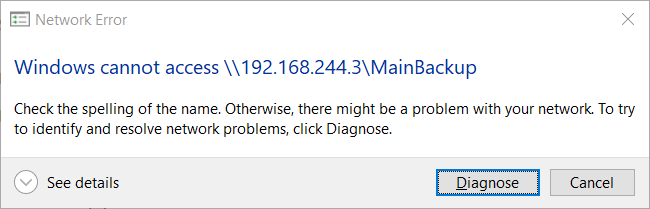
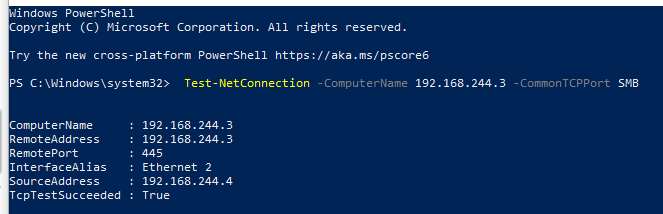
I use my NAS for backups (truenas), with an SMB share. I reset my PC recently and added it like normal. Worked fine. However, after a day it stopped working and I was unable to connect to it. Now when I try to connect to it I get this:
193696-image.png
It works fine on my laptop
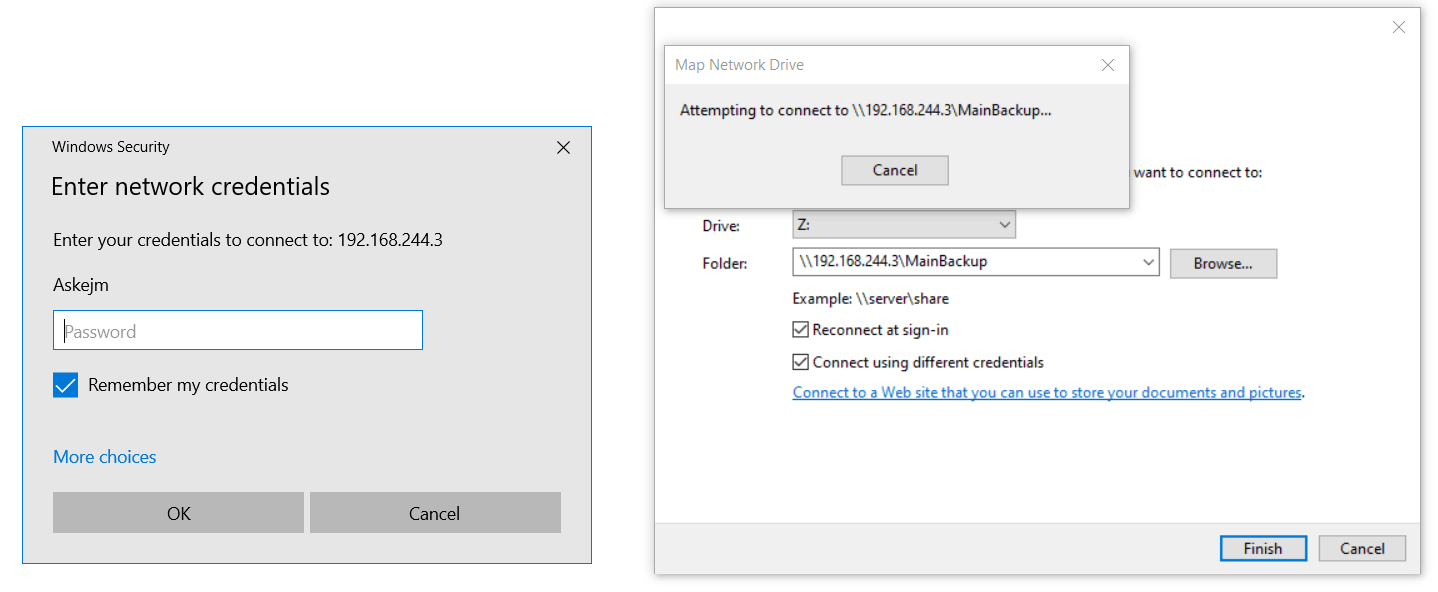
193687-image.png
^ Before the error box appears (after loading for quite a while)
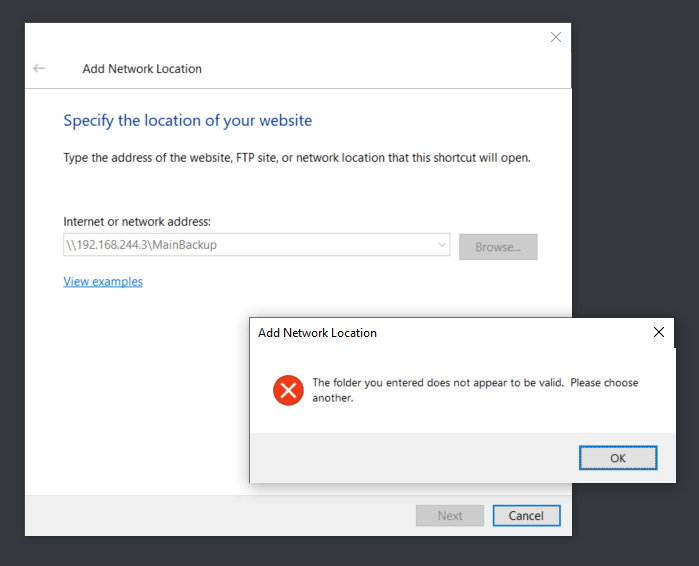
193660-image.png
I tried:

  • Redoing the ACL perms
  • Adding network location
  • Typing IP address in the file path
  • Tested: "\192.168.244.3", "\192.168.244.3\MainBackup", "\192.168.244.3\MainBackup\MainBackup"

I was told to post this here

Windows for business | Windows Client for IT Pros | Networking | Network connectivity and file sharing
Windows for business | Windows Server | Devices and deployment | Set up, install, or upgrade
0 comments No comments

7 answers

Sort by: Most helpful
  1. Dan Jackiels 11 Reputation points
    2022-08-23T12:09:07.52+00:00

    Hey,

    I was having this same issue but I managed to solve it. This is what worked for me: https://kb.synology.com/en-ro/DSM/tutorial/Why_cant_access_shared_folder#x_anchor_id15
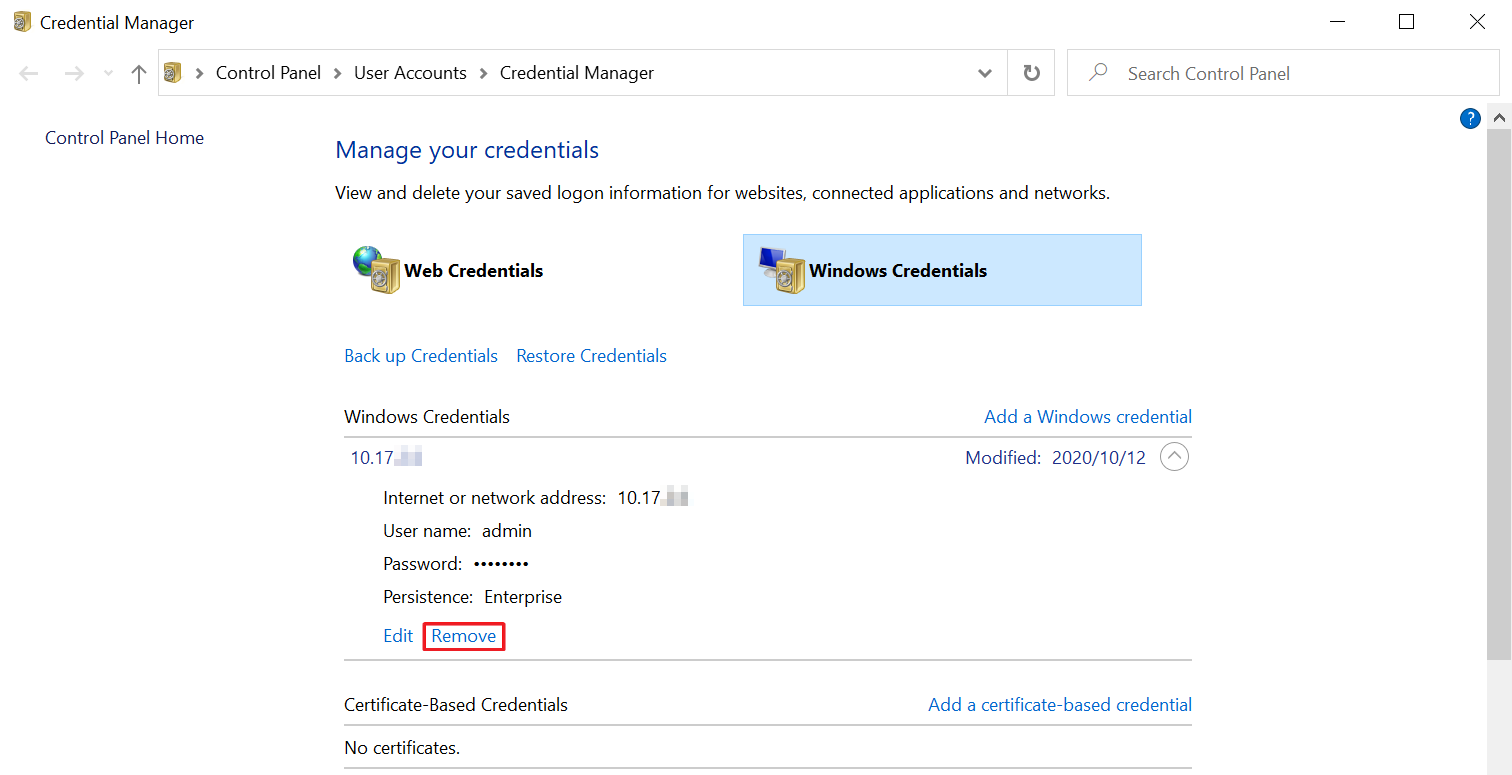
    234112-2.png

    In short:
    Search for Credentials Manager in Windows
    Select Windows Credentials
    Under "Windows Credentials:"
    Delete every entry related to your NAS
    After that you should be able to connect to your NAS without even restarting anything

    Hope this helps!

    Was this answer helpful?

    2 people found this answer helpful.

  2. Deleted

    This answer has been deleted due to a violation of our Code of Conduct. The answer was manually reported or identified through automated detection before action was taken. Please refer to our Code of Conduct for more information.

    2 deleted comments

    Comments have been turned off. Learn more

  3. Aaron You 26 Reputation points
    2022-08-05T08:56:55.987+00:00

    Hi. I am facing the exact problem with TrueNAS as well, with the difference being that I am on Windows 11 21H2. After swimming through unuseful posts for hours, I felt the need to start actively seeking help.

    I have a few more clients with different OSes to try out. Seems like to me that only my Windows client is unable to connect to this share. All my other devices: Mac, iOS built-in SMB client, and 3rd party apps on iOS and Android are able to connect to the share.

    I am sure the SMB server supports SMBv2 and v3, with v1 being disabled. Same on my windows machine(client side) as well. I have yet to try enabling SMBv1 support on these machines for the same reason why the protocol is depreciating.

    Let me know if more information is needed.

    Thanks in advance.

    Was this answer helpful?

    0 comments No comments

  4. Askejm ​ 1 Reputation point
    2022-04-28T08:21:07.837+00:00

    Sorry for the delayed response
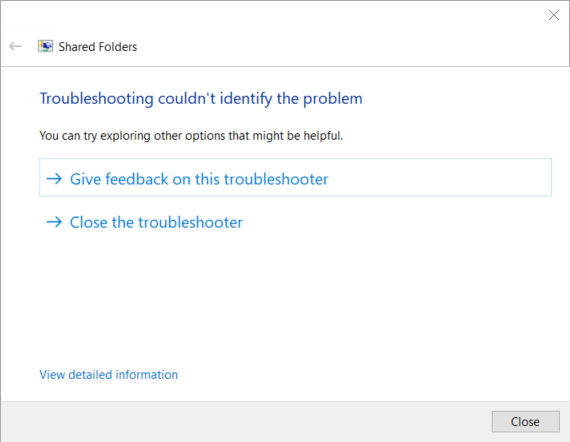
    197262-msdt-ydjfpbhpsg.png
    197303-powershell-4ka1tp8slt.png
    Last one was loading for ages
    197305-image.png

    Was this answer helpful?


  5. MotoX80 37,686 Reputation points
    2022-04-18T12:41:31.257+00:00

    Does your Truenas device have the equivalent of the System/Security/Application event logs? What error do you see on the NAS?

    SMB1 would be the most likely suspect. I found this on the Truenas site.

    https://www.truenas.com/community/resources/how-to-kill-off-smb1-netbios-wins-and-still-have-windows-network-neighbourhood-better-than-ever.106/

    Was this answer helpful?


Your answer

Answers can be marked as 'Accepted' by the question author and 'Recommended' by moderators, which helps users know the answer solved the author's problem.