Microsoft Security | Microsoft Entra | Other
Additional Microsoft Entra services and features related to identity, access, and network security

This browser is no longer supported.
Upgrade to Microsoft Edge to take advantage of the latest features, security updates, and technical support.
' cx='32' cy='32' r='32' /%3E%3Ctext x='50%25' y='55%25' dominant-baseline='middle' text-anchor='middle' fill='%23FFF' %3EFA%3C/text%3E%3C/svg%3E)
Hi,
I am using NPS extension for Azure MFA and I am using linux clients with pam_radius to get 2FA from Azure.
I have two problems:
1 - The text "Enter Microsoft validation code" has no space nor colon, which is not nice to see when the user types a code. Is there a way to override/customize this text?
2 - Is there a way to send a prompt in case the user has push notifications instead of text code validation? Right now, when the user has notification set up as default for mfa, when logging in to the server, there is nothing to warn the user that he should open his authenticator app.
Best,
Francis

Hello @Francis Augusto Medeiros-Logeay ,
Thanks for posting your query on Microsoft Q&A, please find below answers to your queries inline:
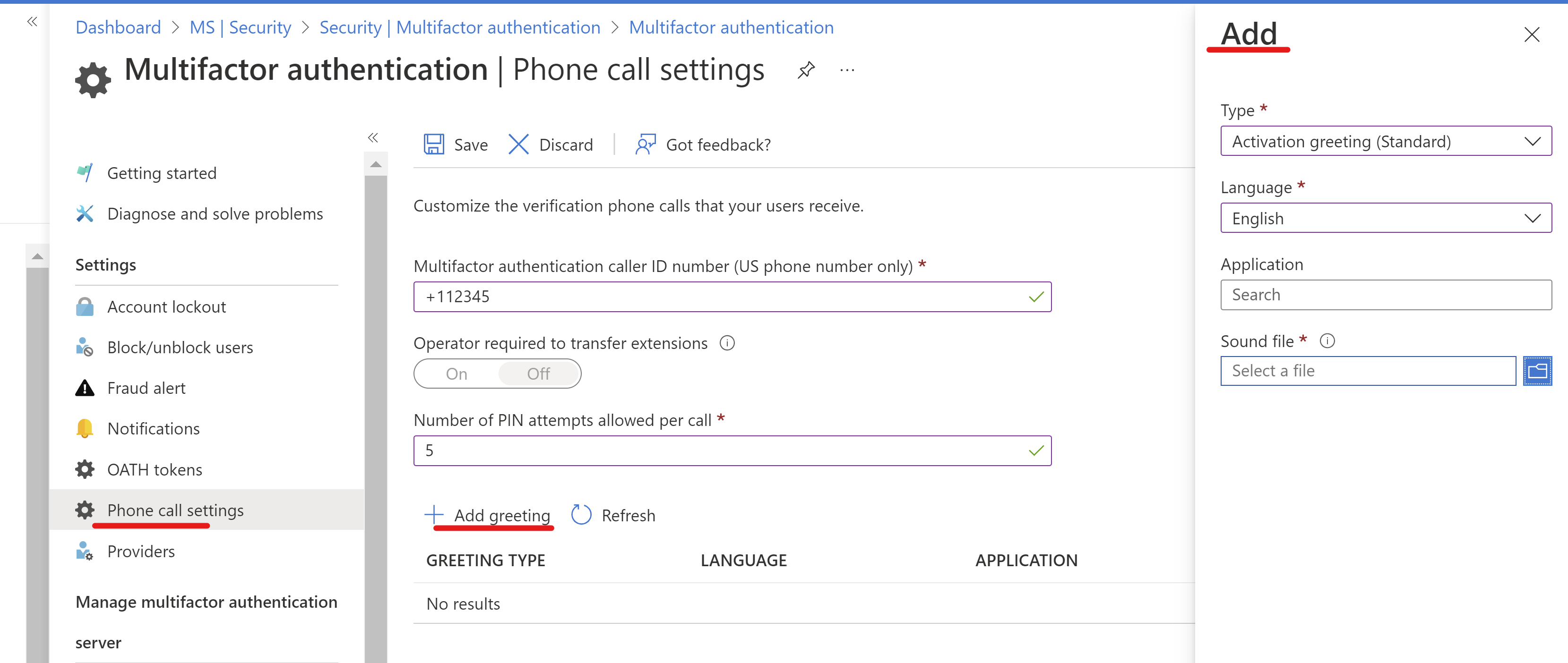
2 - Is there a way to send a prompt in case the user has push notifications instead of text code validation? Right now, when the user has notification set up as default for mfa, when logging in to the server, there is nothing to warn the user that he should open his authenticator app.
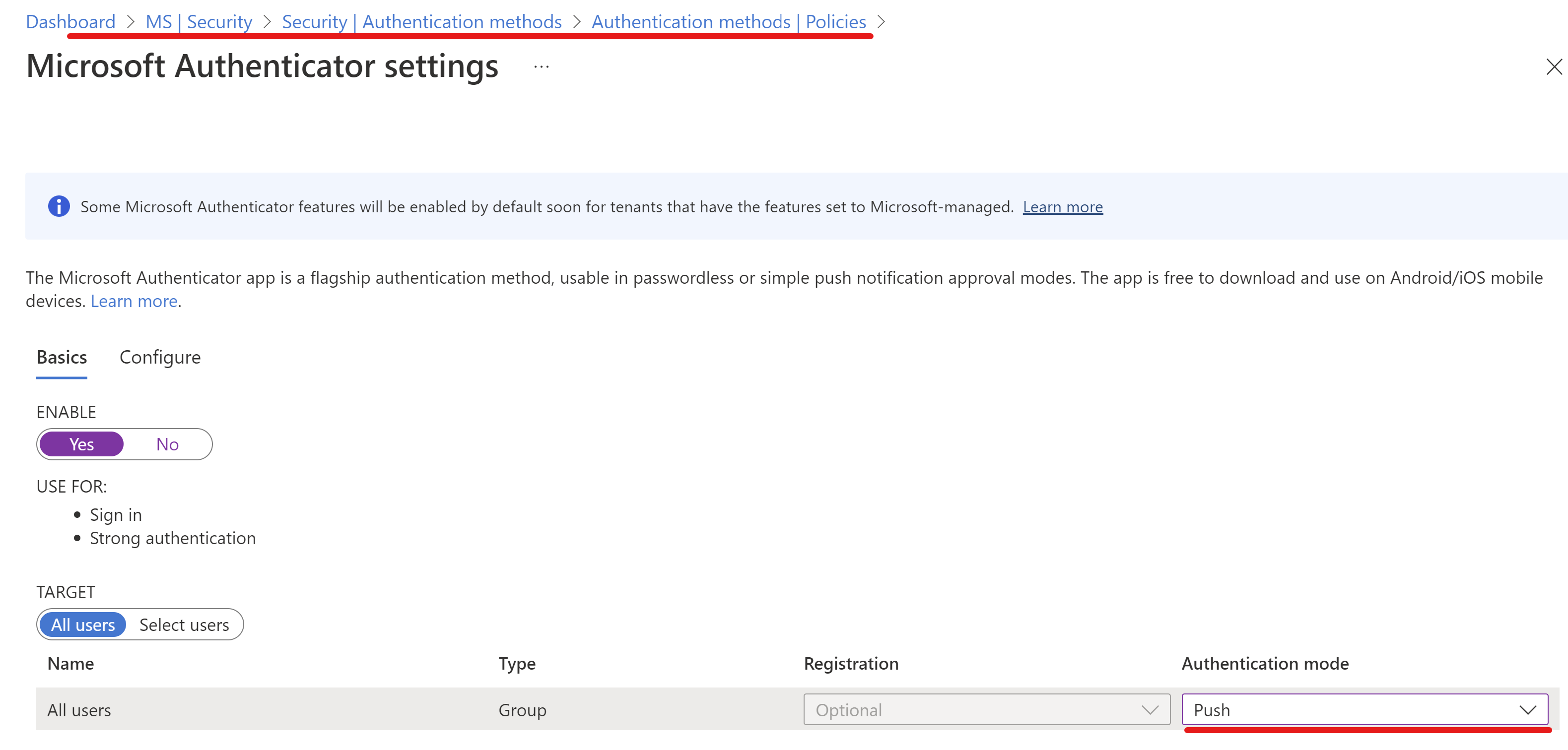
Please do let me know if you have any queries by responding in the comments section.
Thanks,
Akshay Kaushik
Please "Accept the answer" and "Upvote" if the suggestion works as per your business need. This will help us and others in the community as well.
Hi Akshay,
There's a misunderstanding here.
I am not referring to a greeting when using phone calls for authentication. I am talking about the challenge sent to clients where the user gets the code via 3rd party authentication apps. NPS with Azure MFA sends a Reply-Message with the text "Enter Microsoft validation code" with the Access-Challenge packet for authentication. That's the message I'd like to customise.
As for the second question, that's exactly what I am doing. But it would be nice if the client could get some notification that he should check his phone for a notification.
Best,
Francis
' cx='32' cy='32' r='32' /%3E%3Ctext x='50%25' y='55%25' dominant-baseline='middle' text-anchor='middle' fill='%23FFF' %3EAN%3C/text%3E%3C/svg%3E)
Hi Francis
Did you find how to configure this message ? I cannot find how to change the text
Thanks
Anton