Active Directory
A set of directory-based technologies included in Windows Server.
5,852 questions
This browser is no longer supported.
Upgrade to Microsoft Edge to take advantage of the latest features, security updates, and technical support.
' cx='32' cy='32' r='32' /%3E%3Ctext x='50%25' y='55%25' dominant-baseline='middle' text-anchor='middle' fill='%23FFF' %3EIS%3C/text%3E%3C/svg%3E)
HI,
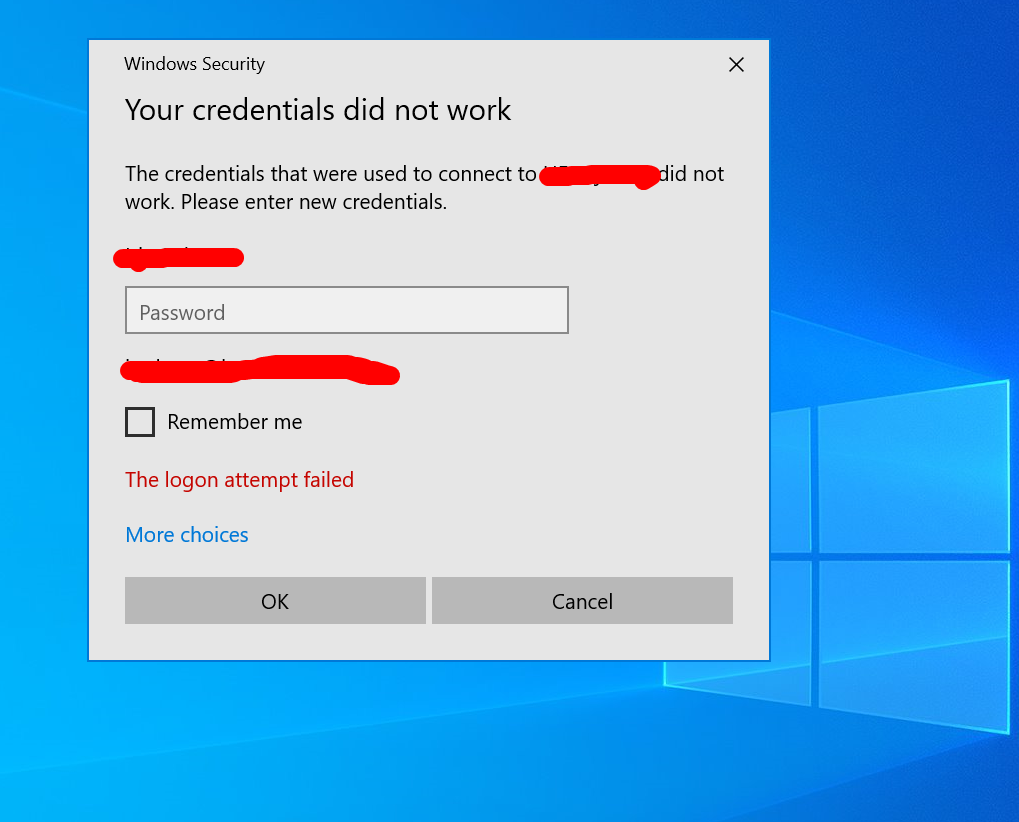
I am facing with remote desktop connection.When i tried to login into server with hostanme, it's not taking. It's giving me credential error. But, i can access with ip address. Also, I can access the server from file explorer network options. I can map network drive. It's same for all of my servers for another office in different state. I can access remote desktop for all server in here CA. Please advice me!
Thank You!
Irin Sultana

Also try adding on domain controllers
reg add "HKLM\SYSTEM\CurrentControlSet\services\kdc" /v KrbtgtFullPacSignature /t REG_DWORD /d 0 /f
as documented here
https://support.microsoft.com/en-us/topic/kb5020805-how-to-manage-kerberos-protocol-changes-related-to-cve-2022-37967-997e9acc-67c5-48e1-8d0d-190269bf4efb
--please don't forget to upvote and Accept as answer if the reply is helpful--
Just checking if there's any progress or updates?
--please don't forget to upvote and Accept as answer if the reply is helpful--
' cx='32' cy='32' r='32' /%3E%3Ctext x='50%25' y='55%25' dominant-baseline='middle' text-anchor='middle' fill='%23FFF' %3EIS%3C/text%3E%3C/svg%3E)
Hi DSPtrick,
I couldn't find accept as answer option. But this one works for me.
Thank You!
Irin Sultana
You'll need to sign on with the same profile used to create this thread IrinSultana-3956 in order to mark it answered.
I'd check that all domain controllers have been patched fully so patch all the domain controllers as first step. Then each user will get the new improved authentication information PACs of Kerberos Ticket-Granting Tickets. (TGT) described in the KB
https://support.microsoft.com/en-us/topic/kb5008380-authentication-updates-cve-2021-42287-9dafac11-e0d0-4cb8-959a-143bd0201041
Adds the new PAC to users who authenticated using an Active Directory domain controller that has the November 9, 2021 or later updates installed. When authenticating, if the user has the new PAC, the PAC is validated.
--please don't forget to upvote and Accept as answer if the reply is helpful--
Hi DSPatrick,
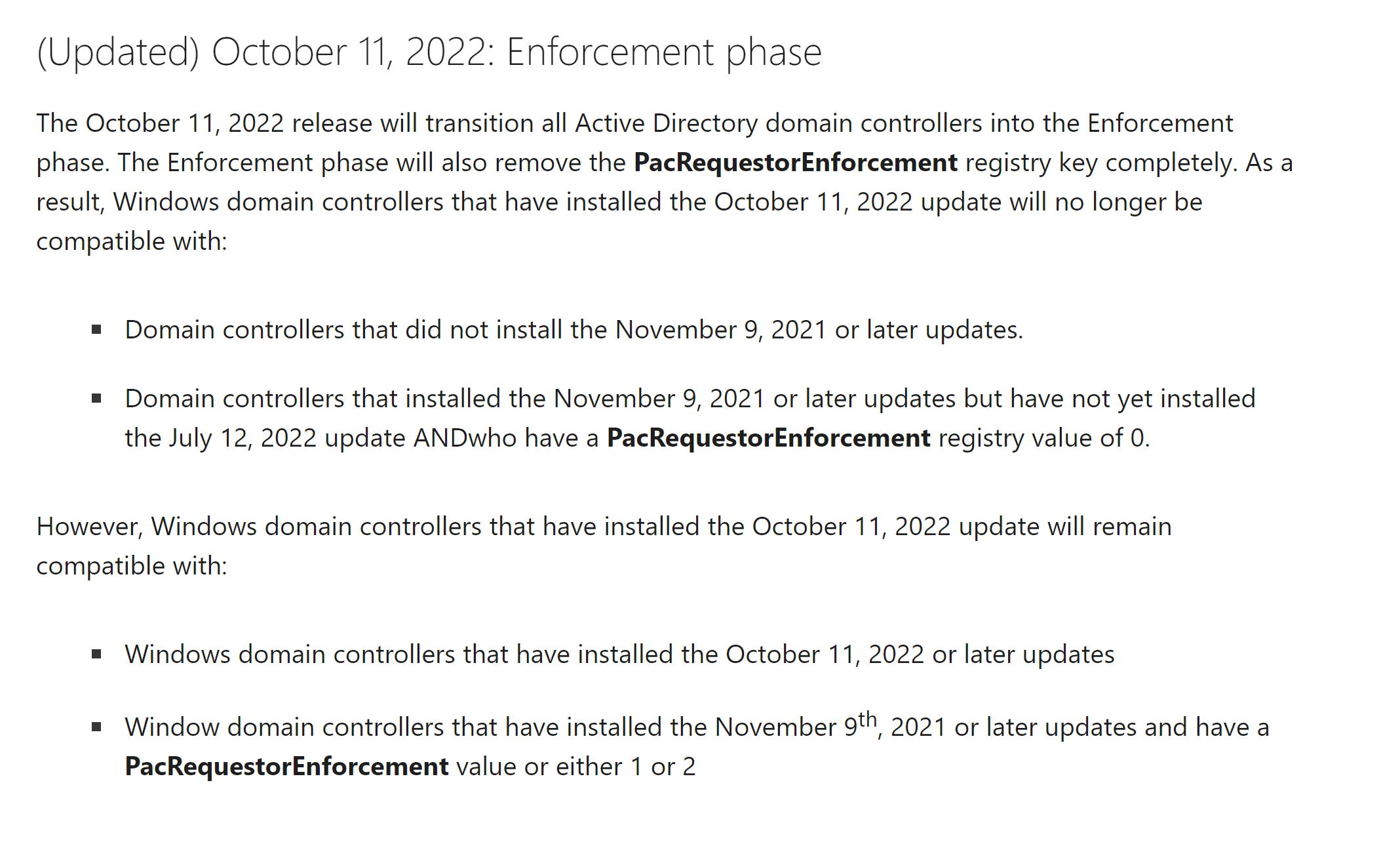
I added PacRequestorEnforcement and set it 1. But still i am getting same error.
Thank You!
Irin Sultana
I added PacRequestorEnforcement and set it 1. But still i am getting same error.
That will no longer work because enforcement phase went into effect 10/11/2022
--please don't forget to upvote and Accept as answer if the reply is helpful--
Just checking if there's any progress or updates?
--please don't forget to upvote and Accept as answer if the reply is helpful--
Hi DSPatrick,
Thank You for your help. Now, I can access with hostname. My problem is fixed.
Thank You!
Irin
Glad to hear, you're welcome, please don't forget to close up the thread by 
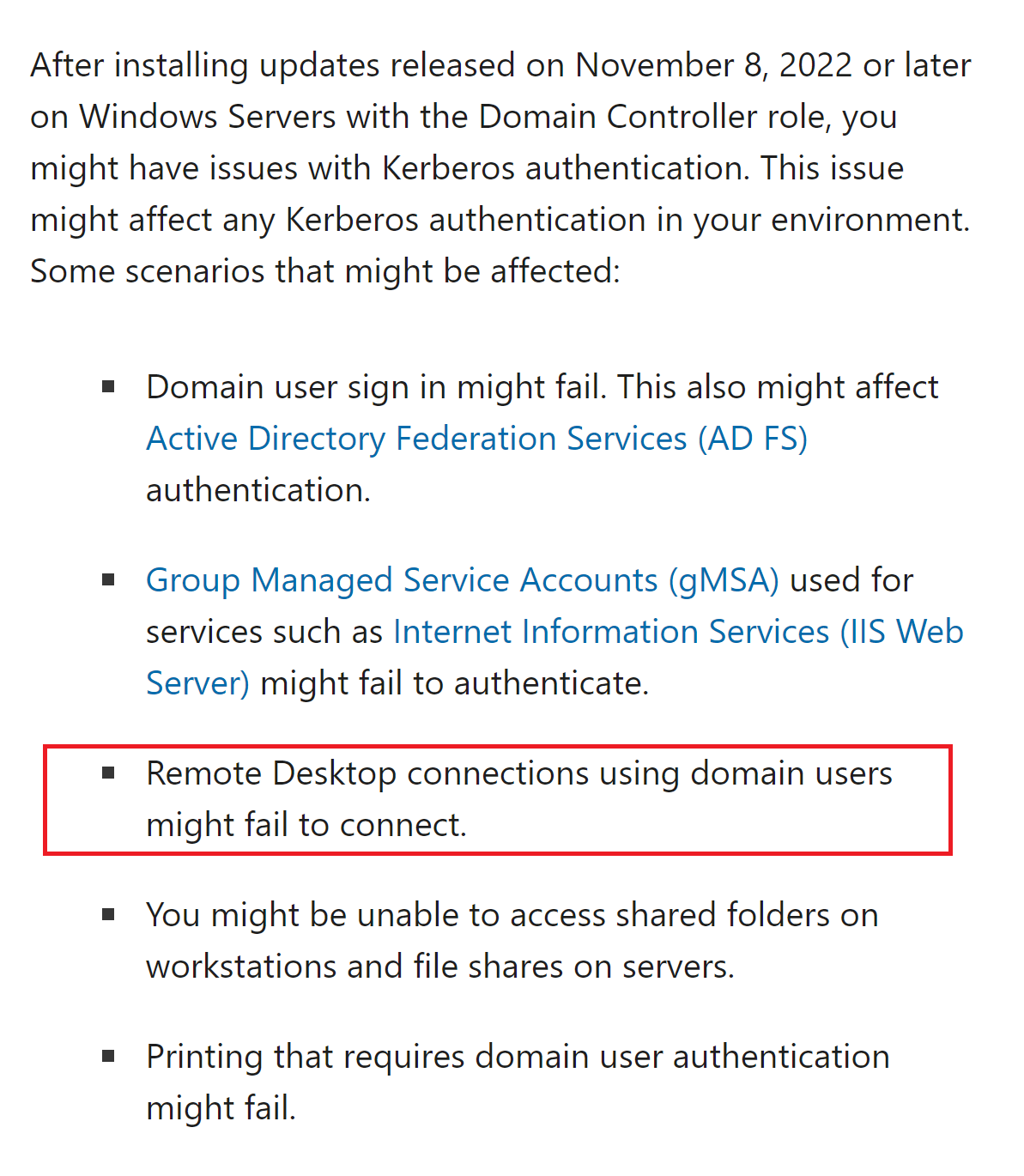
You might consider removing November updates on domain controllers.
--please don't forget to upvote and Accept as answer if the reply is helpful--
HI Patrick,
How can i solve that issue?
Thank You!
Irin sultana
Hi Patrick,
I added the registry. Still same issue no changes.
Thank You!
Irin Sultana
On your domain controllers right? Have you rebooted all involved?