Microsoft 365 and Office | SharePoint | Development
The process of building custom applications and tools that interact with Microsoft SharePoint, including SharePoint Online in Microsoft 365.

This browser is no longer supported.
Upgrade to Microsoft Edge to take advantage of the latest features, security updates, and technical support.
' cx='32' cy='32' r='32' /%3E%3Ctext x='50%25' y='55%25' dominant-baseline='middle' text-anchor='middle' fill='%23FFF' %3EBN%3C/text%3E%3C/svg%3E)
I created several SharePoint lists, and each has their own access profile for people access. Some have read access, some have contribute access and so forth.
People with contribute access can add comments in the item utilizing the comments feature. However, they cannot Tag people using the @comments feature. Could you please tell us what we can do in the access profile for them to be able to tag people utilizing the @comments?
Also, how I can transfer the comments from one SharePoint list to another?

Hi @BETANCUR Natalia (ENGIE North America) ,
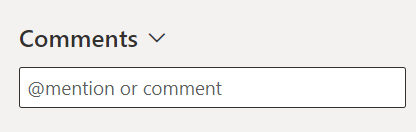
As per my test, this issue cannot be reproduced from my end. I have assigned the contribute permission to a user, and he can use the @comments feature when entering a username. The following screenshot is result of this test.

Before moving forward, we need more detailed information about the situation you are experiencing.
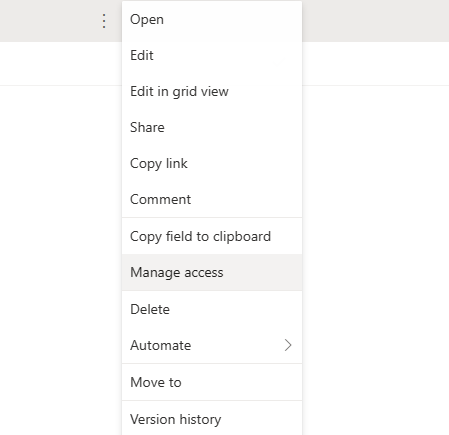
If still the same behavior after using these suggestions, I would suggest you raise a ticket Get support - Microsoft 365 admin | Microsoft Learn our Support Engineer will help you to capture logs to analyze the behavior.
Hope the suggestion can help you.
If the answer is helpful, please click "Accept Answer" and kindly upvote it. If you have extra questions about this answer, please click "Comment".
Note: Please follow the steps in our documentation to enable e-mail notifications if you want to receive the related email notification for this thread.