A community member has associated this post with a similar question:
Global Address List in Outlook is not showing up
Only moderators can edit this content.
ExchangeServer 2019, AD server was built separately and Office 365 was installed on PC terminals.
I was able to create a mailbox and start Outlook safely,
The Global Address List is not displayed from the Address Book. (No problem in the environment verified in advance * AD and ExchangeServer live together)
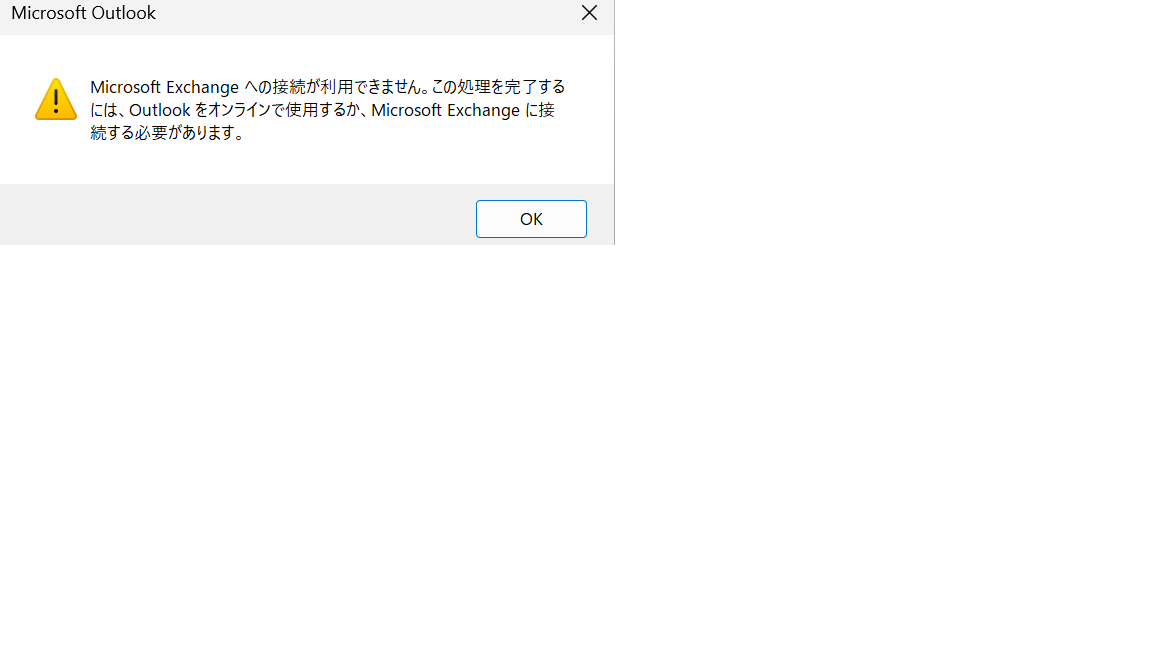
When I try to download the address book, an error (0x801901F4) is displayed and I cannot download it.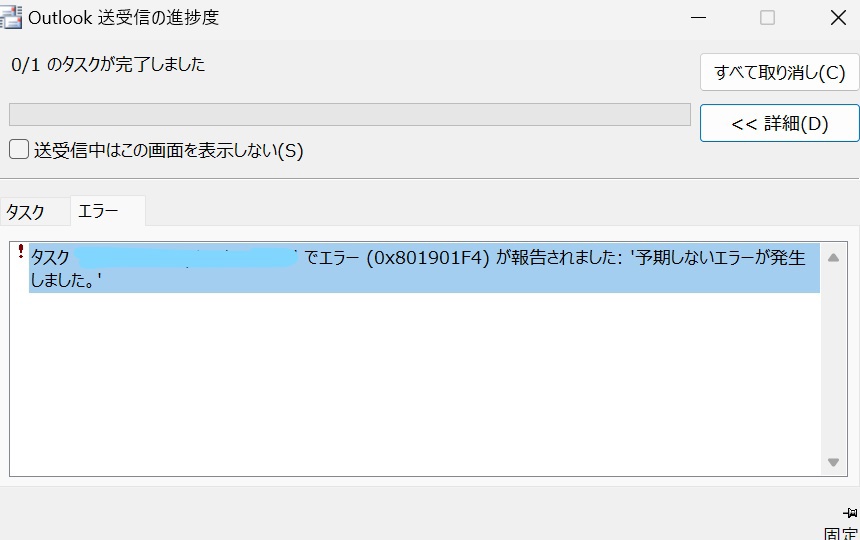
When I ran Get-OfflineAddressBook in the Exchange Management Shell, a "default offline address book" was created.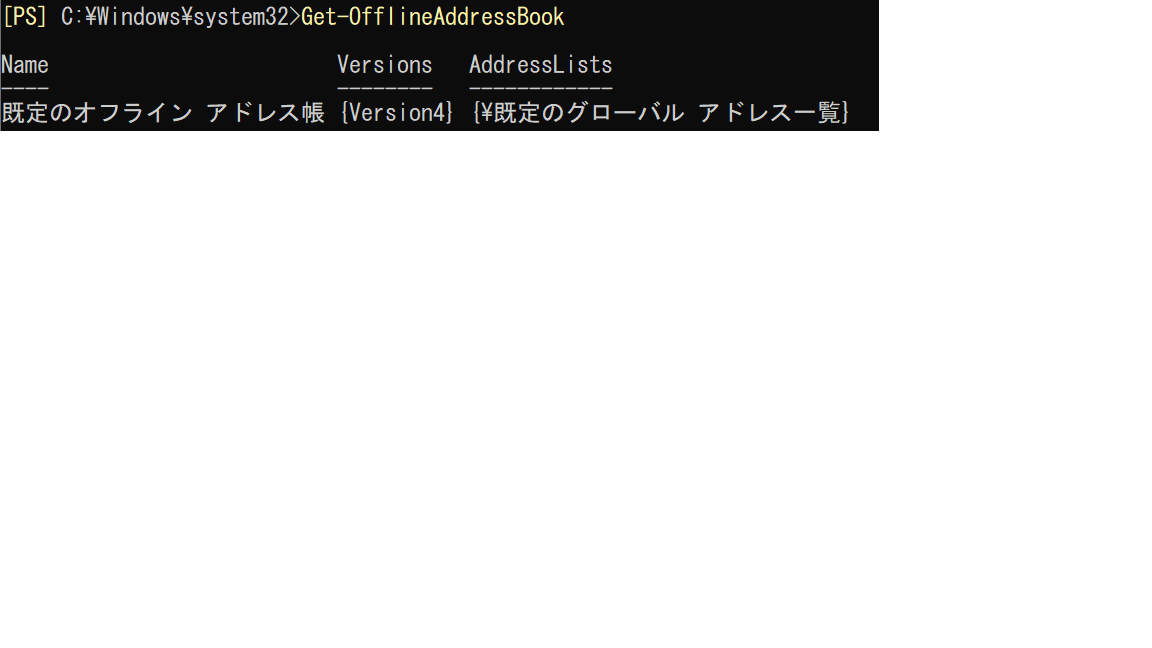
I checked the following folder in ExchangeServer, but there was no log.
C:Program Files¥Microsoft¥Exchange Server¥V15¥Logging¥OABDownload
In addition, the OABGeneratorLog and OABGeneratorlogSimpleLog folders were not configured.
Should I change the settings somewhere?
' cx='32' cy='32' r='32' /%3E%3Ctext x='50%25' y='55%25' dominant-baseline='middle' text-anchor='middle' fill='%23FFF' %3EO6%3C/text%3E%3C/svg%3E)
