.Net Framework error on startup

Anonymous
2022-02-05T00:04:42+00:00

Hi guys. I have had a problem on startup for the last 12 months (since this laptop was new). My laptop is always on so I don't run across it often. I have the error below (1st pic) coming up after every restart. I've looked here but can not find a fix that works. Any help here is greatly appreciated!
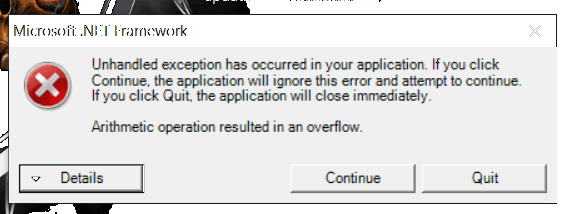
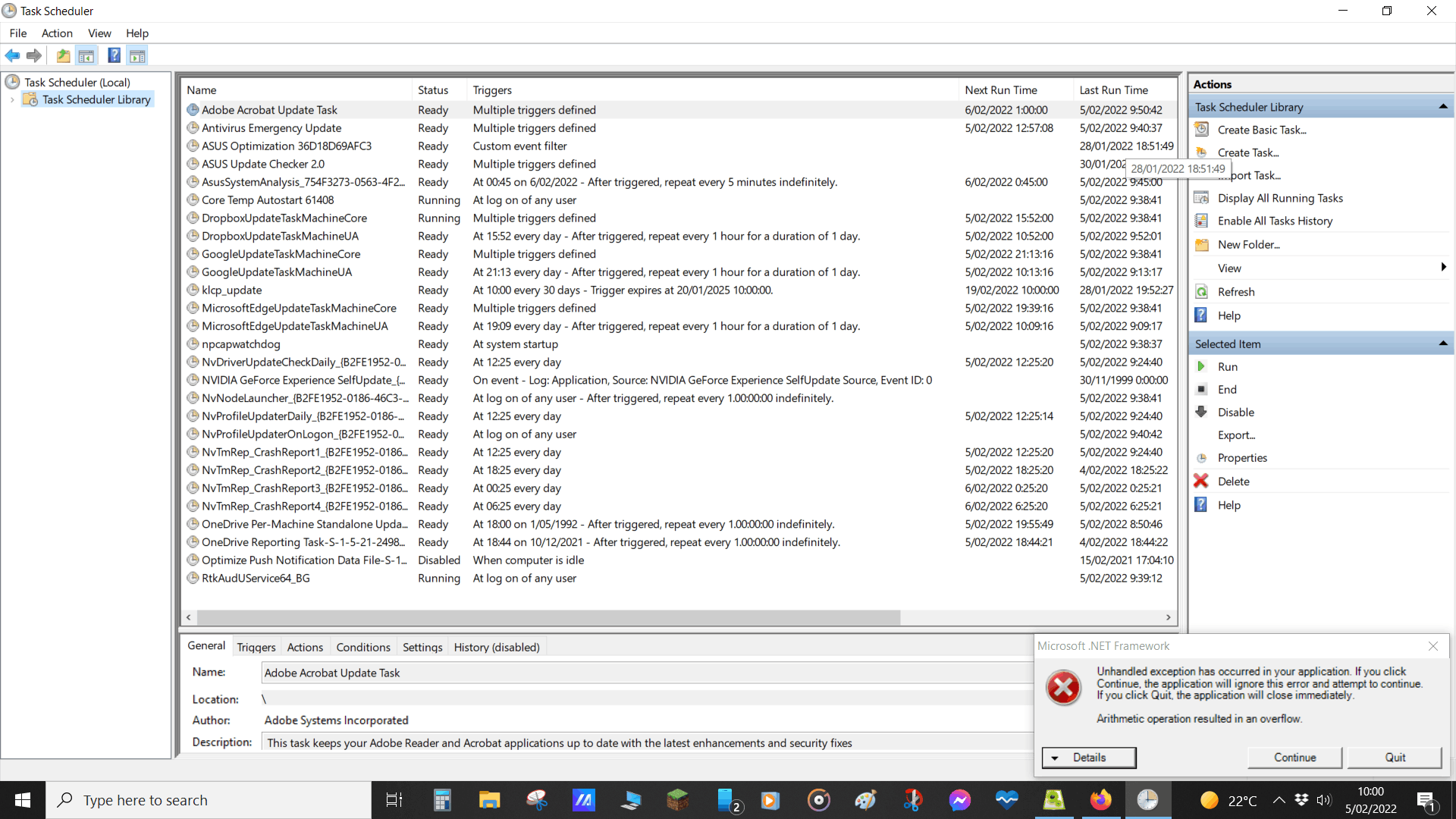
I have tried the 'Disable mem_scheduler' fix I have seen here but as you see below, I do not have that option in the Task Scheduler.
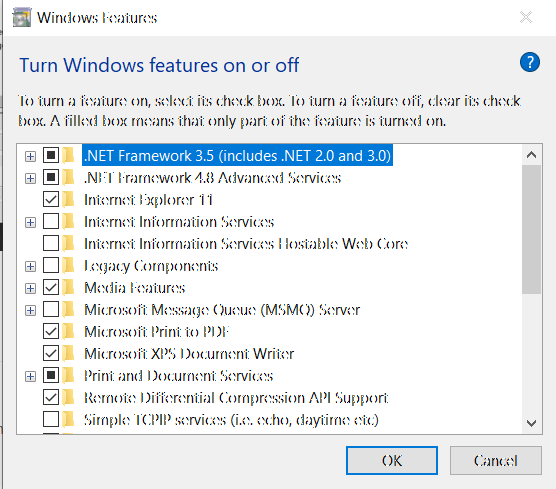
I have also tried disabling .Net in the control panel using 'Appwiz.cpl'
Sorry about the quality of these pics, not sure why it is bad here. If I disable either or both .Net packages, my widgets stop working and I get the following pic on startup instead
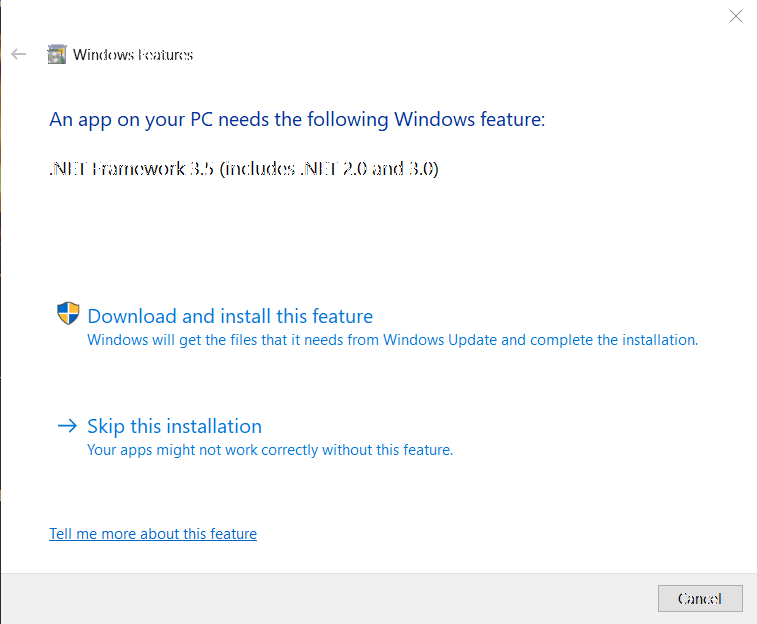
Here is the error text:

************** Exception Text ************** System.OverflowException: Arithmetic operation resulted in an overflow.

at PC_meter.Form1.Form1_Load(Object sender, EventArgs e)

at System.Windows.Forms.Form.OnLoad(EventArgs e)

at System.Windows.Forms.Control.CreateControl(Boolean fIgnoreVisible)

at System.Windows.Forms.Control.CreateControl()

at System.Windows.Forms.Control.WmShowWindow(Message& m)

at System.Windows.Forms.Control.WndProc(Message& m)

at System.Windows.Forms.Control.ControlNativeWindow.WndProc(Message& m)

at System.Windows.Forms.NativeWindow.Callback(IntPtr hWnd, Int32 msg, IntPtr wparam, IntPtr lparam)

************** Loaded Assemblies **************

mscorlib

Assembly Version: 2.0.0.0

Win32 Version: 2.0.50727.9151 (WinRelRS6.050727-9100)

CodeBase: file:///C:/Windows/Microsoft.NET/Framework64/v2.0.50727/mscorlib.dll


PC meter

Assembly Version: 0.0.1.3

Win32 Version: 0.0.1.3

CodeBase: file:///C:/Program%20Files/PC%20meter/pcme..tion_d306096800bb0d13_0000.0000_a36b46185e5895a9/PC%20meter.exe


System.Windows.Forms

Assembly Version: 2.0.0.0

Win32 Version: 2.0.50727.9149 (WinRelRS6.050727-9100)

CodeBase: file:///C:/Windows/assembly/GAC_MSIL/System.Windows.Forms/2.0.0.0__b77a5c561934e089/System.Windows.Forms.dll


System

Assembly Version: 2.0.0.0

Win32 Version: 2.0.50727.9149 (WinRelRS6.050727-9100)

CodeBase: file:///C:/Windows/assembly/GAC_MSIL/System/2.0.0.0__b77a5c561934e089/System.dll


System.Drawing

Assembly Version: 2.0.0.0

Win32 Version: 2.0.50727.9149 (WinRelRS6.050727-9100)

CodeBase: file:///C:/Windows/assembly/GAC_MSIL/System.Drawing/2.0.0.0__b03f5f7f11d50a3a/System.Drawing.dll


Microsoft.VisualBasic

Assembly Version: 8.0.0.0

Win32 Version: 8.0.50727.9149 (WinRelRS6.050727-9100)

CodeBase: file:///C:/Windows/assembly/GAC_MSIL/Microsoft.VisualBasic/8.0.0.0__b03f5f7f11d50a3a/Microsoft.VisualBasic.dll


Accessibility

Assembly Version: 2.0.0.0

Win32 Version: 2.0.50727.9149 (WinRelRS6.050727-9100)

CodeBase: file:///C:/Windows/assembly/GAC_MSIL/Accessibility/2.0.0.0__b03f5f7f11d50a3a/Accessibility.dll


System.Management

Assembly Version: 2.0.0.0

Win32 Version: 2.0.50727.9149 (WinRelRS6.050727-9100)

CodeBase: file:///C:/Windows/assembly/GAC_MSIL/System.Management/2.0.0.0__b03f5f7f11d50a3a/System.Management.dll


************** JIT Debugging **************

To enable just-in-time (JIT) debugging, the .config file for this application or computer (machine.config) must have the jitDebugging value set in the system.windows.forms section. The application must also be compiled with debugging enabled.

Windows for home | Windows 10 | Settings

Locked Question. This question was migrated from the Microsoft Support Community. You can vote on whether it's helpful, but you can't add comments or replies or follow the question.

0 comments No comments
{count} votes

6 answers

Sort by: Most helpful
  1. Anonymous
    2022-02-05T02:40:21+00:00

    Good day! I'm Raniel, a Microsoft user like you. I understand your frustration regarding this issue and I'll do my best to help.

    Just to clarify, did you also make any changes to your machine before encountering this issue? Aside from the methods that you have provided, can you also use the Microsoft .NET Framework Repair Tool: https://www.microsoft.com/en-us/download/detail...

    Once done, perform a clean boot and see if you'll encounter the issue: https://support.microsoft.com/help/929135/how-t...

    However, if the issue persist, kindly perform a repair install of your Windows which fixes the broken system files on your machine.

    1. Download the media creation tool here: https://www.microsoft.com/software-download/win... (click on "Download tool now") and wait for the download to finish
    2. Temporarily disable your firewall/antivirus, then open the tool and select the option "Upgrade this PC now".
    3. Wait until your machine goes to the process of repair install. There should be no worries in performing it since you will select the option to keep your files during the process.

    You may also look into the Windows 10 recovery options(see "Restore from a system restore point" or "Reset your PC"): https://support.microsoft.com/help/12415/window...

    Note: ensure to have a backup of your files

    I hope this helps. Good luck!

    0 comments No comments
  2. _AW_ 64,426 Reputation points Volunteer Moderator
    2022-02-05T03:17:05+00:00

    Hi, you have a program installed called PC Meter that is not compatible with Windows 10.

    Have a look in Apps and Features for PC Meter and uninstall it if present.

    Otherwise:

    Delete the folder C:\Program Files\PC meter

    Type shell:startup into the Explorer address bar and press enter, then delete the PC meter shortcut

    Let me know the result :)

    0 comments No comments
  3. Anonymous
    2022-02-05T03:26:21+00:00

    Hi, you have a program installed called PC Meter that is not compatible with Windows 10.

    Have a look in Apps and Features for PC Meter and uninstall it if present.

    Otherwise:

    Delete the folder C:\Program Files\PC meter

    Type shell:startup into the Explorer address bar and press enter, then delete the PC meter shortcut

    Let me know the result :)

    Thanks for the reply. PC Meter helps one of my widgets work, as without it I cannot see the GPU temperature. Wouldn't it not work if it wasn't compatible? Is there another widget I can use to view that temperature?

    0 comments No comments
  4. _AW_ 64,426 Reputation points Volunteer Moderator
    2022-02-05T04:03:18+00:00

    That PC Meter is from 2009, so how it currently works is as good as it gets.

    Have a look at https://addgadgets.com/pc_meter/ It doesn't crash, but I've no idea as to its accuracy.

    0 comments No comments
  5. Anonymous
    2022-02-05T04:30:29+00:00

    Good day! I'm Raniel, a Microsoft user like you. I understand your frustration regarding this issue and I'll do my best to help.

    Just to clarify, did you also make any changes to your machine before encountering this issue? Aside from the methods that you have provided, can you also use the Microsoft .NET Framework Repair Tool: https://www.microsoft.com/en-us/download/detail...

    Once done, perform a clean boot and see if you'll encounter the issue: https://support.microsoft.com/help/929135/how-t...

    However, if the issue persist, kindly perform a repair install of your Windows which fixes the broken system files on your machine.

    1. Download the media creation tool here: https://www.microsoft.com/software-download/win... (click on "Download tool now") and wait for the download to finish
    2. Temporarily disable your firewall/antivirus, then open the tool and select the option "Upgrade this PC now".
    3. Wait until your machine goes to the process of repair install. There should be no worries in performing it since you will select the option to keep your files during the process.

    You may also look into the Windows 10 recovery options(see "Restore from a system restore point" or "Reset your PC"): https://support.microsoft.com/help/12415/window...
    Note: ensure to have a backup of your files

    I hope this helps. Good luck!

    Problem fixed, THANK YOU!!

    I tried the repair tool and that didn't work. So I opened msconfig and disabled PC Meter in the Startup tab, then deleted all PC Meter files. The widget I was using it for now has a standalone module for reading GPU temperature. No more error on startup :)

    0 comments No comments

