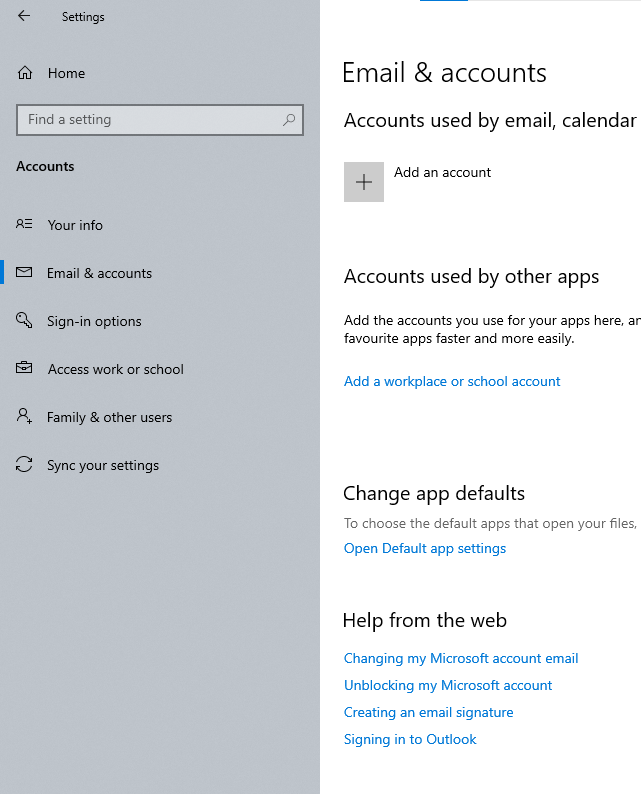
Why sync setting always turned on after restart even though my PC is a local one and not using cloud at all?

Anonymous
2023-10-19T03:16:20+00:00

Everytime I restart my PC (which only use local account and not signed to any microsoft account, neither Onedrive), the toggle on Sync settings and Get access to apps on Windows device (Settings - Accounts - Sync your settings) always turned on by itself.

I have tried turn it off and waiting around for about 4 hours before trying to restart it again, and this problem keep happening.

This PC is using Windows 10 Home, 22H2, build 19045.3570
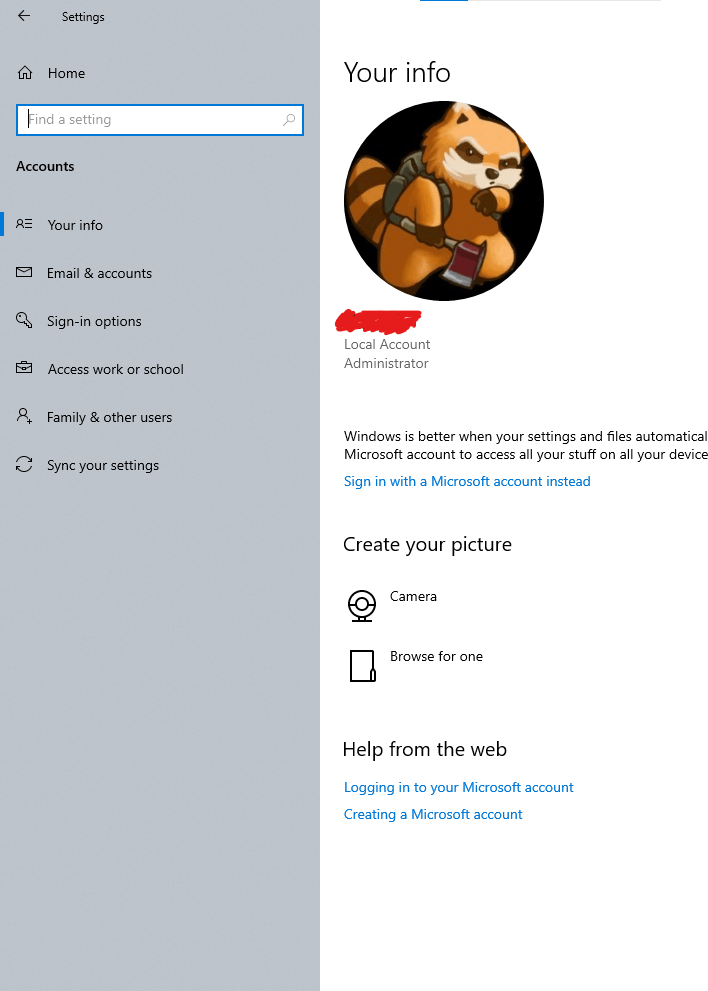
Only use local account. Not signed to microsoft account through the windows setting, word/excel/any microsoft 365 or windows store at all.
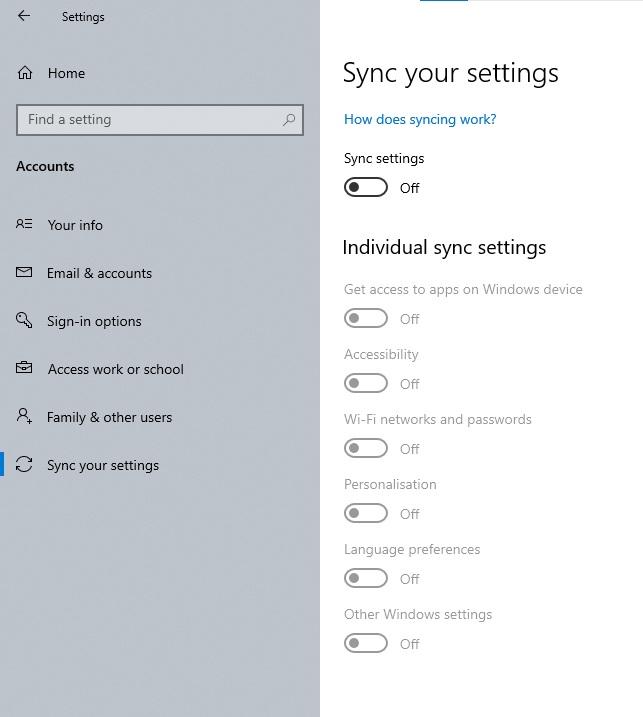
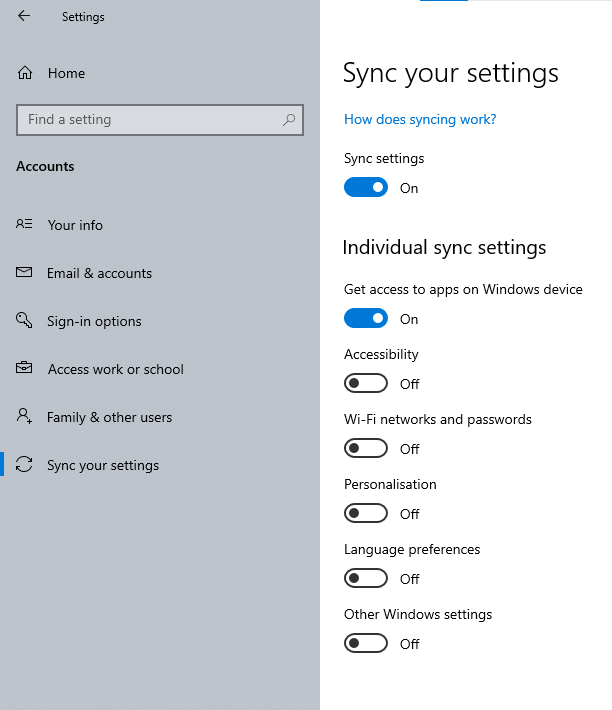
Left: Before restart, Right: After restart

Windows for home | Windows 10 | Settings

Locked Question. This question was migrated from the Microsoft Support Community. You can vote on whether it's helpful, but you can't add comments or replies or follow the question.

0 comments No comments
{count} votes

9 answers

Sort by: Most helpful
  1. Anonymous
    2023-10-19T11:55:46+00:00

    No, I don't download and install anything from Microsoft Store.

    But I have installed Microsoft Garage Mouse without Borders thou. If I remember correctly, downloading and installing this software from website does not require Microsoft Account at all

    0 comments No comments
  2. DaveM121 818K Reputation points Independent Advisor
    2023-10-19T12:09:02+00:00

    That software would not be causing this.

    If your PC is not linked to a Microsoft account in any way then regardless of that setting your PC will not be syncing anything online to your account, it is probably just a bug in Windows causing that setting to be re-enabled.

    Log into this link, do you see any recent or strange activity on your Microsoft Account?

    https://account.live.com/Activity

    0 comments No comments
  3. Anonymous
    2023-10-19T17:54:47+00:00

    Hi Dave, I have checked my Microsoft Account and not seeing any strange activity.

    Regarding my problem where the settings keep changed after reset, regardless if I toggle all options to turned on either to turned off, it turns out maybe just some bug somehow somewhere who knows how it started. Just Microsoft being Microsoft as usual, I guess.

    Fortunately, I lurking on learn microsoft and found the solution for that problem was tweaking the registry editor (or group policy for windows edition which granted group policy editing) following what stated on the documentation.

    0 comments No comments
  4. DaveM121 818K Reputation points Independent Advisor
    2023-10-19T17:58:14+00:00

    That is great news, I am glad you have found a solution, great troubleshooting!

    0 comments No comments