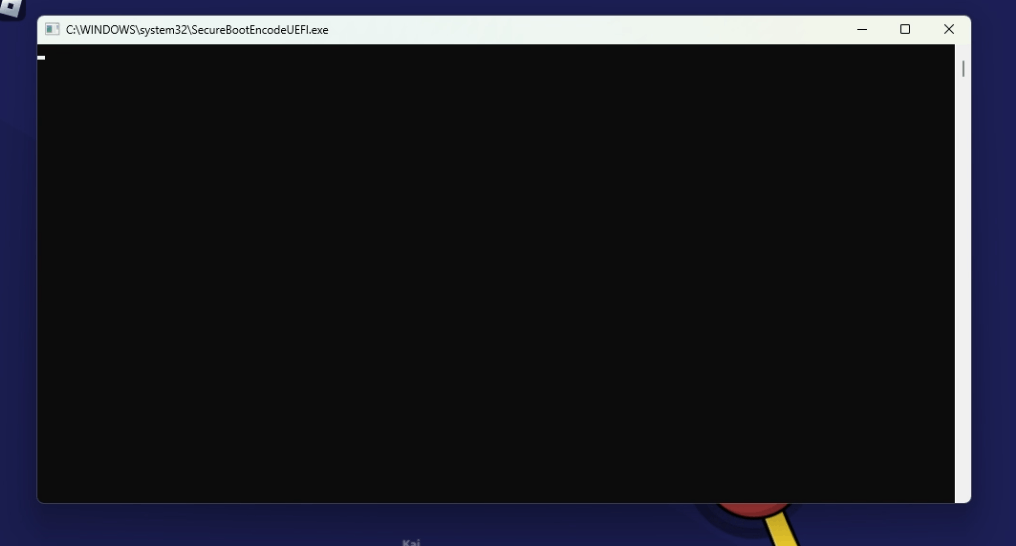
I have the same question, For me there is a C:/WINDOWS/system32/SecurebootencodeUEFI.exe thing, and it is stuck not responding, (screenshot made with Snipping Tool), I have scanned with malware bytes and it has not detected any sort of virus or anything, But i am still concerned, I have restarted my computer and the application has not opened, I later searched up securebootencode and found the properties aswell, (system Windows 11)
SecureBootEncodeUEFI.exe
While i was playing i saw what looks like a cmd window open and close immediately but i managed to get a screenshot of it. Looking online i barely found any information about it, and i got a bit worried so im making this.
I have never had this happend to me.
I first went to task scheduler to see if there were any tasks that might be suspicious but to no avail. Next i went to the sytem32 folder and searched "SecureBootEncode" and found the .exe and 3 files located in "System32\Tasks\Microsoft\Windows\PI", the files are "SecureBootEncodeUEFI", "Secure-Boot-Update" and "Sqm-Tasks", with no extensions and File type of "File".
I tried to search for the same things on my laptop instead, but i didn't found the .exe, only 2 out of the 3 files, "Secure-Boot-Update" and "Sqm-Tasks".
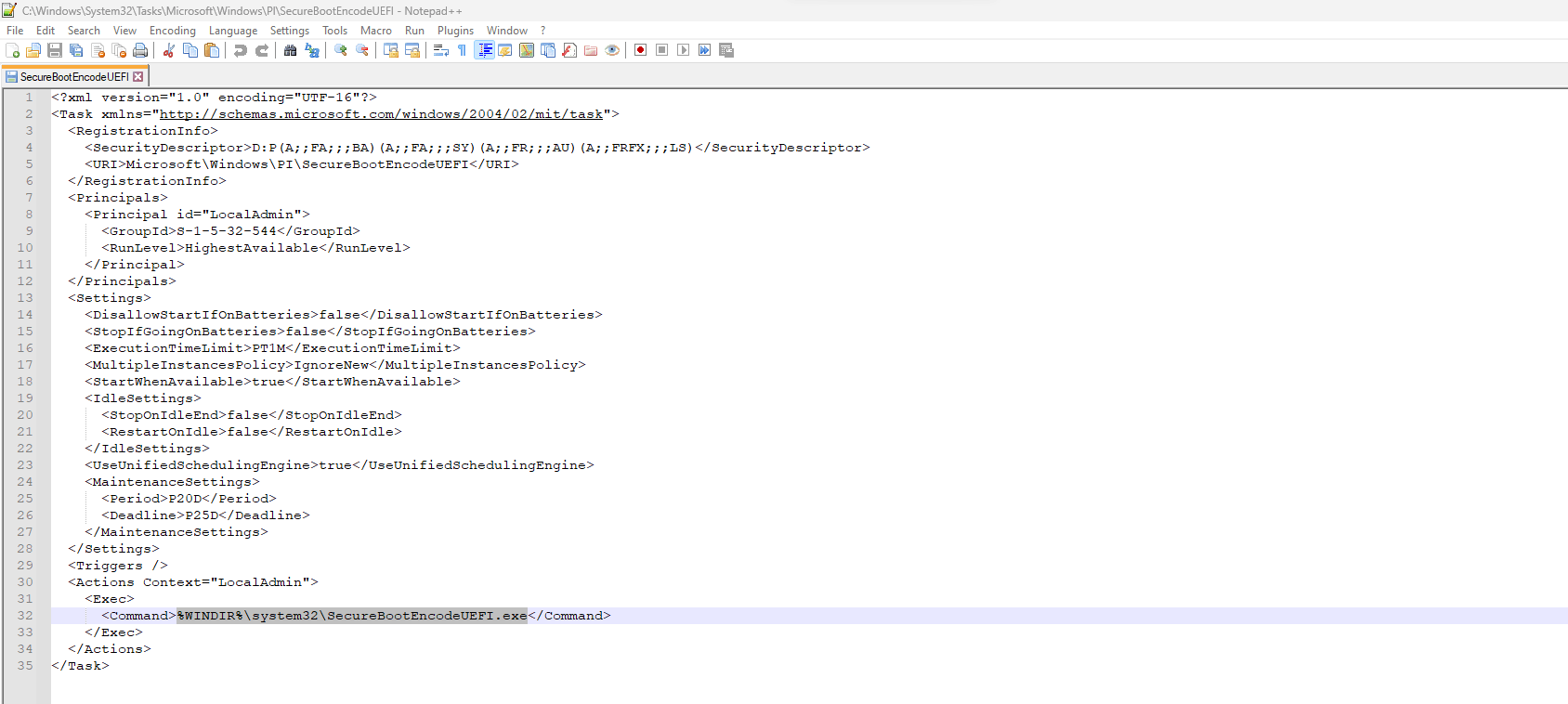
I tried opening the files in Notepad++ but only "SecureBootEncodeUEFI" could be opened, in XML format, and it looks like a task but with no set trigger.
My Questions are: are all these legit? and what are they exactly? I know they are something related to Secure Boot but i dont know what.
System Info:
Windows 11 version 22H2
Ryzen 5 3600
Nvidia GeForce GTX 1650
8GB DDR4 RAM
If it helps i also have PowerToys installed and UEFI is enabled along with TPM.
This is my first time writing here so apologies if this isn't in the correct topics or i got something wrong.
Windows for home | Windows 11 | Files, folders, and storage
Locked Question. This question was migrated from the Microsoft Support Community. You can vote on whether it's helpful, but you can't add comments or replies or follow the question.
38 answers
Sort by: Most helpful
-
Anonymous
2023-08-24T04:15:48+00:00 -
Anonymous
2023-08-06T21:27:28+00:00 My error code is this one: SecureBootEncodeUEFI.exe (Not Responding)
I rebooted my computer and the problem reappeared.
I ran a full McAfee scan which found no malware or viruses.
I successfully ran Windows’ System File Checker and DISM File Cleanup (Method 1 from RodHos92’s link above) —> nothing found but the error message comes back.
My internet access has seriously slowed down though I can still use my other apps and access my documents. I get a pop-up screen with the UEFI error message that will not go away.
So before I go to the more drastic recommended measures (install Malwarebytes [marketing ploy or really necessary?] or reinstall windows), can someone please explain to me what in laymen’s terms, exactly what this malware(?) does. Is my data compromised? Are my backups compromised as another poster suggested?
-
Anonymous
2023-07-11T01:28:02+00:00 i'm stuck at task scheduler for an hour now so might I ask how you find it?
-
Anonymous
2023-06-28T18:30:49+00:00 I disabled the task in the scheduler, but also isolated the executable itself. You can just turn it off.
-
Anonymous
2023-06-26T10:42:00+00:00 I haven't noticed this with the recent Windows Update, so either our corporate overlords have fixed this silently without any confirmation or the attacking entity has gotten everything they were looking for. Or both. 🤷♂️